




What’s better than using Snap Markup: Photo Markup tool by Photo & Video Editors – Instant Solution? Well, try it on a big screen, on your PC or Mac, with BlueStacks to see the difference.
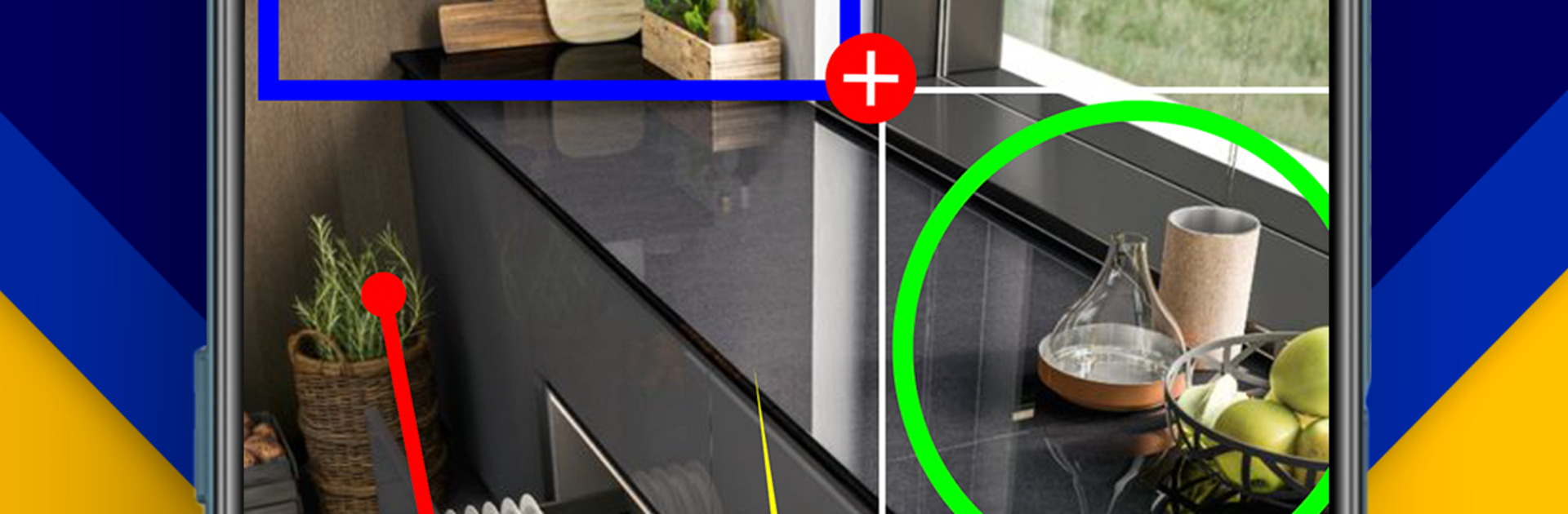
Snap Markup is the kind of tool that makes quick photo notes and screenshots feel easy instead of fussy. It loads fast, the tools are clear, and everything is right where someone expects. Arrows, boxes, circles, lines, freehand squiggles, all there. Text is flexible with font, size, color, shadow, and stroke, so labels actually stand out. It also has handy touches like blur and pixelate for hiding private stuff, a spotlight that pulls the eye to one area, and a small loupe that magnifies tiny details. There are stickers and numbered tags for step by step guides, a simple crop and rotate, and a blank canvas when a sketch is all that is needed. The collage option is useful too, since it can stitch images side by side or in a tall strip without extra hassle.
On PC with BlueStacks, it feels even cleaner to use. A mouse makes lining up shapes and arrows precise, and typing longer notes with a keyboard is just faster. The Screenshot Editor keeps the flow moving when a capture needs a quick mark or highlight. It works well for school notes, work feedback, bug reports, or just explaining where to click on a map or webpage after a quick screenshot. It is not a full photo retoucher, it is a markup buddy. That focus is what makes it calm to use and fast when time matters.
BlueStacks gives you the much-needed freedom to experience your favorite apps on a bigger screen. Get it now.





