


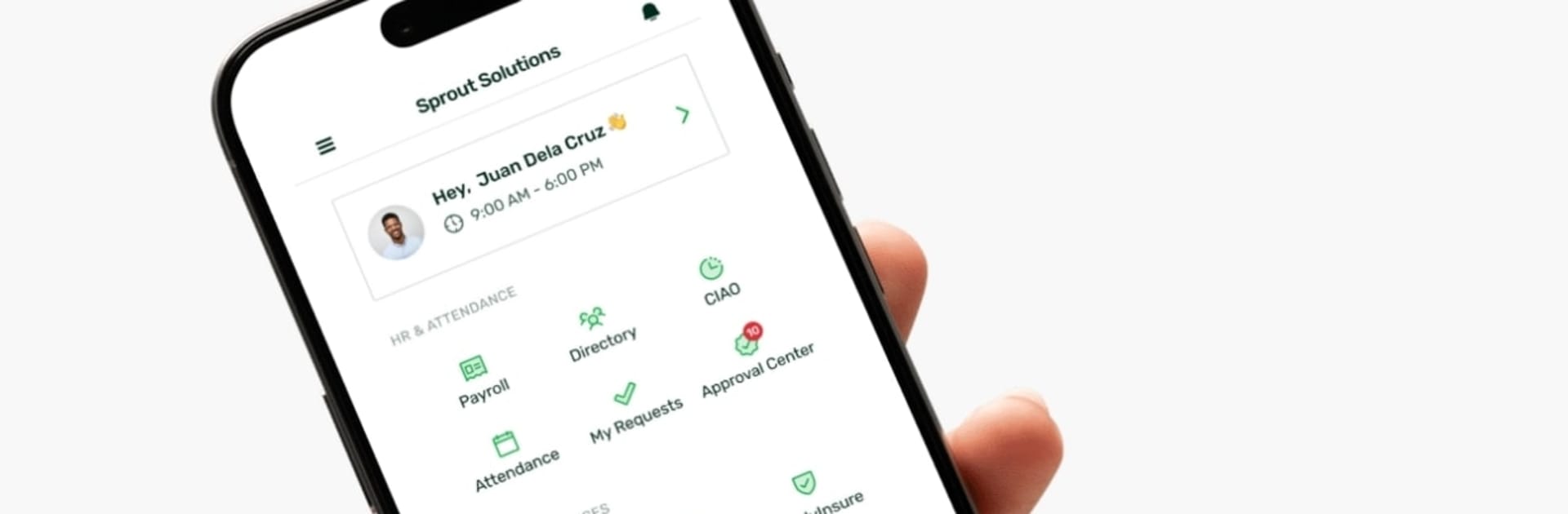


What’s better than using Sprout HR by Sprout Solutions? Well, try it on a big screen, on your PC or Mac, with BlueStacks to see the difference.
Sprout HR feels like a neat control panel for work stuff that usually eats time. Clocking in and out is simple, and it can check location if the company uses geotagging or geofencing, so it keeps things honest. Payslips show up fast and can be saved right away, which is nicer on a PC with BlueStacks since the PDFs open big and clear and printing is not a hassle. Filing leave, overtime, or attendance fixes is straight to the point. The app updates right away with the main HR dashboard, so balances and requests feel current instead of stuck in limbo.
There is a small AI helper built in that answers HR or policy questions. It is good for quick clarifications, not magic, but it saves digging through manuals. There is also a financial wellness section that offers access to help when it is needed, which is comforting when money questions pop up midweek. Navigation is clean, buttons are where they should be, and nothing feels hidden in five menus. Using it on a computer makes the forms less fussy, and if location is allowed on BlueStacks, the check in rules still apply. For teams that use Sprout day to day, it keeps everyone updated without bouncing between emails and spreadsheets.
BlueStacks brings your apps to life on a bigger screen—seamless and straightforward.





