
SVG Viewer
SVG Viewer

SVG Viewer

Productivity

| Constantin Bostan

Play on PC with BlueStacks or from our cloud

  • Overview
  • How to Download

Page Modified On: January 09, 2026

Run SVG Viewer on PC or Mac

What’s better than using SVG Viewer by Constantin Bostan? Well, try it on a big screen, on your PC or Mac, with BlueStacks to see the difference.

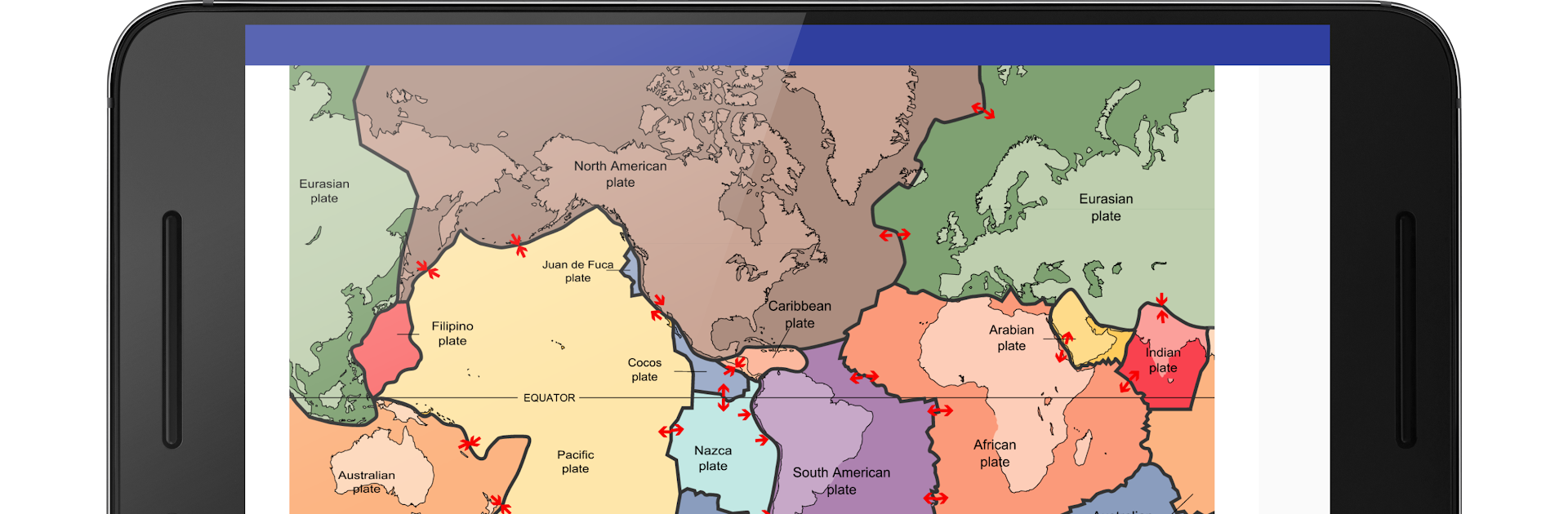
SVG Viewer is a straightforward little tool for opening and checking SVG files without fuss. The interface stays out of the way, full screen looks clean, and there are no ads poking at the screen. Loading a file is quick, zoom feels smooth with a mouse or trackpad, and the layer toggle is the bit that stands out. Being able to show or hide layers makes poking through complex icons or illustrations way less painful. It keeps a list of recent files too, so hopping back into a project is simple. On PC through BlueStacks it works nicely on a bigger monitor, which makes fine details and layer checks easier than on a phone.

Beyond viewing, it can export to regular images or a PDF when that is needed. The basic viewer is free, while the Silver upgrade unlocks JPEG, WebP, and PDF export, and Gold opens everything. It works offline, handles SVGZ, and plays nicely with files from Inkscape, which is great if someone moves assets between tools. The app feels light on battery and does not try to do a hundred things. It is not an editor, and there is a small catch with custom fonts. Some SVGs that rely on fonts will not render correctly, so exporting text to curves in the editor is the safer route before viewing or converting here.

Switch to BlueStacks and make the most of your apps on your PC or Mac.

How to Download and Run SVG Viewer on PC or Mac

  • Download and install BlueStacks on your PC or Mac

  • Complete Google sign-in to access the Play Store, or do it later

  • Look for SVG Viewer in the search bar at the top right corner

  • Click to install SVG Viewer from the search results

  • Complete Google sign-in (if you skipped step 2) to install SVG Viewer

  • Click the SVG Viewer icon on the home screen to start playing

video
Watch Video

Minimum System Requirements

With BlueStacks 5, you can get started on a PC that fulfills the following requirements.

  • Operating System

    Microsoft Windows 7 or above, macOS 11 (Big Sur) or above

  • Processor

    Intel, AMD or Apple Silicon Processor

  • RAM

    at least 4GB

  • HDD

    10GB Free Disk Space

Note:

* You must be an Administrator on your PC. Up to date graphics drivers from Microsoft or the chipset vendor.

SVG Viewer - FAQs

  • How to Run SVG Viewer on Windows PC & Mac?

    Run SVG Viewer on your PC or Mac by following these simple steps.

    • Click on ‘Download SVG Viewer on PC’ to download BlueStacks
    • Install it and log-in to Google Play Store
    • Launch and run the app.
  • Why is BlueStacks the fastest and safest platform to play games on PC?

    BlueStacks respects your privacy and is always safe and secure to use. It does not carry any malware, spyware, or any sort of additional software that could harm your PC.

    It is engineered to optimize speed and performance for a seamless gaming experience.

  • What are SVG Viewer PC requirements?

    Minimum requirement to run SVG Viewer on your PC

    • OS: Microsoft Windows 7 and above:
    • Processor: Intel or AMD Processor:
    • RAM: Your PC must have at least 2GB of RAM. (Note that having 2GB or more disk space is not a substitute for RAM):
    • HDD: 5GB Free Disk Space.
    • You must be an Administrator on your PC.




