
TalkFaster!
TalkFaster!

TalkFaster!

Productivity

| Jonathan Roizin

Play on PC with BlueStacks or from our cloud

  • Overview
  • How to Download

Page Modified On: January 09, 2026

Run TalkFaster! on PC or Mac

What’s better than using TalkFaster! by Jonathan Roizin? Well, try it on a big screen, on your PC or Mac, with BlueStacks to see the difference.

About the App

TalkFaster! trims the time you spend on long voice notes so you can get through conversations faster. It lets you play shared audio at your pace, cut out awkward pauses, and move on with your day without missing anything important. Built by Jonathan Roizin in the Productivity genre, it fits neatly into your chat routine and even handles podcasts and other recordings you toss its way. Prefer a desktop setup? It also plays nicely when you use Android apps on your PC with BlueStacks.

App Features

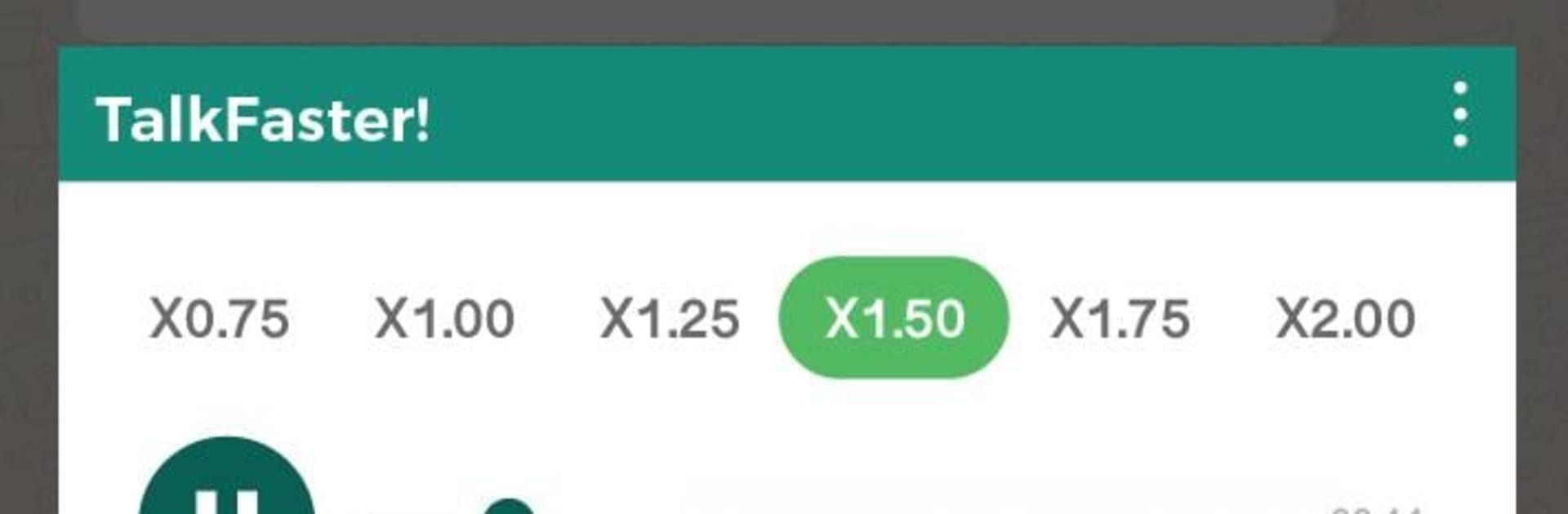
  • Speed controls: Choose from six playback speeds to breeze through short clips or marathon messages without losing clarity.
  • Skip the silence: Automatically remove dead air and long pauses so you only hear the parts that matter.
  • Private listening: Hear voice messages without sending those “heard” indicators—great when you’re not ready to reply yet.
  • Works across your apps: If an app lets you share the audio file, you can send it to TalkFaster! and play it there.
  • Beyond voice notes: Speed up podcasts, lectures, memos, or any shared recording to match your attention span.
  • Quick, simple flow: Share the audio to TalkFaster!, tap your speed, toggle silence skipping, and you’re done—no complicated setup or learning curve.

BlueStacks brings your apps to life on a bigger screen—seamless and straightforward.

How to Download and Run TalkFaster! on PC or Mac

  • Download and install BlueStacks on your PC or Mac

  • Complete Google sign-in to access the Play Store, or do it later

  • Look for TalkFaster! in the search bar at the top right corner

  • Click to install TalkFaster! from the search results

  • Complete Google sign-in (if you skipped step 2) to install TalkFaster!

  • Click the TalkFaster! icon on the home screen to start playing

video
Watch Video

Minimum System Requirements

With BlueStacks 5, you can get started on a PC that fulfills the following requirements.

  • Operating System

    Microsoft Windows 7 or above, macOS 11 (Big Sur) or above

  • Processor

    Intel, AMD or Apple Silicon Processor

  • RAM

    at least 4GB

  • HDD

    10GB Free Disk Space

Note:

* You must be an Administrator on your PC. Up to date graphics drivers from Microsoft or the chipset vendor.

TalkFaster! - FAQs

  • How to Run TalkFaster! on Windows PC & Mac?

    Run TalkFaster! on your PC or Mac by following these simple steps.

    • Click on ‘Download TalkFaster! on PC’ to download BlueStacks
    • Install it and log-in to Google Play Store
    • Launch and run the app.
  • Why is BlueStacks the fastest and safest platform to play games on PC?

    BlueStacks respects your privacy and is always safe and secure to use. It does not carry any malware, spyware, or any sort of additional software that could harm your PC.

    It is engineered to optimize speed and performance for a seamless gaming experience.

  • What are TalkFaster! PC requirements?

    Minimum requirement to run TalkFaster! on your PC

    • OS: Microsoft Windows 7 and above:
    • Processor: Intel or AMD Processor:
    • RAM: Your PC must have at least 2GB of RAM. (Note that having 2GB or more disk space is not a substitute for RAM):
    • HDD: 5GB Free Disk Space.
    • You must be an Administrator on your PC.




