TallerAlpha
TallerAlpha

TallerAlpha

Productivity

| Design Soft S.A.

Play on PC with BlueStacks or from our cloud

  • Overview
  • How to Download

Page Modified On: December 15, 2025

Run TallerAlpha on PC or Mac

Why limit yourself to your small screen on the phone? Run TallerAlpha, an app by Design Soft S.A., best experienced on your PC or Mac with BlueStacks, the world’s #1 Android emulator.

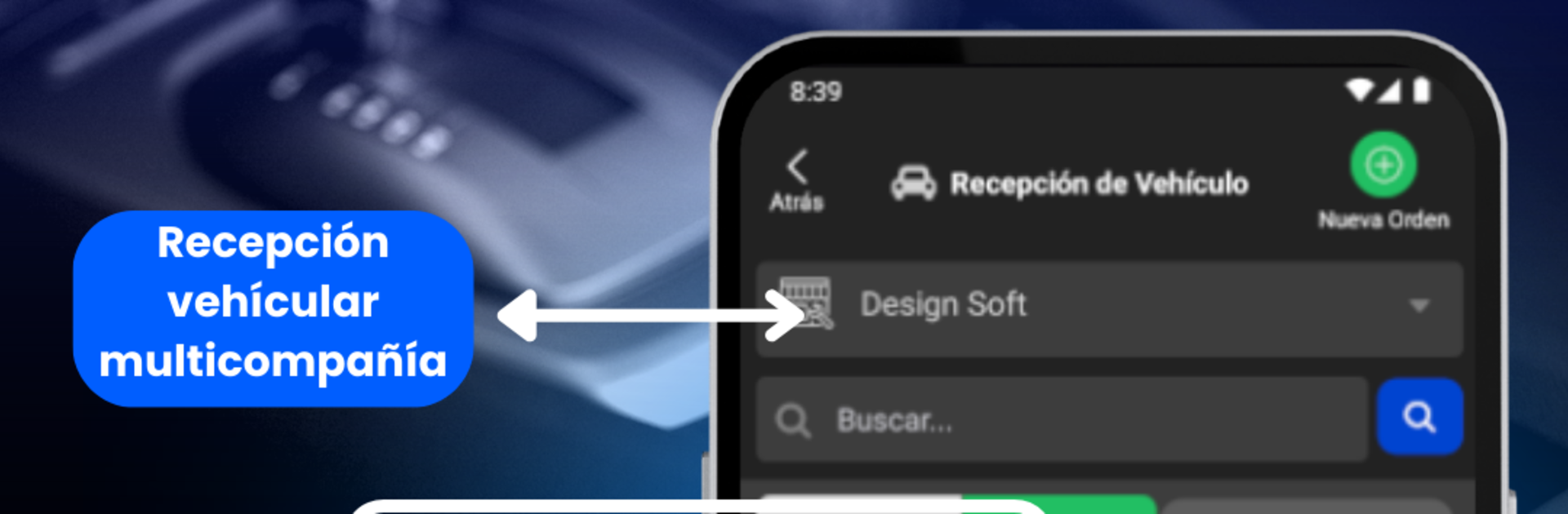
TallerAlpha feels like a full-on workshop desk packed into a phone, then synced to the cloud so the whole team sees the same thing. A mechanic or service advisor opens an inspection, snaps photos, checks boxes, adds notes, and shares the form right away through WhatsApp or email, or just prints it. Customers get a profile where they can follow the repair step by step, which calms the usual guessing and back-and-forth. There is a clean flow from diagnosis to proforma quote to order to invoice, with a place to sign terms and conditions so everyone knows what was agreed. Reports are built in, and the app keeps nudging customers with notifications and emails when something changes.

On PC through BlueStacks, it runs like a regular desktop system, which makes long forms faster to type, dragging photos easier, and printing less of a headache. The web side covers inventory, integrated billing, and a simple point of sale, plus it can import products from an Excel file so a shop does not start from zero. An online store connects to the parts area and even lets customers book appointments, while fleets get their own space for pulling reports. Body shops, motorcycle garages, dealer service lanes, all can switch on the modules they need and send diagnostics, quotes, and orders by WhatsApp straight from the app. Updates show up without drama, the interface is not fancy but it is practical, and the whole thing is clearly built for real workshop chaos rather than a showroom.

Switch to BlueStacks and make the most of your apps on your PC or Mac.

How to Download and Run TallerAlpha on PC or Mac

  • Download and install BlueStacks on your PC or Mac

  • Complete Google sign-in to access the Play Store, or do it later

  • Look for TallerAlpha in the search bar at the top right corner

  • Click to install TallerAlpha from the search results

  • Complete Google sign-in (if you skipped step 2) to install TallerAlpha

  • Click the TallerAlpha icon on the home screen to start playing

video
Watch Video

Minimum System Requirements

With BlueStacks 5, you can get started on a PC that fulfills the following requirements.

  • Operating System

    Microsoft Windows 7 or above, macOS 11 (Big Sur) or above

  • Processor

    Intel, AMD or Apple Silicon Processor

  • RAM

    at least 4GB

  • HDD

    10GB Free Disk Space

Note:

* You must be an Administrator on your PC. Up to date graphics drivers from Microsoft or the chipset vendor.

TallerAlpha - FAQs

  • How to Run TallerAlpha on Windows PC & Mac?

    Run TallerAlpha on your PC or Mac by following these simple steps.

    • Click on ‘Download TallerAlpha on PC’ to download BlueStacks
    • Install it and log-in to Google Play Store
    • Launch and run the app.
  • Why is BlueStacks the fastest and safest platform to play games on PC?

    BlueStacks respects your privacy and is always safe and secure to use. It does not carry any malware, spyware, or any sort of additional software that could harm your PC.

    It is engineered to optimize speed and performance for a seamless gaming experience.

  • What are TallerAlpha PC requirements?

    Minimum requirement to run TallerAlpha on your PC

    • OS: Microsoft Windows 7 and above:
    • Processor: Intel or AMD Processor:
    • RAM: Your PC must have at least 2GB of RAM. (Note that having 2GB or more disk space is not a substitute for RAM):
    • HDD: 5GB Free Disk Space.
    • You must be an Administrator on your PC.