
Tfix
Tfix

Tfix

Productivity

| Ralf Busch

Play on PC with BlueStacks or from our cloud

  • Overview
  • How to Download

Page Modified On: December 15, 2025

Run Tfix on PC or Mac

Why limit yourself to your small screen on the phone? Run Tfix, an app by Ralf Busch, best experienced on your PC or Mac with BlueStacks, the world’s #1 Android emulator.

Tfix comes across like a no-nonsense toolkit made by railway folks for railway folks. The whole Zugspitze mention gives it a down-to-earth, from-the-field feel, not a polished showroom app. Everything sits behind a login from the Tf portal, so without that password there is not much to see. It is clearly aimed at Deutsche Bahn AG train drivers only, and the app itself reminds users that it is for information and does not replace KoRil or any official regulations. That matters, because it sets the tone right away. Think reference and quick guidance, not a rulebook or training course.

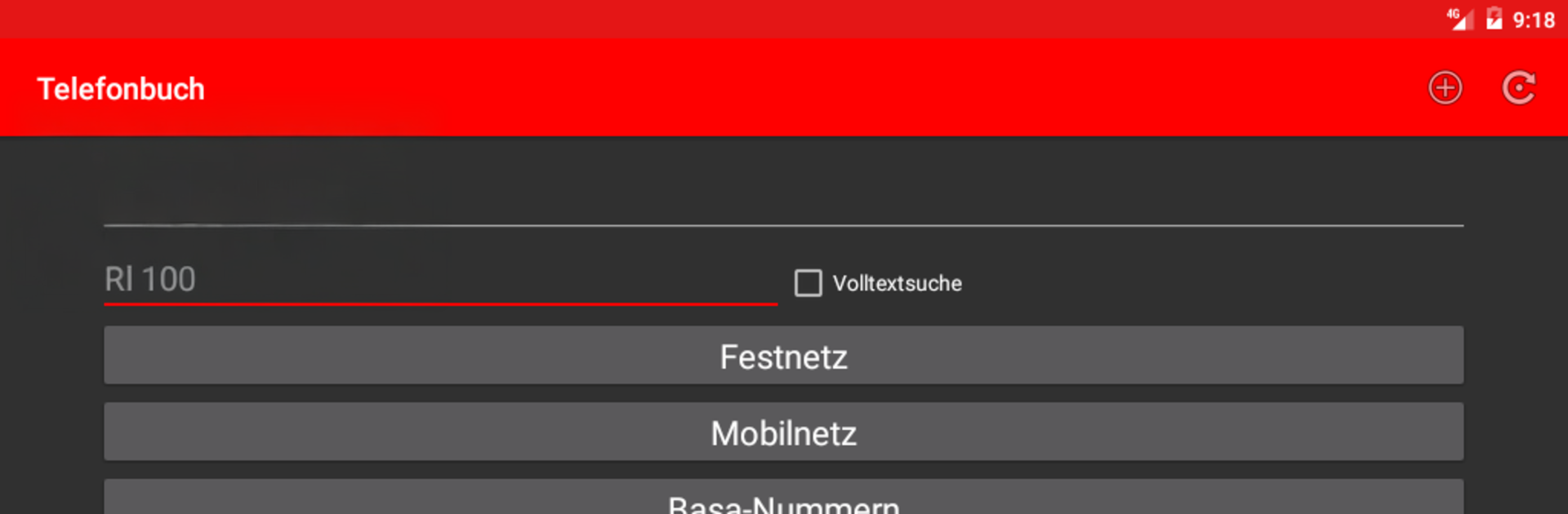
The layout feels practical and plain, more like an internal dashboard than a consumer app, which is actually nice when someone just wants the essentials. No fluff, simple screens, direct wording. Running it on a PC with BlueStacks makes the text and menus easier to scan, and typing in the portal credentials or searching is a bit smoother with a keyboard. If someone is not DB staff, this is not for them, since installation and use are meant for DB AG drivers only. If someone is part of that crew and wants a compact info hub that complements the official material, this is the sort of app that quietly does its job and stays out of the way.

Ready to experience Tfix on a bigger screen, in all its glory? Download BlueStacks now.

How to Download and Run Tfix on PC or Mac

  • Download and install BlueStacks on your PC or Mac

  • Complete Google sign-in to access the Play Store, or do it later

  • Look for Tfix in the search bar at the top right corner

  • Click to install Tfix from the search results

  • Complete Google sign-in (if you skipped step 2) to install Tfix

  • Click the Tfix icon on the home screen to start playing

video
Watch Video

Minimum System Requirements

With BlueStacks 5, you can get started on a PC that fulfills the following requirements.

  • Operating System

    Microsoft Windows 7 or above, macOS 11 (Big Sur) or above

  • Processor

    Intel, AMD or Apple Silicon Processor

  • RAM

    at least 4GB

  • HDD

    10GB Free Disk Space

Note:

* You must be an Administrator on your PC. Up to date graphics drivers from Microsoft or the chipset vendor.

Tfix - FAQs

  • How to Run Tfix on Windows PC & Mac?

    Run Tfix on your PC or Mac by following these simple steps.

    • Click on ‘Download Tfix on PC’ to download BlueStacks
    • Install it and log-in to Google Play Store
    • Launch and run the app.
  • Why is BlueStacks the fastest and safest platform to play games on PC?

    BlueStacks respects your privacy and is always safe and secure to use. It does not carry any malware, spyware, or any sort of additional software that could harm your PC.

    It is engineered to optimize speed and performance for a seamless gaming experience.

  • What are Tfix PC requirements?

    Minimum requirement to run Tfix on your PC

    • OS: Microsoft Windows 7 and above:
    • Processor: Intel or AMD Processor:
    • RAM: Your PC must have at least 2GB of RAM. (Note that having 2GB or more disk space is not a substitute for RAM):
    • HDD: 5GB Free Disk Space.
    • You must be an Administrator on your PC.




