
TickTime time tracking: worktime, day log, tsheets

TickTime time tracking: worktime, day log, tsheets

Productivity

| Mint Rocket

Play on PC with BlueStacks or from our cloud

  • Overview
  • How to Download

Page Modified On: September 02, 2025

Run TickTime time tracking: worktime, day log, tsheets on PC or Mac

Why limit yourself to your small screen on the phone? Run TickTime time tracking: worktime, day log, tsheets, an app by Mint Rocket, best experienced on your PC or Mac with BlueStacks, the world’s #1 Android emulator.

TickTime time tracking: worktime, day log, tsheets feels like a no-drama timer that actually helps people see where the day goes. It is very straightforward. Pick an activity, hit one button to start, and let it run while work, commuting, cleaning, scrolling social, calls with family, or reading happens. Each activity can have its own little icon, so the list does not turn into a messy wall of text. The interface is clean and easy to read, so a new user does not spend a whole afternoon figuring it out. It keeps a simple day log that makes sense at a glance, which is kind of the whole point.

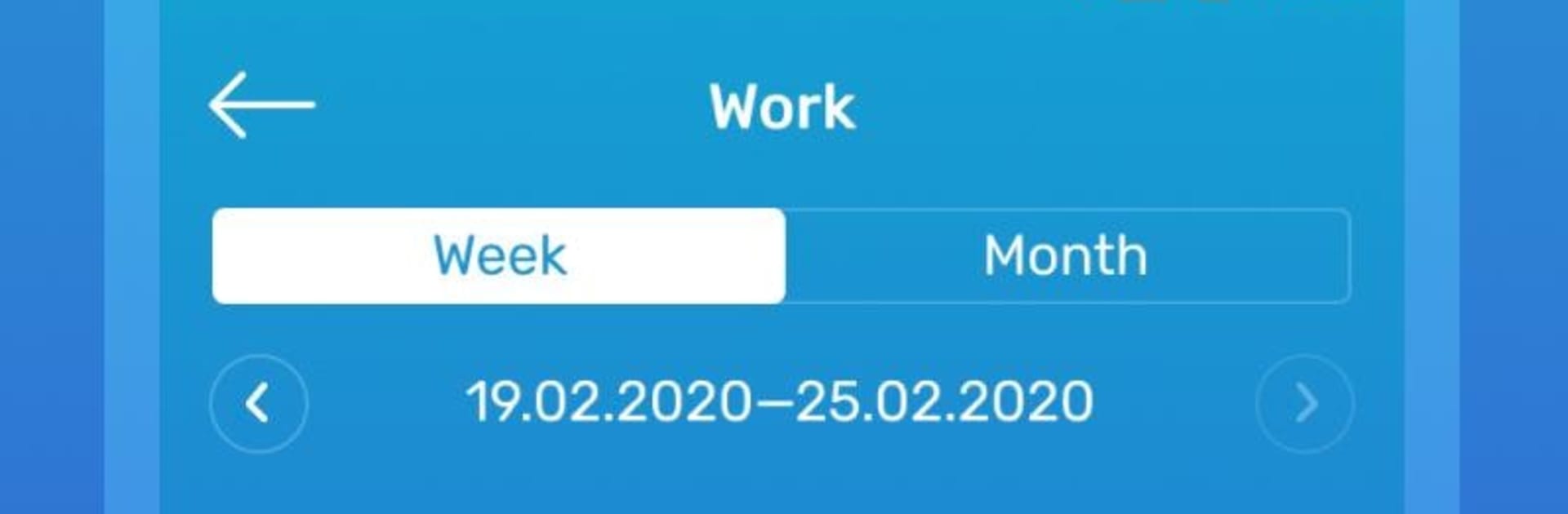
The useful part is the stats. Daily, weekly, and monthly views stack up the time in neat charts, so patterns jump out. Timers keep counting in the background and during sleep, and reminders can ping with a sound even if the app is closed, so someone does not forget to stop a task or switch to another. It suits personal use without feeling like a corporate timesheet. On PC through BlueStacks, the bigger screen makes the charts and category icons easy to scan, and clicking start or stop with a mouse is quick. It is not overloaded with extras, just the essentials that help a person notice wasted minutes and carve out space for the important stuff.

Big screen. Bigger performance. Use BlueStacks on your PC or Mac to run your favorite apps.

How to Download and Run TickTime time tracking: worktime, day log, tsheets on PC or Mac

  • Download and install BlueStacks on your PC or Mac

  • Complete Google sign-in to access the Play Store, or do it later

  • Look for TickTime time tracking: worktime, day log, tsheets in the search bar at the top right corner

  • Click to install TickTime time tracking: worktime, day log, tsheets from the search results

  • Complete Google sign-in (if you skipped step 2) to install TickTime time tracking: worktime, day log, tsheets

  • Click the TickTime time tracking: worktime, day log, tsheets icon on the home screen to start playing

video
Watch Video

Minimum System Requirements

With BlueStacks 5, you can get started on a PC that fulfills the following requirements.

  • Operating System

    Microsoft Windows 7 or above, macOS 11 (Big Sur) or above

  • Processor

    Intel, AMD or Apple Silicon Processor

  • RAM

    at least 4GB

  • HDD

    10GB Free Disk Space

Note:

* You must be an Administrator on your PC. Up to date graphics drivers from Microsoft or the chipset vendor.

TickTime time tracking: worktime, day log, tsheets - FAQs

  • How to Run TickTime time tracking: worktime, day log, tsheets on Windows PC & Mac?

    Run TickTime time tracking: worktime, day log, tsheets on your PC or Mac by following these simple steps.

    • Click on ‘Download TickTime time tracking: worktime, day log, tsheets on PC’ to download BlueStacks
    • Install it and log-in to Google Play Store
    • Launch and run the app.
  • Why is BlueStacks the fastest and safest platform to play games on PC?

    BlueStacks respects your privacy and is always safe and secure to use. It does not carry any malware, spyware, or any sort of additional software that could harm your PC.

    It is engineered to optimize speed and performance for a seamless gaming experience.

  • What are TickTime time tracking: worktime, day log, tsheets PC requirements?

    Minimum requirement to run TickTime time tracking: worktime, day log, tsheets on your PC

    • OS: Microsoft Windows 7 and above:
    • Processor: Intel or AMD Processor:
    • RAM: Your PC must have at least 2GB of RAM. (Note that having 2GB or more disk space is not a substitute for RAM):
    • HDD: 5GB Free Disk Space.
    • You must be an Administrator on your PC.




