



Get freedom from your phone’s obvious limitations. Use Time Planner: Schedule & Tasks, made by Oleksandr Albul, a Productivity app on your PC or Mac with BlueStacks, and level up your experience.
Time Planner feels like an all in one command center for the day. Instead of juggling a calendar, a to do list, a habit tracker, and a timer, it rolls everything into one place. The schedule view is clean, with a timeline or a simple part of the day layout, and the bubble based time tracking is surprisingly satisfying. Tap a bubble, watch time fill up, then check stats later to see what actually happened versus what was planned. No ads anywhere, which already makes it calmer to use.
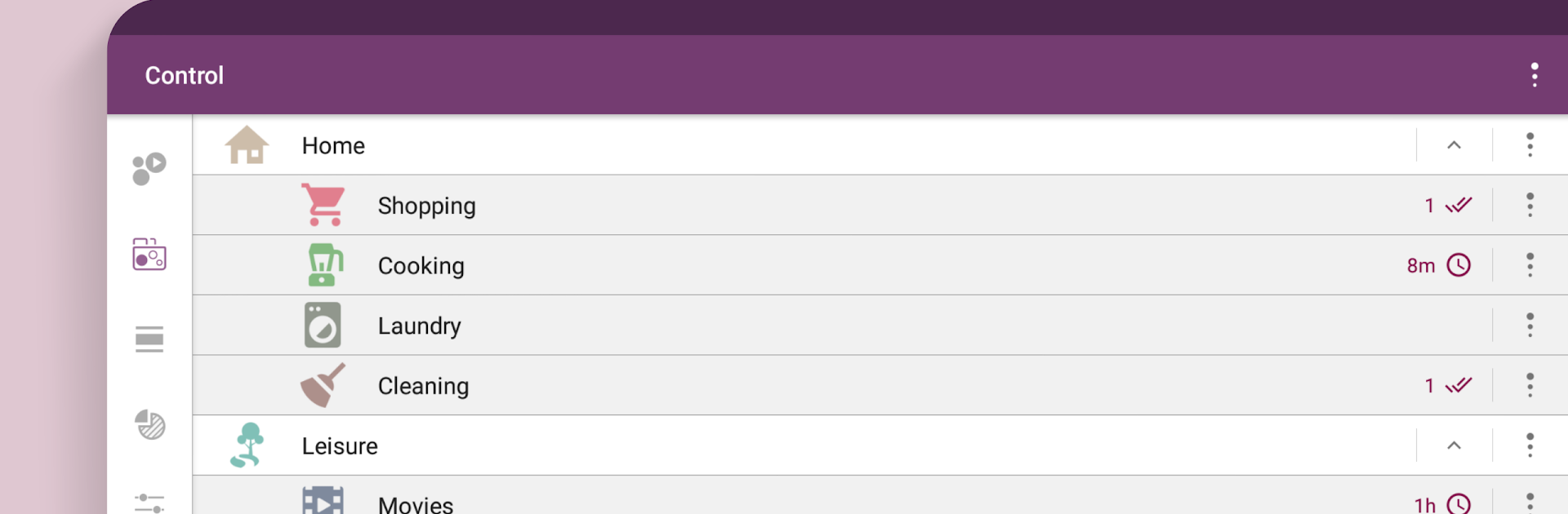
What stands out is how much can be tailored. Categories and subcategories nest nicely, each can get its own icon and color, priorities are easy to spot, and notes support rich formatting so tasks can hold real context, not just a title. Reminders handle different types, and there is even an alarm with a small captcha to stop lazy snoozing. There is a moon calendar tucked in there for anyone who likes that detail. It imports events from Google Calendar and can back things up, so switching phones is not scary.
On PC through BlueStacks, the bigger screen makes the timeline and bubbles easier to manage, and typing long notes with a keyboard just feels faster. If someone wants more, the Pro add ons bring deeper statistics, multiple subtask levels, filters, a proper timer or stopwatch or countdown, a quick widget, and extra sounds in settings. It fits early wake ups, water tracking, breaking bad habits, or just keeping work and family hours from blending into a blur.
Switch to BlueStacks and make the most of your apps on your PC or Mac.





