
FEL
FEL

FEL

Productivity

| Superintendencia de Administración Tributaria

Play on PC with BlueStacks or from our cloud

  • Overview
  • How to Download

Page Modified On: November 10, 2025

Run FEL on PC or Mac

What’s better than using FEL by Superintendencia de Administración Tributaria? Well, try it on a big screen, on your PC or Mac, with BlueStacks to see the difference.

About the App

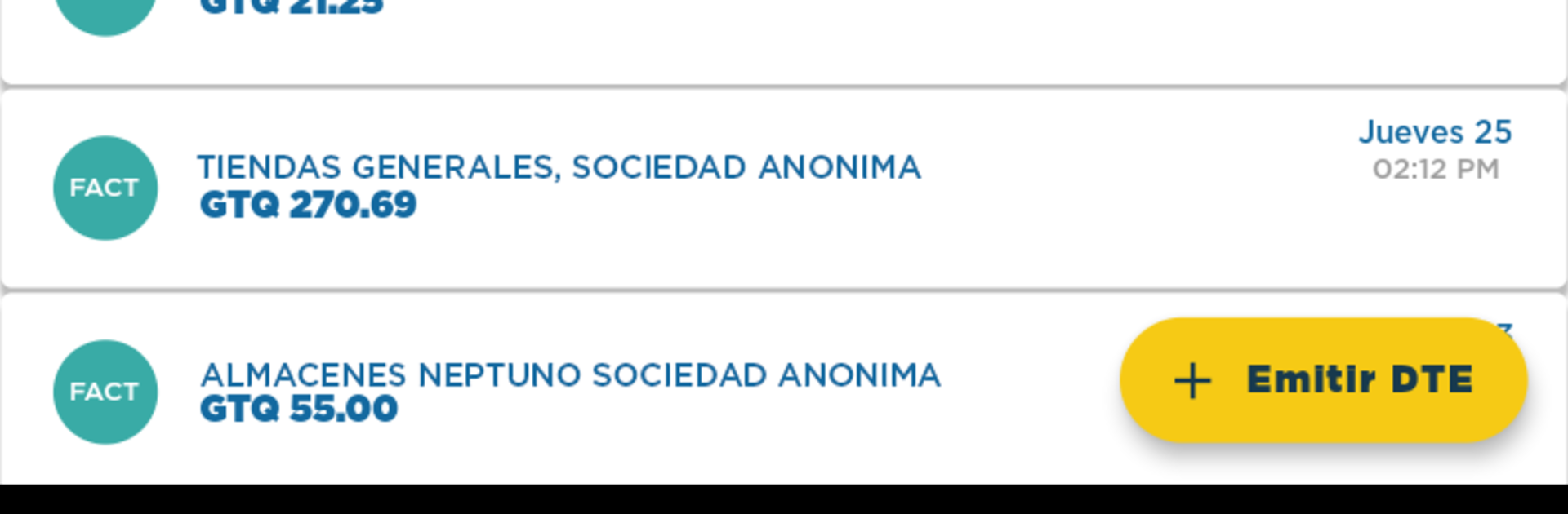
FEL is the official Productivity app from Superintendencia de Administración Tributaria designed for taxpayers in Guatemala. It makes it easy to issue and receive electronic tax documents (DTE) under the country’s online e-invoicing system. If you handle invoices or need a clean way to keep your tax paperwork in order, this keeps everything in one place—fast, simple, and free.

App Features

  • Issue DTEs with ease: Create and send your electronic tax documents under the FEL regime from your phone, without extra steps or complications.
  • Receive and organize: Get DTEs sent to you and keep them neatly stored so you can find what you need when you need it.
  • 100% official: Built and maintained by Superintendencia de Administración Tributaria, so you’re using the approved channel for Guatemala’s electronic invoicing.
  • Free to use: Issue and receive your DTEs at no cost, right from the app.
  • For Guatemalan taxpayers: Whether you’re self-employed or part of a business, manage your electronic invoicing according to local requirements.
  • Access anytime: Check your issued and received documents on the go, whether you’re at the office, on-site, or working from home.
  • Works great on desktop too: Prefer a larger screen? Run FEL on your computer with BlueStacks and handle your documents comfortably with a keyboard and mouse.

Big screen. Bigger performance. Use BlueStacks on your PC or Mac to run your favorite apps.

How to Download and Run FEL on PC or Mac

  • Download and install BlueStacks on your PC or Mac

  • Complete Google sign-in to access the Play Store, or do it later

  • Look for FEL in the search bar at the top right corner

  • Click to install FEL from the search results

  • Complete Google sign-in (if you skipped step 2) to install FEL

  • Click the FEL icon on the home screen to start playing

video
Watch Video

Minimum System Requirements

With BlueStacks 5, you can get started on a PC that fulfills the following requirements.

  • Operating System

    Microsoft Windows 7 or above, macOS 11 (Big Sur) or above

  • Processor

    Intel, AMD or Apple Silicon Processor

  • RAM

    at least 4GB

  • HDD

    10GB Free Disk Space

Note:

* You must be an Administrator on your PC. Up to date graphics drivers from Microsoft or the chipset vendor.

FEL - FAQs

  • How to Run FEL on Windows PC & Mac?

    Run FEL on your PC or Mac by following these simple steps.

    • Click on ‘Download FEL on PC’ to download BlueStacks
    • Install it and log-in to Google Play Store
    • Launch and run the app.
  • Why is BlueStacks the fastest and safest platform to play games on PC?

    BlueStacks respects your privacy and is always safe and secure to use. It does not carry any malware, spyware, or any sort of additional software that could harm your PC.

    It is engineered to optimize speed and performance for a seamless gaming experience.

  • What are FEL PC requirements?

    Minimum requirement to run FEL on your PC

    • OS: Microsoft Windows 7 and above:
    • Processor: Intel or AMD Processor:
    • RAM: Your PC must have at least 2GB of RAM. (Note that having 2GB or more disk space is not a substitute for RAM):
    • HDD: 5GB Free Disk Space.
    • You must be an Administrator on your PC.



