
Upsheet: Spreadsheet Maker

Upsheet: Spreadsheet Maker

Productivity

| FutureCraft Apps

Play on PC with BlueStacks or from our cloud

  • Overview
  • How to Download

Page Modified On: September 19, 2025

Run Upsheet: Spreadsheet Maker on PC or Mac

Multitask effortlessly on your PC or Mac as you try out Upsheet: Spreadsheet Maker, a Productivity app by FutureCraft Apps on BlueStacks.

Upsheet feels like a calmer way to deal with Google Sheets, especially for people who dislike pinching around tiny cells on a phone. It turns columns into simple forms, so adding numbers, dates, or text is more like filling out a clean survey than wrangling a grid. On a PC through BlueStacks, it comes off even smoother. Typing long entries is quicker with a real keyboard, and flipping between sheets or accounts is less fussy on a bigger screen.

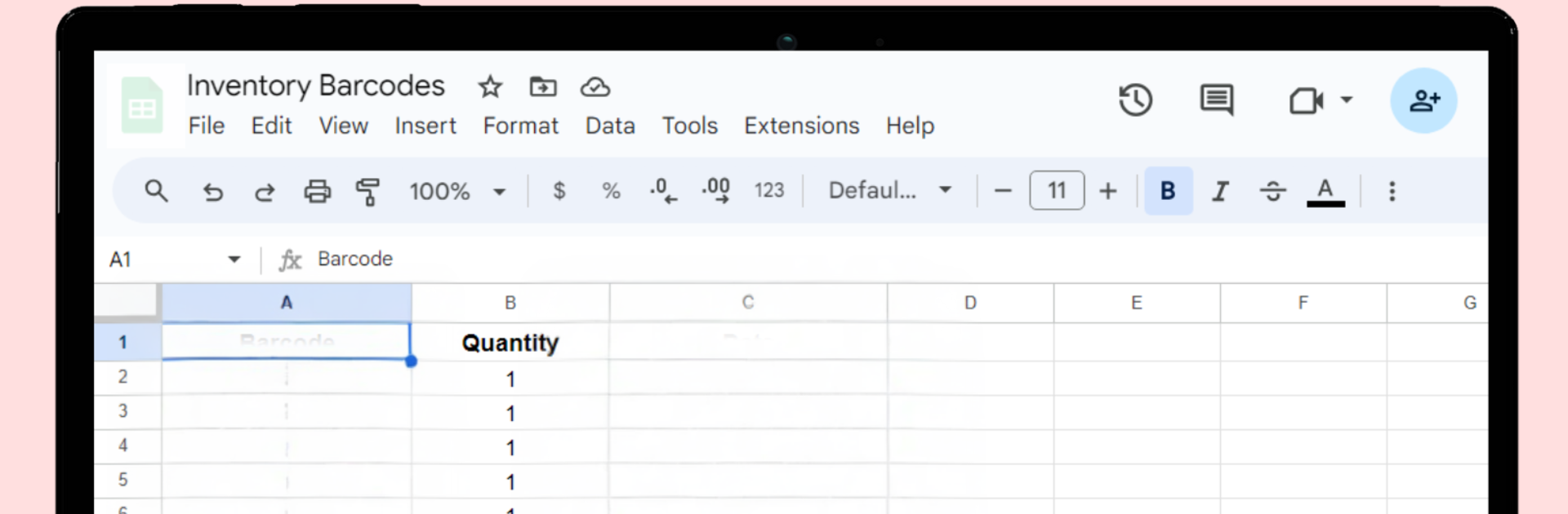
What stands out is how it lets someone set up a sheet from scratch without hunting through menus. They choose the columns, pick input types, and get a form that matches. If they track things by week or month, they can create sub sheets under one file and keep everything grouped. It handles multiple Google accounts too, which is great if work and personal stuff are separate. The templates are practical instead of flashy. There is a barcode option that drops items into a sheet with a timestamp and quantity. There are ready layouts for attendance, expenses, and timesheets, and custom templates are supported if someone wants to add formulas and build an inventory or a budget. It is not trying to be a full desktop spreadsheet editor. It is more of a fast data entry companion that keeps Sheets organized and consistent, whether they are tapping on mobile or typing on PC.

Ready to experience Upsheet: Spreadsheet Maker on a bigger screen, in all its glory? Download BlueStacks now.


How to Download and Run Upsheet: Spreadsheet Maker on PC or Mac

  • Download and install BlueStacks on your PC or Mac

  • Complete Google sign-in to access the Play Store, or do it later

  • Look for Upsheet: Spreadsheet Maker in the search bar at the top right corner

  • Click to install Upsheet: Spreadsheet Maker from the search results

  • Complete Google sign-in (if you skipped step 2) to install Upsheet: Spreadsheet Maker

  • Click the Upsheet: Spreadsheet Maker icon on the home screen to start playing

video
Watch Video

Minimum System Requirements

With BlueStacks 5, you can get started on a PC that fulfills the following requirements.

  • Operating System

    Microsoft Windows 7 or above, macOS 11 (Big Sur) or above

  • Processor

    Intel, AMD or Apple Silicon Processor

  • RAM

    at least 4GB

  • HDD

    10GB Free Disk Space

Note:

* You must be an Administrator on your PC. Up to date graphics drivers from Microsoft or the chipset vendor.

Upsheet: Spreadsheet Maker - FAQs

  • How to Run Upsheet: Spreadsheet Maker on Windows PC & Mac?

    Run Upsheet: Spreadsheet Maker on your PC or Mac by following these simple steps.

    • Click on ‘Download Upsheet: Spreadsheet Maker on PC’ to download BlueStacks
    • Install it and log-in to Google Play Store
    • Launch and run the app.
  • Why is BlueStacks the fastest and safest platform to play games on PC?

    BlueStacks respects your privacy and is always safe and secure to use. It does not carry any malware, spyware, or any sort of additional software that could harm your PC.

    It is engineered to optimize speed and performance for a seamless gaming experience.

  • What are Upsheet: Spreadsheet Maker PC requirements?

    Minimum requirement to run Upsheet: Spreadsheet Maker on your PC

    • OS: Microsoft Windows 7 and above:
    • Processor: Intel or AMD Processor:
    • RAM: Your PC must have at least 2GB of RAM. (Note that having 2GB or more disk space is not a substitute for RAM):
    • HDD: 5GB Free Disk Space.
    • You must be an Administrator on your PC.



