
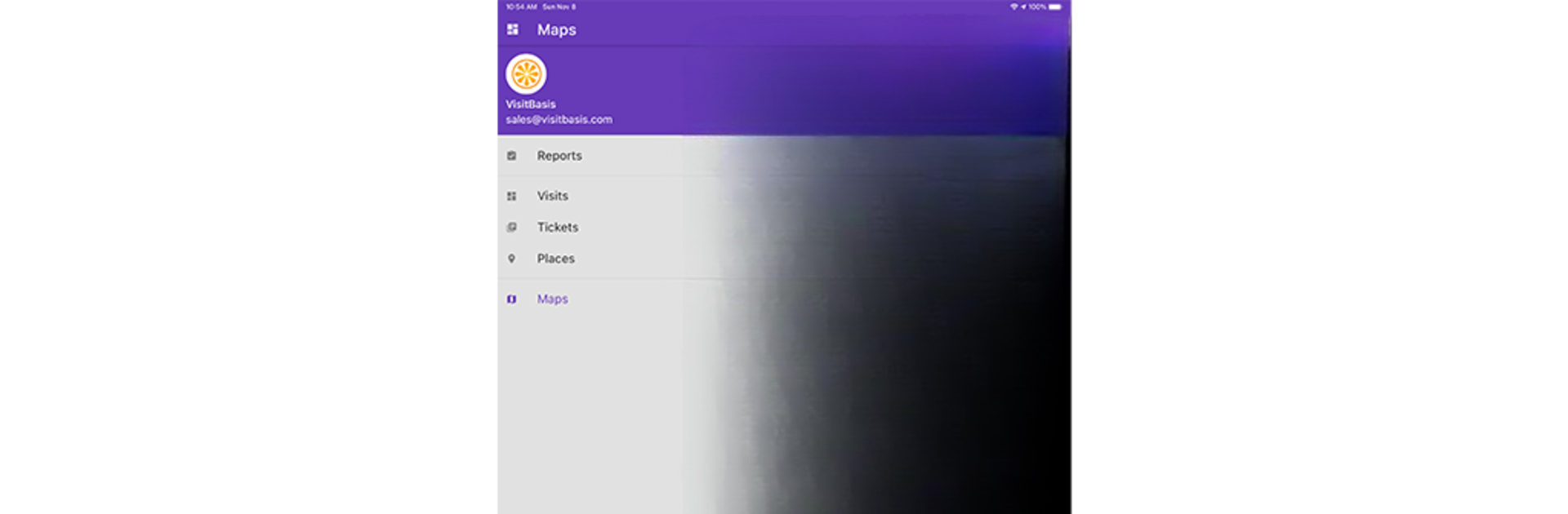
VisitBasis for merchandisers

VisitBasis for merchandisers

Productivity

| Visitbasis Tech, LLC

Play on PC with BlueStacks or from our cloud

  • Overview
  • How to Download

Page Modified On: August 21, 2025

Run VisitBasis for merchandisers on PC or Mac

Multitask effortlessly on your PC or Mac as you try out VisitBasis for merchandisers, a Productivity app by Visitbasis Tech, LLC on BlueStacks.

About the App

VisitBasis for merchandisers takes the hassle out of coordinating store visits and fieldwork. Whether you’re in charge of organizing audits or just need to make sure your team is on track, this app keeps everything running smoothly. It’s all about making life easier for merchandisers — schedule visits, assign tasks, and keep tabs on results, all from your phone or tablet (or even your computer if you’re using BlueStacks). No more guessing about field activities; you always know what’s going on.

App Features

  • Smart Scheduling
    Easily plan out store visits and assign tasks to field reps. Updates go out instantly, so everyone knows where they’re supposed to be.

  • Real-Time Data Collection
    As soon as tasks are completed in the field, you can see the results. Images, notes, and feedback get uploaded in a snap—no waiting around or chasing down reports.

  • Dashboard Access
    The organizer gets a clear online dashboard, making it simple to track all ongoing activities and review results as they come in.

  • Immediate Reporting
    Generate reports right away when audits or tasks are finished. Stay updated without juggling spreadsheets or chasing after paperwork.

  • Field Team Oversight
    Monitor the status of every visit and task. It’s easy to spot who’s ahead, who needs a reminder, and what’s still pending.

  • Works Great on PC With BlueStacks
    If you prefer a bigger screen for managing your team, just run VisitBasis for merchandisers through BlueStacks for full access and better visibility.

Perfect for anyone looking to keep up with multiple stores, handle merchandising on the go, and ensure everyone’s tasks get done — minus the chaos.

Eager to take your app experience to the next level? Start right away by downloading BlueStacks on your PC or Mac.


How to Download and Run VisitBasis for merchandisers on PC or Mac

  • Download and install BlueStacks on your PC or Mac

  • Complete Google sign-in to access the Play Store, or do it later

  • Look for VisitBasis for merchandisers in the search bar at the top right corner

  • Click to install VisitBasis for merchandisers from the search results

  • Complete Google sign-in (if you skipped step 2) to install VisitBasis for merchandisers

  • Click the VisitBasis for merchandisers icon on the home screen to start playing

video
Watch Video

Minimum System Requirements

With BlueStacks 5, you can get started on a PC that fulfills the following requirements.

  • Operating System

    Microsoft Windows 7 or above, macOS 11 (Big Sur) or above

  • Processor

    Intel, AMD or Apple Silicon Processor

  • RAM

    at least 4GB

  • HDD

    10GB Free Disk Space

Note:

* You must be an Administrator on your PC. Up to date graphics drivers from Microsoft or the chipset vendor.

VisitBasis for merchandisers - FAQs

  • How to Run VisitBasis for merchandisers on Windows PC & Mac?

    Run VisitBasis for merchandisers on your PC or Mac by following these simple steps.

    • Click on ‘Download VisitBasis for merchandisers on PC’ to download BlueStacks
    • Install it and log-in to Google Play Store
    • Launch and run the app.
  • Why is BlueStacks the fastest and safest platform to play games on PC?

    BlueStacks respects your privacy and is always safe and secure to use. It does not carry any malware, spyware, or any sort of additional software that could harm your PC.

    It is engineered to optimize speed and performance for a seamless gaming experience.

  • What are VisitBasis for merchandisers PC requirements?

    Minimum requirement to run VisitBasis for merchandisers on your PC

    • OS: Microsoft Windows 7 and above:
    • Processor: Intel or AMD Processor:
    • RAM: Your PC must have at least 2GB of RAM. (Note that having 2GB or more disk space is not a substitute for RAM):
    • HDD: 5GB Free Disk Space.
    • You must be an Administrator on your PC.



