Detective Mimo
Detective Mimo

Detective Mimo

Puzzle

| AOLIN XU

Play on PC with BlueStacks or from our cloud

  • Overview
  • Game Features
  • How to Play

Page Modified On: January 02, 2026

Play Detective Mimo on PC or Mac

From the innovators and creators at AOLIN XU, Detective Mimo is another fun addition to the World of Puzzle games. Go beyond your mobile screen and play it bigger and better on your PC or Mac. An immersive experience awaits you.

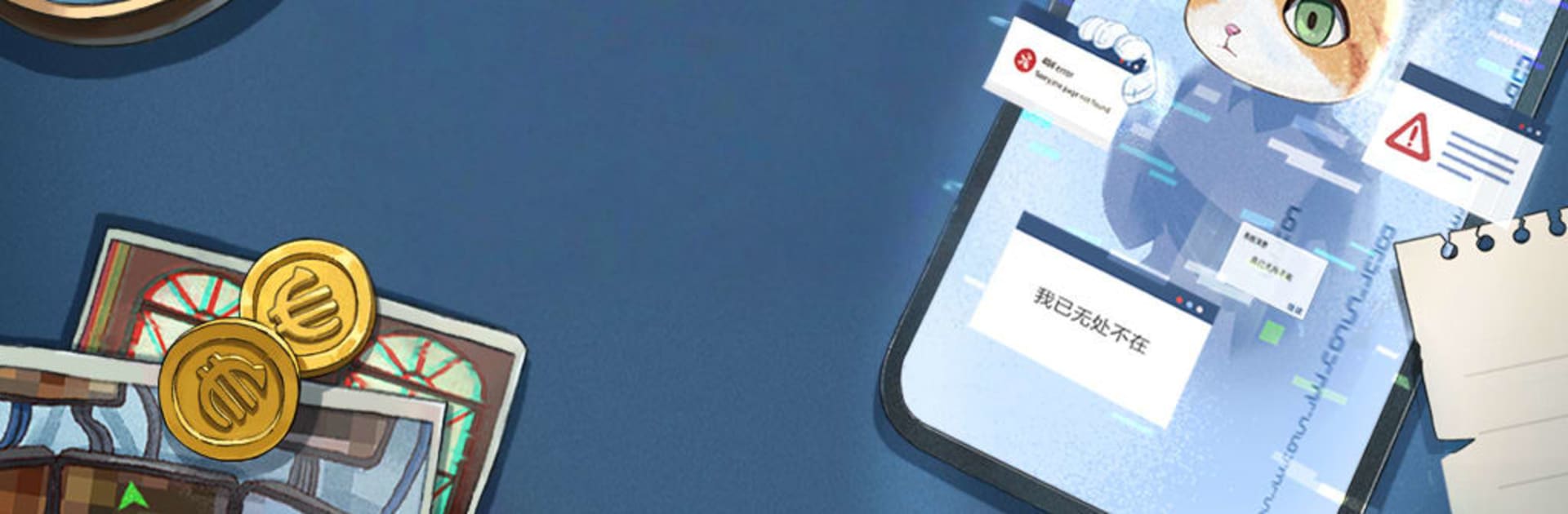
Detective Mimo plays like a cheeky cat mystery set in a shiny little city called Shrimp, where everything is fish cafés, beauty salons, and the fancy MEW Bank. A big name thief announces a grand heist, the policecat Mimo chases clues across town, and then the story swerves into something that messes with expectations. It looks cute, but it is not just a simple chase. There is a twist that re-frames who is really in control and why the city keeps attracting trouble.

The puzzles are the star. They ask players to think beyond the usual swipe and tap, to notice odd details, to try solutions that feel wrong until they suddenly click. Some challenges nudge the player to look outside the screen or pay attention to the world around the device, and that meta angle ties into the plot in fun ways. On PC with BlueStacks, the bigger screen and a mouse make poking at tiny clues less fussy, so experimenting feels smooth. The game likes to wink at the player, breaking the fourth wall, and it packs in cat jokes and silly memes without getting annoying. There are two endings, plus hidden chapters and a bunch of little secrets, so completionists have extra hunting to do. Puzzles escalate but stay fair, and that aha snap when an idea works lands hard, almost like hearing a lock click open.

Make your gaming sessions memorable with precise controls that give you an edge in close combats and visuals that pop up, bringing every character to life.


Game Features

Enhancements

  • Macros
  • Multi Instance
  • Multi Instance Sync
  • Script
  • Enhancements
Macros

Macros

Automate the predictable in Detective Mimo and transform your gameplay with Macros. Get access to inventive Macros in the BlueStacks Macro Community
Multi Instance

Multi Instance

Play Detective Mimo on one window. And chat with your friend on the other. Press CTRL + Shift + 8 to open the Multi-Instance Manager. And start creating fresh instances or clone an existing one.
Multi Instance Sync

Multi Instance Sync

Play Detective Mimo with the power of Multi-Instance Sync. Replicate what you are doing on the main instance on all other instances. Level up faster, play more.
Script

Script

Script your way to gaming glory in Detective Mimo with BlueStacks Script. Write and run a set of commands to automate repeated tasks. Trigger the command by assigning it to any key.
Read More

How to Download and Play Detective Mimo on PC or Mac

  • Download and install BlueStacks on your PC or Mac

  • Complete Google sign-in to access the Play Store, or do it later

  • Look for Detective Mimo in the search bar at the top right corner

  • Click to install Detective Mimo from the search results

  • Complete Google sign-in (if you skipped step 2) to install Detective Mimo

  • Click the Detective Mimo icon on the home screen to start playing

video
Watch Video

Minimum System Requirements

With BlueStacks 5, you can get started on a PC that fulfills the following requirements.

  • Operating System

    Microsoft Windows 7 or above, macOS 11 (Big Sur) or above

  • Processor

    Intel, AMD or Apple Silicon Processor

  • RAM

    at least 4GB

  • HDD

    10GB Free Disk Space

Note:

* You must be an Administrator on your PC. Up to date graphics drivers from Microsoft or the chipset vendor.

Detective Mimo - FAQs

  • How to play Detective Mimo on Windows PC & Mac?

    Play Detective Mimo on your PC or Mac by following these simple steps.

    • Click on 'Play Detective Mimo on PC’ to download BlueStacks
    • Install it and log-in to Google Play Store
    • Launch and play the game.
  • Why is BlueStacks the fastest and safest platform to play games on PC?

    BlueStacks respects your privacy and is always safe and secure to use. It does not carry any malware, spyware, or any sort of additional software that could harm your PC.

    It is engineered to optimize speed and performance for a seamless gaming experience.

  • What are Detective Mimo PC requirements?

    Minimum requirement to run Detective Mimo on your PC

    • OS: Microsoft Windows 7 or above MacOS 11 (Big Sur) or above
    • Processor: Intel, AMD or Apple Silicon Processor
    • RAM: Your PC must have at least 4GB of RAM. (Note that having 4GB or more disk space is not a substitute for RAM)
    • HDD: 10GB Free Disk Space.
    • You must be an Administrator on your PC.