
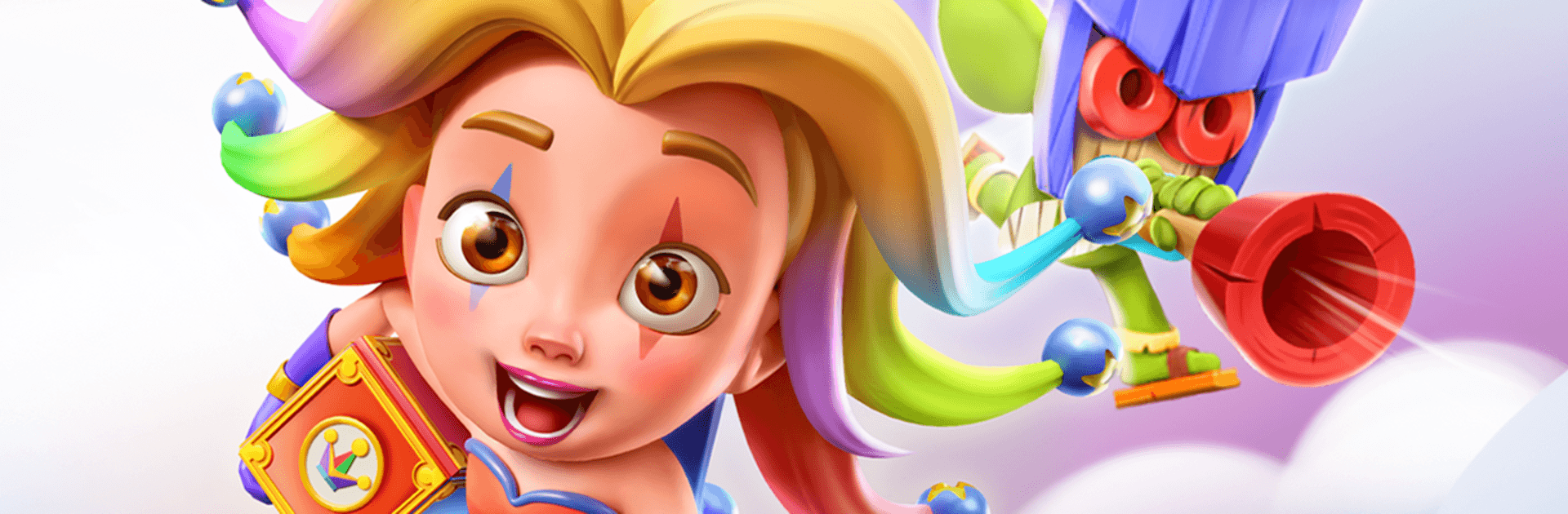
Match Legends - PvP Match 3

Match Legends - PvP Match 3

Puzzle

| Imaginite Studios

Play on PC with BlueStacks or from our cloud

  • Overview
  • Game Features
  • How to Play

Page Modified On: April 07, 2026

Play Match Legends - PvP Match 3 on PC or Mac

Join millions to experience Match Legends – PvP Match 3, an exciting Puzzle game from Imaginite Studios. With BlueStacks App Player, you are always a step ahead of your opponent, ready to outplay them with faster gameplay and better control with the mouse and keyboard on your PC or Mac.

About the Game

Match Legends – PvP Match 3 is a fast, head-to-head Puzzle battler where every swap can swing the match. Built by Imaginite Studios, it blends real-time matchmaking with smart board play and hero powers, so you’re thinking as much as you’re matching. Play on your phone or kick back on PC with BlueStacks if you like making crisp moves on a bigger screen.

Game Features

  • Real-time PvP battles: Face real opponents in short, tense duels where timing, cascades, and a bit of nerve decide the win.
  • Tactical Match-3, not just swapping: Set up chains, deny your rival key matches, and use the board to fuel abilities at the perfect moment.
  • Heroes with game-changing skills: Unlock a roster of distinctive heroes, experiment with builds, and find synergies that fit your playstyle.
  • Arenas that keep you guessing: Battle across colorful boards featuring different layouts and effects that subtly reshape your strategy each round.
  • Climb, collect, brag: Push along a trophy road, earn new titles, and chase leaderboard spots that show exactly where you stand.
  • Global tournaments and events: Jump into rotating competitions with fresh rules and exclusive rewards—perfect for testing new team ideas.
  • Built for quick sessions: Matches are snappy, matchmaking is swift, and progress feels steady whether you’ve got five minutes or a full evening.
  • Fair play, clear feedback: Smooth controls, readable boards, and clean animations make it easy to plan ahead and spot winning lines.
  • Always connected: A network connection keeps every match live, ensuring your choices matter against someone thinking just as hard on the other side.

Slay your opponents with your epic moves. Play it your way on BlueStacks and dominate the battlefield.


Game Features

Enhancements

  • Macros
  • Multi Instance
  • Multi Instance Sync
  • Script
  • Enhancements
Macros

Macros

Automate the predictable in Match Legends - PvP Match 3 and transform your gameplay with Macros. Get access to inventive Macros in the BlueStacks Macro Community
Multi Instance

Multi Instance

Play Match Legends - PvP Match 3 on one window. And chat with your friend on the other. Press CTRL + Shift + 8 to open the Multi-Instance Manager. And start creating fresh instances or clone an existing one.
Multi Instance Sync

Multi Instance Sync

Play Match Legends - PvP Match 3 with the power of Multi-Instance Sync. Replicate what you are doing on the main instance on all other instances. Level up faster, play more.
Script

Script

Script your way to gaming glory in Match Legends - PvP Match 3 with BlueStacks Script. Write and run a set of commands to automate repeated tasks. Trigger the command by assigning it to any key.
Read More

How to Download and Play Match Legends - PvP Match 3 on PC or Mac

  • Download and install BlueStacks on your PC or Mac

  • Complete Google sign-in to access the Play Store, or do it later

  • Look for Match Legends - PvP Match 3 in the search bar at the top right corner

  • Click to install Match Legends - PvP Match 3 from the search results

  • Complete Google sign-in (if you skipped step 2) to install Match Legends - PvP Match 3

  • Click the Match Legends - PvP Match 3 icon on the home screen to start playing

video
Watch Video

Minimum System Requirements

With BlueStacks 5, you can get started on a PC that fulfills the following requirements.

  • Operating System

    Microsoft Windows 7 or above, macOS 11 (Big Sur) or above

  • Processor

    Intel, AMD or Apple Silicon Processor

  • RAM

    at least 4GB

  • HDD

    10GB Free Disk Space

Note:

* You must be an Administrator on your PC. Up to date graphics drivers from Microsoft or the chipset vendor.

Match Legends - PvP Match 3 - FAQs

  • How to play Match Legends - PvP Match 3 on Windows PC & Mac?

    Play Match Legends - PvP Match 3 on your PC or Mac by following these simple steps.

    • Click on 'Play Match Legends - PvP Match 3 on PC’ to download BlueStacks
    • Install it and log-in to Google Play Store
    • Launch and play the game.
  • Why is BlueStacks the fastest and safest platform to play games on PC?

    BlueStacks respects your privacy and is always safe and secure to use. It does not carry any malware, spyware, or any sort of additional software that could harm your PC.

    It is engineered to optimize speed and performance for a seamless gaming experience.

  • What are Match Legends - PvP Match 3 PC requirements?

    Minimum requirement to run Match Legends - PvP Match 3 on your PC

    • OS: Microsoft Windows 7 or above MacOS 11 (Big Sur) or above
    • Processor: Intel, AMD or Apple Silicon Processor
    • RAM: Your PC must have at least 4GB of RAM. (Note that having 4GB or more disk space is not a substitute for RAM)
    • HDD: 10GB Free Disk Space.
    • You must be an Administrator on your PC.







