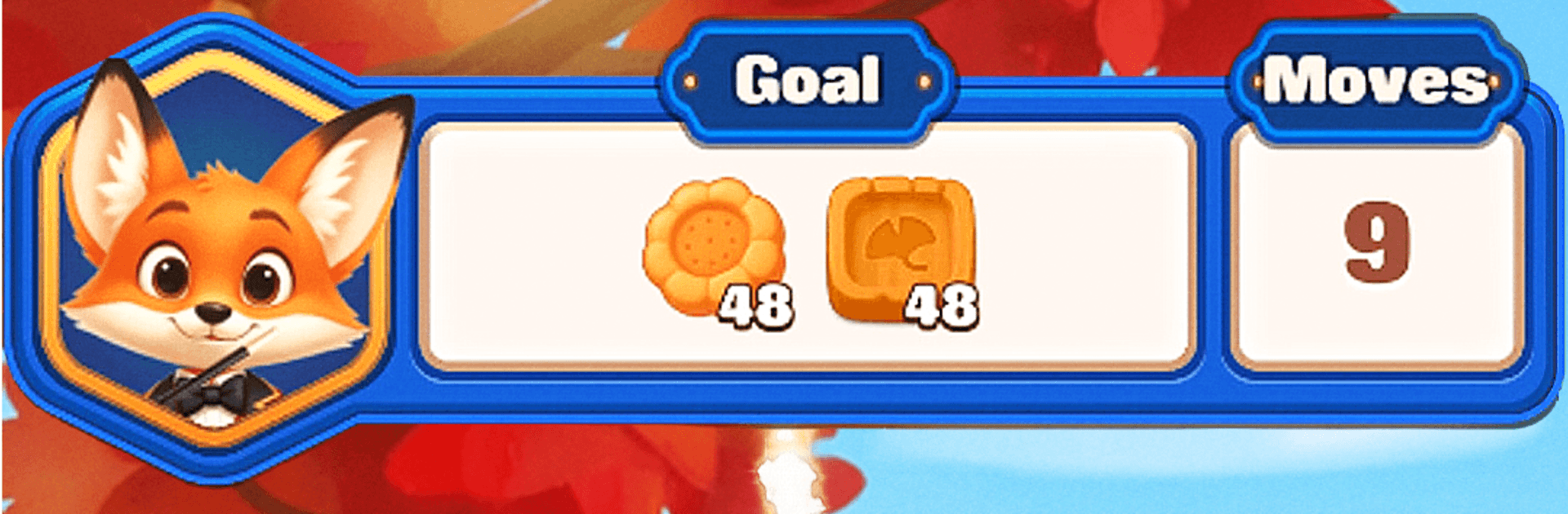
Pawpop Match
Pawpop Match

Pawpop Match

Puzzle

| RATEL

Play on PC with BlueStacks or from our cloud

  • Overview
  • Game Features
  • How to Play

Page Modified On: September 25, 2026

Play Pawpop Match on PC or Mac

Pawpop Match brings the Puzzle genre to life, and throws up exciting challenges for gamers. Developed by RATEL, this Android game is best experienced on BlueStacks, the World’s #1 app player for PC and Mac users.

About the Game

Pawpop Match is a warm, feel-good Puzzle adventure where a fox magician, a loyal duck, and a stylish raccoon turn quiet animal towns into lively hangouts—one clever match at a time. It’s easy to pick up, soothing to play, and built around colorful boards that reward smart moves instead of speed. Want a bigger view? You can play it on BlueStacks without changing the cozy vibe.

Game Features

  • Traveling circus tale: Follow Pino the fox, Pip the duck, and Bruce the raccoon as they roll their little show from town to town, meeting new critters and brightening up neighborhoods along the way.
  • Pick-up-and-play matching: Swap vibrant tiles, clear quirky blockers, and chain satisfying combos that feel smooth from the very first board.
  • Calm by design: No timers, no pressure—just gently paced stages where thoughtful moves shine.
  • Build cozy villages: Spend the rewards you earn to fix bakeries, spruce up gardens, and add charming touches that reflect each town’s personality.
  • Boosters that feel helpful: Trigger handy tools and special tiles to glide past tricky spots without breaking the chill.
  • Lots of handcrafted stages: Journey through hundreds of varied boards, with fresh twists introduced at a friendly pace.
  • Light events and collectibles: Join cheerful, circus-flavored moments to snag goodies and unlock new stops on the route—zero fuss.
  • Offline anytime: Play with or without an internet connection, perfect for quick breaks or an unhurried session.

Get ready for a buttery smooth, high-performance gaming action only on BlueStacks.

Game Features

Enhancements

  • Macros
  • Multi Instance
  • Multi Instance Sync
  • Script
  • Enhancements
Macros

Macros

Automate the predictable in Pawpop Match and transform your gameplay with Macros. Get access to inventive Macros in the BlueStacks Macro Community
Multi Instance

Multi Instance

Play Pawpop Match on one window. And chat with your friend on the other. Press CTRL + Shift + 8 to open the Multi-Instance Manager. And start creating fresh instances or clone an existing one.
Multi Instance Sync

Multi Instance Sync

Play Pawpop Match with the power of Multi-Instance Sync. Replicate what you are doing on the main instance on all other instances. Level up faster, play more.
Script

Script

Script your way to gaming glory in Pawpop Match with BlueStacks Script. Write and run a set of commands to automate repeated tasks. Trigger the command by assigning it to any key.
Read More

How to Download and Play Pawpop Match on PC or Mac

  • Download and install BlueStacks on your PC or Mac

  • Complete Google sign-in to access the Play Store, or do it later

  • Look for Pawpop Match in the search bar at the top right corner

  • Click to install Pawpop Match from the search results

  • Complete Google sign-in (if you skipped step 2) to install Pawpop Match

  • Click the Pawpop Match icon on the home screen to start playing

video
Watch Video

Minimum System Requirements

With BlueStacks 5, you can get started on a PC that fulfills the following requirements.

  • Operating System

    Microsoft Windows 7 or above, macOS 11 (Big Sur) or above

  • Processor

    Intel, AMD or Apple Silicon Processor

  • RAM

    at least 4GB

  • HDD

    10GB Free Disk Space

Note:

* You must be an Administrator on your PC. Up to date graphics drivers from Microsoft or the chipset vendor.

Pawpop Match - FAQs

  • How to play Pawpop Match on Windows PC & Mac?

    Play Pawpop Match on your PC or Mac by following these simple steps.

    • Click on 'Play Pawpop Match on PC’ to download BlueStacks
    • Install it and log-in to Google Play Store
    • Launch and play the game.
  • Why is BlueStacks the fastest and safest platform to play games on PC?

    BlueStacks respects your privacy and is always safe and secure to use. It does not carry any malware, spyware, or any sort of additional software that could harm your PC.

    It is engineered to optimize speed and performance for a seamless gaming experience.

  • What are Pawpop Match PC requirements?

    Minimum requirement to run Pawpop Match on your PC

    • OS: Microsoft Windows 7 or above MacOS 11 (Big Sur) or above
    • Processor: Intel, AMD or Apple Silicon Processor
    • RAM: Your PC must have at least 4GB of RAM. (Note that having 4GB or more disk space is not a substitute for RAM)
    • HDD: 10GB Free Disk Space.
    • You must be an Administrator on your PC.