Triple Hunt - triple match!

Triple Hunt - triple match!

Puzzle

| ENJOY GAMES

Play on PC with BlueStacks or from our cloud

  • Overview
  • Game Features
  • How to Play

Page Modified On: May 11, 2026

Play Triple Hunt - triple match! on PC or Mac

From the innovators and creators at ENJOY GAMES, Triple Hunt – triple match! is another fun addition to the World of Puzzle games. Go beyond your mobile screen and play it bigger and better on your PC or Mac. An immersive experience awaits you.

About the Game

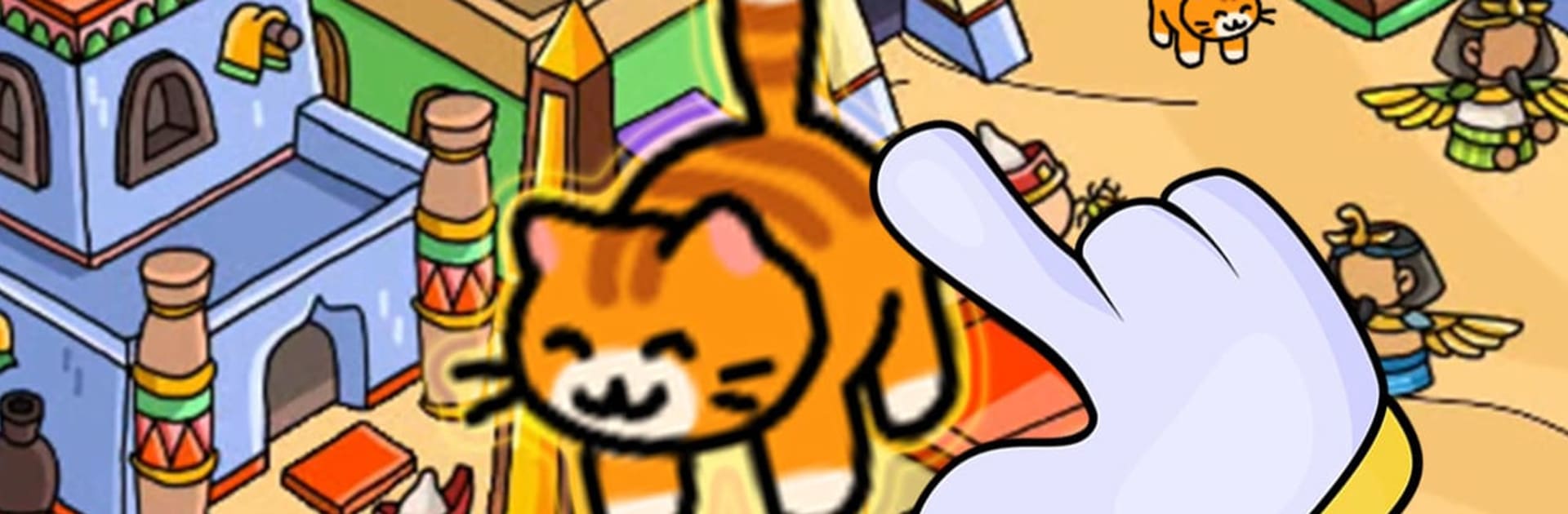
Triple Hunt – triple match! is a cheerful seek-and-find Puzzle from ENJOY GAMES where your eyes do the heavy lifting. Each scene is a tiny, bustling world packed with detail, and your job is to spot and collect three matching objects hiding in plain sight. Prefer a bigger view? It also runs smoothly on BlueStacks.

Game Features

  • Triple-match hunting: Find sets of three identical items tucked into busy scenes—simple to learn, surprisingly tricky to master.
  • Lively, story-filled scenes: Wander through colorful locations—from buzzing streets to whimsical forests—sprinkled with quirky characters and little visual jokes.
  • Tap-and-collect controls: See it, tap it, stash it. Not every object is part of a set, so double-check before you grab the wrong thing.
  • Smart hint system: Stuck on that last match? Use a gentle nudge to point you in the right direction without spoiling the whole search.
  • Challenge that grows: Levels add more clutter, clever hiding spots, and trickier angles, keeping your eyes and brain on their toes.
  • New maps to unlock: Clear stages to open fresh areas, each with its own layout, look, and trove of hidden objects to uncover.
  • Brain-boosting play: Sharpen focus, memory, and attention to detail while chasing that oh-yes moment when the third match clicks.
  • Play your way: Great for quick sessions or longer hunts—pick up where you left off and keep the streak going.

Make your gaming sessions memorable with precise controls that give you an edge in close combats and visuals that pop up, bringing every character to life.


Game Features

Enhancements

  • Macros
  • Multi Instance
  • Multi Instance Sync
  • Script
  • Enhancements
Macros

Macros

Automate the predictable in Triple Hunt - triple match! and transform your gameplay with Macros. Get access to inventive Macros in the BlueStacks Macro Community
Multi Instance

Multi Instance

Play Triple Hunt - triple match! on one window. And chat with your friend on the other. Press CTRL + Shift + 8 to open the Multi-Instance Manager. And start creating fresh instances or clone an existing one.
Multi Instance Sync

Multi Instance Sync

Play Triple Hunt - triple match! with the power of Multi-Instance Sync. Replicate what you are doing on the main instance on all other instances. Level up faster, play more.
Script

Script

Script your way to gaming glory in Triple Hunt - triple match! with BlueStacks Script. Write and run a set of commands to automate repeated tasks. Trigger the command by assigning it to any key.
Read More

How to Download and Play Triple Hunt - triple match! on PC or Mac

  • Download and install BlueStacks on your PC or Mac

  • Complete Google sign-in to access the Play Store, or do it later

  • Look for Triple Hunt - triple match! in the search bar at the top right corner

  • Click to install Triple Hunt - triple match! from the search results

  • Complete Google sign-in (if you skipped step 2) to install Triple Hunt - triple match!

  • Click the Triple Hunt - triple match! icon on the home screen to start playing

video
Watch Video

Minimum System Requirements

With BlueStacks 5, you can get started on a PC that fulfills the following requirements.

  • Operating System

    Microsoft Windows 7 or above, macOS 11 (Big Sur) or above

  • Processor

    Intel, AMD or Apple Silicon Processor

  • RAM

    at least 4GB

  • HDD

    10GB Free Disk Space

Note:

* You must be an Administrator on your PC. Up to date graphics drivers from Microsoft or the chipset vendor.

Triple Hunt - triple match! - FAQs

  • How to play Triple Hunt - triple match! on Windows PC & Mac?

    Play Triple Hunt - triple match! on your PC or Mac by following these simple steps.

    • Click on 'Play Triple Hunt - triple match! on PC’ to download BlueStacks
    • Install it and log-in to Google Play Store
    • Launch and play the game.
  • Why is BlueStacks the fastest and safest platform to play games on PC?

    BlueStacks respects your privacy and is always safe and secure to use. It does not carry any malware, spyware, or any sort of additional software that could harm your PC.

    It is engineered to optimize speed and performance for a seamless gaming experience.

  • What are Triple Hunt - triple match! PC requirements?

    Minimum requirement to run Triple Hunt - triple match! on your PC

    • OS: Microsoft Windows 7 or above MacOS 11 (Big Sur) or above
    • Processor: Intel, AMD or Apple Silicon Processor
    • RAM: Your PC must have at least 4GB of RAM. (Note that having 4GB or more disk space is not a substitute for RAM)
    • HDD: 10GB Free Disk Space.
    • You must be an Administrator on your PC.