City Bike Racer: Traffic Rush

City Bike Racer: Traffic Rush

Racing

| KingSpeed Game

Play on PC with BlueStacks or from our cloud

  • Overview
  • Game Features
  • How to Play

Page Modified On: July 27, 2026

Play City Bike Racer: Traffic Rush on PC or Mac

City Bike Racer: Traffic Rush by KingSpeed Game has plenty to keep you busy. BlueStacks lets you play it on PC or Mac with more screen space, better control, and fewer mobile limits.

About the Game

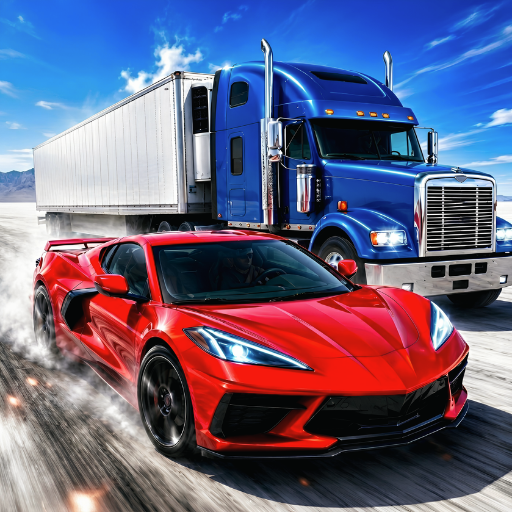
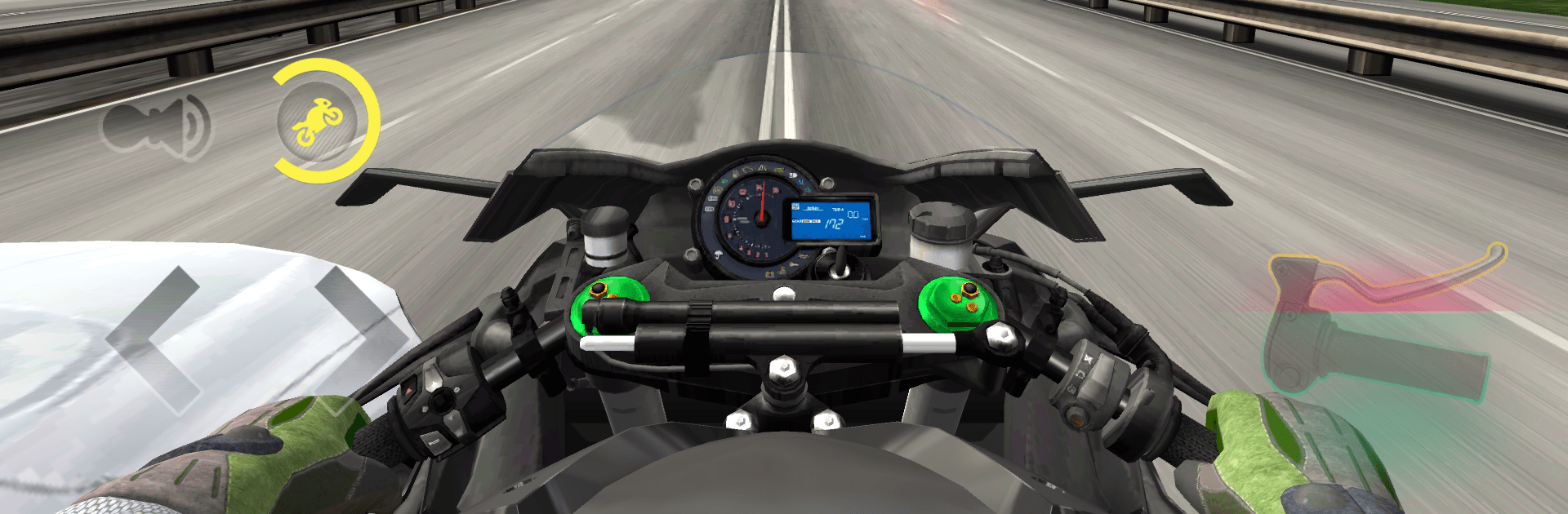
City Bike Racer: Traffic Rush throws you onto a nimble street bike and sets you loose in fast, crowded city lanes. It’s a pure Racing rush built around quick reactions, tight spacing, and that “one more run” feeling when you thread a gap by inches. Want more screen real estate and comfy controls? It also runs smoothly on BlueStacks.

Game Features

  • City Traffic Thrills: Slip through buses, taxis, and vans as you carve your own line across busy avenues and highways.
  • Responsive Handling: Intuitive tilt or touch steering with sharp braking lets you make split-second moves without fighting the controls.
  • Garage of Bikes: Unlock a lineup of motorcycles with distinct stats, tune their performance, and tweak colors to match your style.
  • Skill-Based Scoring: Clean passes, near misses, and gutsy streaks rack up bigger numbers—precision really pays off.
  • Modes for Any Mood: Chase goals in Career, keep rolling in Endless, beat the clock in Time Trial, or cruise stress-free in Free Ride.
  • One-Way or Two-Way: Pick a calmer single-direction flow or brace for oncoming traffic when you want extra heat.
  • Lively Cityscapes: Race across bright, detailed streets and highways that feel busy and alive from start to finish.
  • Engine Audio You Feel: Hear every rev, whoosh, and close shave, adding a satisfying sense of speed to each sprint.
  • Quick-Session Friendly: Perfect for short bursts or long marathons—jump in, make a run, and you’re back at it in seconds.
  • Smooth Performance: Clean visuals and stable framerates keep the focus on reflexes and rhythm, not stutters or slowdowns.
  • Optional BlueStacks Play: Prefer bigger visuals and flexible inputs? City Bike Racer: Traffic Rush plays great on BlueStacks without getting in your way.

BlueStacks gives you more room to focus on the game and less time adjusting around mobile limitations.


Game Features

Enhancements

  • Macros
  • Multi Instance
  • Multi Instance Sync
  • Script
  • Enhancements
Macros

Macros

Automate the predictable in City Bike Racer: Traffic Rush and transform your gameplay with Macros. Get access to inventive Macros in the BlueStacks Macro Community
Multi Instance

Multi Instance

Play City Bike Racer: Traffic Rush on one window. And chat with your friend on the other. Press CTRL + Shift + 8 to open the Multi-Instance Manager. And start creating fresh instances or clone an existing one.
Multi Instance Sync

Multi Instance Sync

Play City Bike Racer: Traffic Rush with the power of Multi-Instance Sync. Replicate what you are doing on the main instance on all other instances. Level up faster, play more.
Script

Script

Script your way to gaming glory in City Bike Racer: Traffic Rush with BlueStacks Script. Write and run a set of commands to automate repeated tasks. Trigger the command by assigning it to any key.
Read More

How to Download and Play City Bike Racer: Traffic Rush on PC or Mac

  • Download and install BlueStacks on your PC or Mac

  • Complete Google sign-in to access the Play Store, or do it later

  • Look for City Bike Racer: Traffic Rush in the search bar at the top right corner

  • Click to install City Bike Racer: Traffic Rush from the search results

  • Complete Google sign-in (if you skipped step 2) to install City Bike Racer: Traffic Rush

  • Click the City Bike Racer: Traffic Rush icon on the home screen to start playing

video
Watch Video

Minimum System Requirements

With BlueStacks 5, you can get started on a PC that fulfills the following requirements.

  • Operating System

    Microsoft Windows 7 or above, macOS 11 (Big Sur) or above

  • Processor

    Intel, AMD or Apple Silicon Processor

  • RAM

    at least 4GB

  • HDD

    10GB Free Disk Space

Note:

* You must be an Administrator on your PC. Up to date graphics drivers from Microsoft or the chipset vendor.

City Bike Racer: Traffic Rush - FAQs

  • How to play City Bike Racer: Traffic Rush on Windows PC & Mac?

    Play City Bike Racer: Traffic Rush on your PC or Mac by following these simple steps.

    • Click on 'Play City Bike Racer: Traffic Rush on PC’ to download BlueStacks
    • Install it and log-in to Google Play Store
    • Launch and play the game.
  • Why is BlueStacks the fastest and safest platform to play games on PC?

    BlueStacks respects your privacy and is always safe and secure to use. It does not carry any malware, spyware, or any sort of additional software that could harm your PC.

    It is engineered to optimize speed and performance for a seamless gaming experience.

  • What are City Bike Racer: Traffic Rush PC requirements?

    Minimum requirement to run City Bike Racer: Traffic Rush on your PC

    • OS: Microsoft Windows 7 or above MacOS 11 (Big Sur) or above
    • Processor: Intel, AMD or Apple Silicon Processor
    • RAM: Your PC must have at least 4GB of RAM. (Note that having 4GB or more disk space is not a substitute for RAM)
    • HDD: 10GB Free Disk Space.
    • You must be an Administrator on your PC.