Max Fire Battle Royale

Max Fire Battle Royale

Role Playing

| Boom Games LLC

Play on PC with BlueStacks or from our cloud

  • Overview
  • Game Features
  • How to Play

Page Modified On: September 25, 2026

Play Max Fire Battle Royale on PC or Mac

Play Max Fire Battle Royale by Boom Games LLC on PC or Mac with BlueStacks. Use a bigger screen, mouse and keyboard controls, and smoother performance while you play.

About the Game

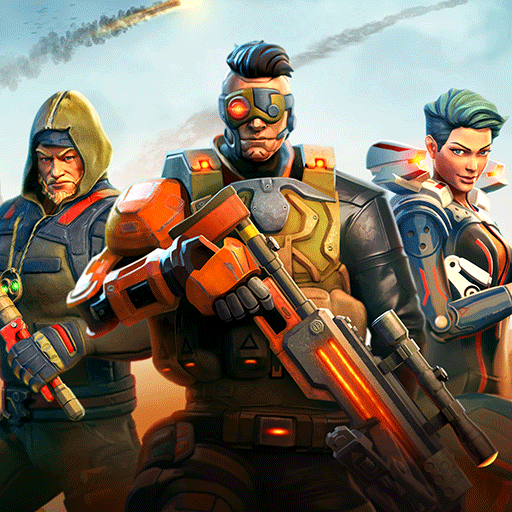
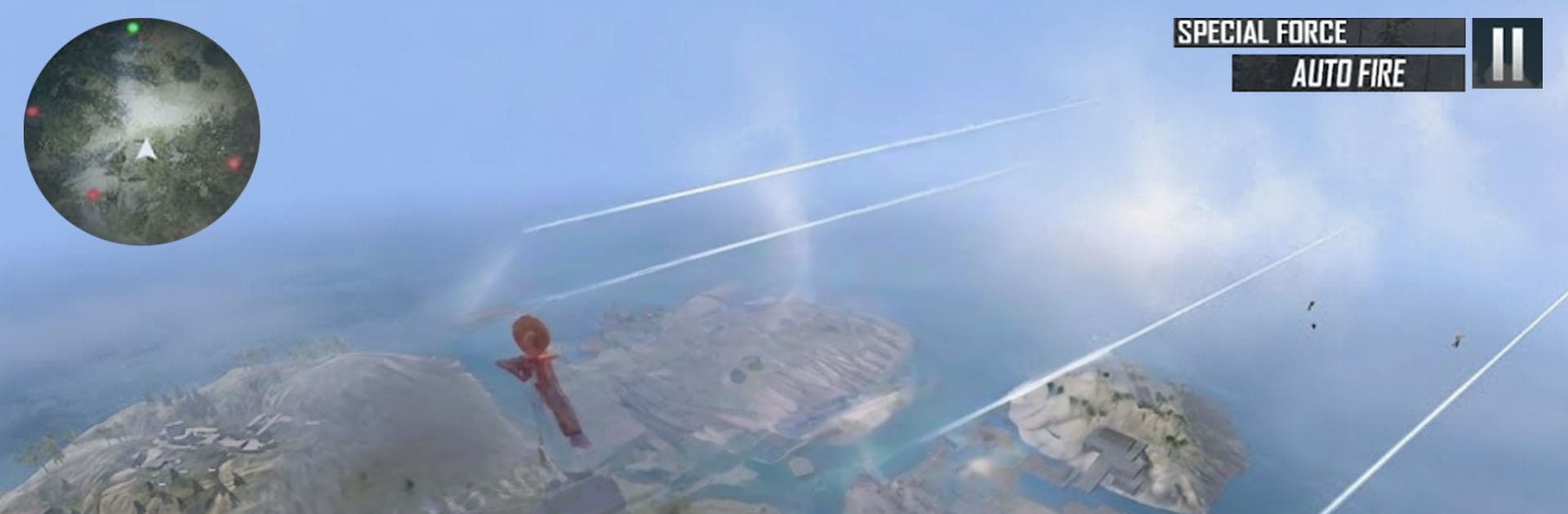
Max Fire Battle Royale drops you onto a sprawling battleground with one clear goal: outlast everyone else. Expect quick looting, sharp gunfights, and that steady push toward the safe zone as the arena tightens. It’s a fast, gritty Role Playing take on survival combat—and if you like a bigger view, it runs great on BlueStacks.

Game Features

  • Smart drop choices: Pick a hot zone for instant action or a quiet corner to gear up—your landing spot sets the tone for the entire match.
  • Big, varied battlegrounds: Move through open fields, tight alleys, and high ground as you read the terrain and use cover to outthink enemies.
  • Arsenal that fits your style: Find rifles, close-range blasters, and handy throwables, then mix armor and meds to handle any fight that comes your way.
  • Clean, responsive controls: Snappy movement and smooth aiming keep every skirmish readable, while punchy effects make each shot feel impactful.
  • Survival with strategy: Rotate early, watch the circle, third‑party noisy firefights, and pick only the battles that actually move you closer to the final zone.
  • Loot that matters: Scavenge fast, upgrade wisely, and balance your kit so you’re ready for long sightlines, building pushes, or last‑second scrambles.
  • Constantly shifting matches: Changing circles, different loot paths, and unpredictable opponents make every round feel fresh and a little bit tense.
  • Ranks and clutch finishes: Win close duels, survive longer, and climb the ladder—those nail‑biter endgames are where legends are made.

Get ready for a buttery smooth, high-performance gaming action only on BlueStacks.

Game Features

Enhancements

  • Macros
  • Rerolling
  • Eco Mode
  • Multi Instance Sync
  • Enhancements
Macros

Macros

Focus more on the fun part of the game, skip the tedious aspects. Master Max Fire Battle Royale with Macros. Record yourself completing the monotonous tasks you wish to automate and replay them later with just one keypress.
Rerolling

Rerolling

Speed up the rerolling process in Max Fire Battle Royale. Perform multiple summons and keep looking for the best Heroes. Use Multi-Instance sync to replicate the rerolling mechanism in all instances.
Eco Mode

Eco Mode

Farm in-game resources with ease in Max Fire Battle Royale. Enable the Eco Mode when running the game in multiple instances. And lower your PC's resource consumption.
Multi Instance Sync

Multi Instance Sync

With the Multi-instance Sync, you can do even more in Max Fire Battle Royale. Sync the action of the main instance and repeat them in real time for all other instances. Sync and sit back, let the game progress unfold.
Read More

How to Download and Play Max Fire Battle Royale on PC or Mac

  • Download and install BlueStacks on your PC or Mac

  • Complete Google sign-in to access the Play Store, or do it later

  • Look for Max Fire Battle Royale in the search bar at the top right corner

  • Click to install Max Fire Battle Royale from the search results

  • Complete Google sign-in (if you skipped step 2) to install Max Fire Battle Royale

  • Click the Max Fire Battle Royale icon on the home screen to start playing

video
Watch Video

Minimum System Requirements

With BlueStacks 5, you can get started on a PC that fulfills the following requirements.

  • Operating System

    Microsoft Windows 7 or above, macOS 11 (Big Sur) or above

  • Processor

    Intel, AMD or Apple Silicon Processor

  • RAM

    at least 4GB

  • HDD

    10GB Free Disk Space

Note:

* You must be an Administrator on your PC. Up to date graphics drivers from Microsoft or the chipset vendor.

Max Fire Battle Royale - FAQs

  • How to play Max Fire Battle Royale on Windows PC & Mac?

    Play Max Fire Battle Royale on your PC or Mac by following these simple steps.

    • Click on 'Play Max Fire Battle Royale on PC’ to download BlueStacks
    • Install it and log-in to Google Play Store
    • Launch and play the game.
  • Why is BlueStacks the fastest and safest platform to play games on PC?

    BlueStacks respects your privacy and is always safe and secure to use. It does not carry any malware, spyware, or any sort of additional software that could harm your PC.

    It is engineered to optimize speed and performance for a seamless gaming experience.

  • What are Max Fire Battle Royale PC requirements?

    Minimum requirement to run Max Fire Battle Royale on your PC

    • OS: Microsoft Windows 7 or above MacOS 11 (Big Sur) or above
    • Processor: Intel, AMD or Apple Silicon Processor
    • RAM: Your PC must have at least 4GB of RAM. (Note that having 4GB or more disk space is not a substitute for RAM)
    • HDD: 10GB Free Disk Space.
    • You must be an Administrator on your PC.