MiniHeroes : War of Potatoes

MiniHeroes : War of Potatoes

Role Playing

| Moblion Ltd

Play on PC with BlueStacks or from our cloud

  • Overview
  • Game Features
  • How to Play

Page Modified On: December 22, 2025

Play MiniHeroes : War of Potatoes on PC or Mac

From the innovators and creators at Moblion Ltd, MiniHeroes : War of Potatoes is another fun addition to the World of Role Playing games. Go beyond your mobile screen and play it bigger and better on your PC or Mac. An immersive experience awaits you.

About the Game

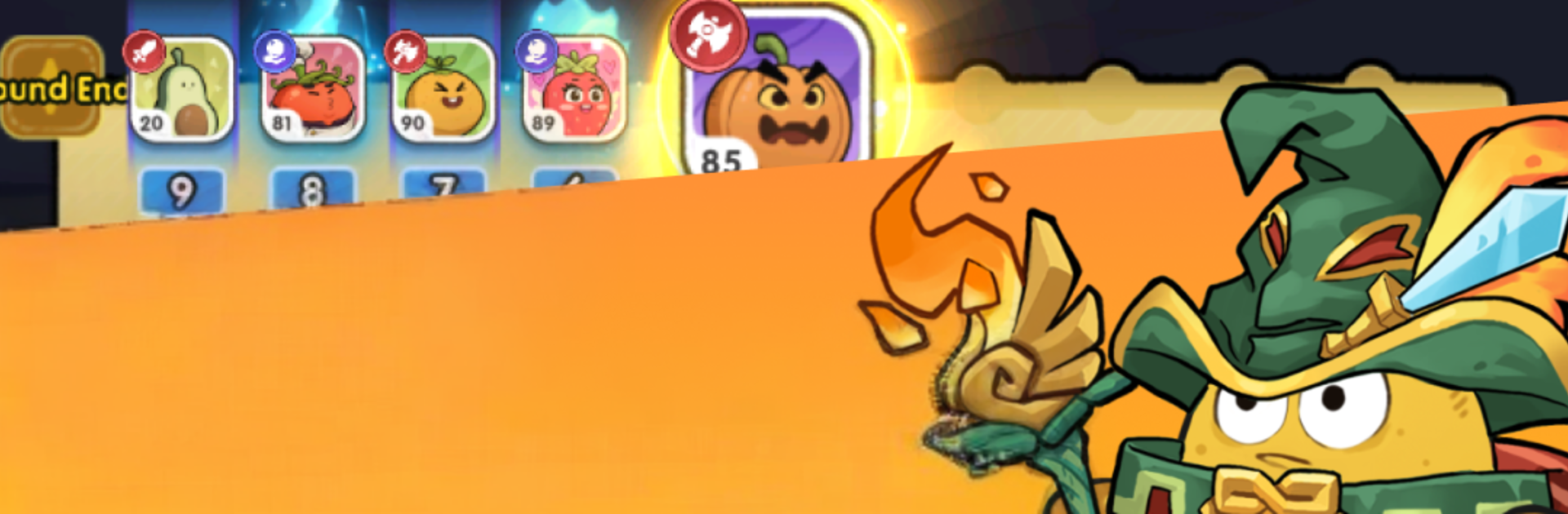
MiniHeroes : War of Potatoes is a Role Playing romp from Moblion Ltd where pint-sized spuds pick fights way above their weight class. Build a hero, chase rare loot, and carve your path through dungeons, events, and chaotic PvP with more depth than you’d expect from potato people. Want a bigger view of the action? It plays nicely on BlueStacks.

Game Features

  • Build Your Hero: Pick from multiple classes and grow stronger with rare gear, powerful artifacts, and even flashy wings. The progression curve is chunky and satisfying.
  • Set It and Let It Cook: Auto-hunt handles the grind as you battle everyday creeps, rare monsters, and wanted criminals. Offline progress means you’re still earning when you’re away.
  • Combat With Personality: Tune your playstyle using six combat focuses—Lifesteal, Crit, Dodge, Stun, Counter, and Combo. Mix them for bursty damage, slippery defense, or crowd control.
  • Solo Runs or Party Raids: Tackle dungeons on your own or jump into 5-player challenges. Teams that coordinate their builds see the biggest payoffs.
  • Social Systems That Stick: Form or join a guild, take part in guild wars, and even tie the knot with in-game marriage features for neat bonuses and shared goals.
  • Style, Trade, Thrive: Unlock life skills, craft and trade on the marketplace, and collect exclusive costumes. Look sharp while you rake in profits.
  • Events With Real Stakes: Fight for territory in PvP conquest, then hop into daily activities for unique rewards. There’s always something worth logging in for.
  • Potato Humor, Serious RPG Depth: It’s cheeky on the surface, but the build crafting, gear chase, and group content keep the meta rolling for the long haul.

Get ready for a buttery smooth, high-performance gaming action only on BlueStacks.

Game Features

Enhancements

  • Macros
  • Rerolling
  • Eco Mode
  • Multi Instance Sync
  • Enhancements
Macros

Macros

Focus more on the fun part of the game, skip the tedious aspects. Master MiniHeroes : War of Potatoes with Macros. Record yourself completing the monotonous tasks you wish to automate and replay them later with just one keypress.
Rerolling

Rerolling

Speed up the rerolling process in MiniHeroes : War of Potatoes. Perform multiple summons and keep looking for the best Heroes. Use Multi-Instance sync to replicate the rerolling mechanism in all instances.
Eco Mode

Eco Mode

Farm in-game resources with ease in MiniHeroes : War of Potatoes. Enable the Eco Mode when running the game in multiple instances. And lower your PC's resource consumption.
Multi Instance Sync

Multi Instance Sync

With the Multi-instance Sync, you can do even more in MiniHeroes : War of Potatoes. Sync the action of the main instance and repeat them in real time for all other instances. Sync and sit back, let the game progress unfold.
Read More

How to Download and Play MiniHeroes : War of Potatoes on PC or Mac

  • Download and install BlueStacks on your PC or Mac

  • Complete Google sign-in to access the Play Store, or do it later

  • Look for MiniHeroes : War of Potatoes in the search bar at the top right corner

  • Click to install MiniHeroes : War of Potatoes from the search results

  • Complete Google sign-in (if you skipped step 2) to install MiniHeroes : War of Potatoes

  • Click the MiniHeroes : War of Potatoes icon on the home screen to start playing

video
Watch Video

Minimum System Requirements

With BlueStacks 5, you can get started on a PC that fulfills the following requirements.

  • Operating System

    Microsoft Windows 7 or above, macOS 11 (Big Sur) or above

  • Processor

    Intel, AMD or Apple Silicon Processor

  • RAM

    at least 4GB

  • HDD

    10GB Free Disk Space

Note:

* You must be an Administrator on your PC. Up to date graphics drivers from Microsoft or the chipset vendor.

MiniHeroes : War of Potatoes - FAQs

  • How to play MiniHeroes : War of Potatoes on Windows PC & Mac?

    Play MiniHeroes : War of Potatoes on your PC or Mac by following these simple steps.

    • Click on 'Play MiniHeroes : War of Potatoes on PC’ to download BlueStacks
    • Install it and log-in to Google Play Store
    • Launch and play the game.
  • Why is BlueStacks the fastest and safest platform to play games on PC?

    BlueStacks respects your privacy and is always safe and secure to use. It does not carry any malware, spyware, or any sort of additional software that could harm your PC.

    It is engineered to optimize speed and performance for a seamless gaming experience.

  • What are MiniHeroes : War of Potatoes PC requirements?

    Minimum requirement to run MiniHeroes : War of Potatoes on your PC

    • OS: Microsoft Windows 7 or above MacOS 11 (Big Sur) or above
    • Processor: Intel, AMD or Apple Silicon Processor
    • RAM: Your PC must have at least 4GB of RAM. (Note that having 4GB or more disk space is not a substitute for RAM)
    • HDD: 10GB Free Disk Space.
    • You must be an Administrator on your PC.