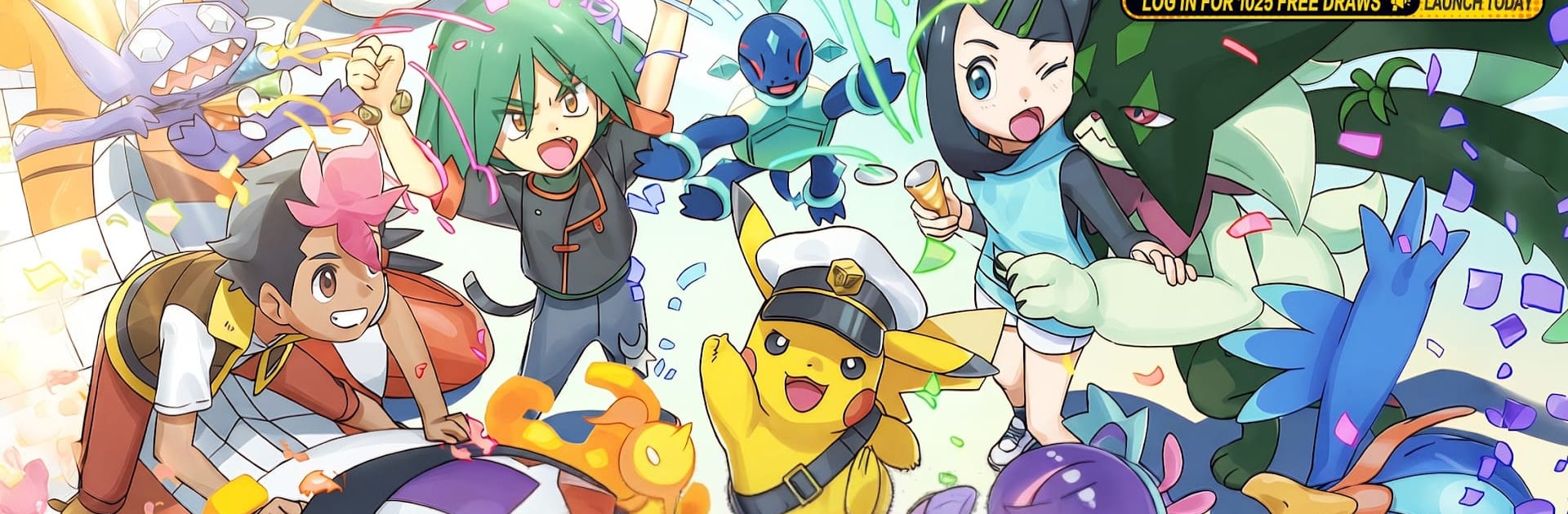
Pocket Monster: Swords

Pocket Monster: Swords

Role Playing

| Lapak Air Official

Play on PC with BlueStacks or from our cloud

  • Overview
  • Game Features
  • How to Play

Page Modified On: April 13, 2026

Play Pocket Monster: Swords on PC or Mac

Step into the World of Pocket Monster: Swords, a thrilling Role Playing game from the house of Lapak Air Official. Play this Android game on BlueStacks App Player and experience immersive gaming on PC or Mac.

About the Game

Pocket Monster: Swords is a Role Playing adventure from Lapak Air Official that’s all about teaming up with magical creatures and earning their trust. You start small—one partner, a big map, and a lot of curious mysteries—but the journey quickly turns into a rich mix of exploration, strategy, and friendship. Prefer a bigger screen and keyboard? It works smoothly on BlueStacks too.

Game Features

  • Make Friends, Not Prisoners: Build real bonds with Wildlings through gifts, friendly sparring, and patience. Each one has a personality—proud, playful, nosy—and the stronger your connection, the stronger they fight alongside you.

  • Tactical Turn-Based Combat: Form a squad of up to six and think a step ahead. Elements play off each other in a clean rock-paper-scissors flow, you can chain skills for flashy combos, and the field—weather, height, terrain—can change everything.

  • A World That Breathes: Wander across sunny plains, frozen ridges, and rumbling volcano paths. Day/night cycles and shifting weather affect who shows up, while hidden grottos, ancient ruins, and rideable companions keep exploration lively.

  • Grow Together: Travel, train, and watch your bond levels climb. Unlock new abilities and cosmetic looks, trigger a dramatic Awakening at peak trust, and use Mentorship to teach niche techniques at training camps.

  • Modes for Every Mood: Follow the story across eight chapters, take on towering Guardians in Grand Trials, jump into the Online Arena to test your team, and check out rotating seasonal events with rare companions to meet.

  • Bold Look, Big Sound: Hand-crafted 2D/3D art with an anime vibe, an original score that actually sticks with you, and fully voiced cutscenes for those key, goosebump moments.

Start your journey now. Download the game on BlueStacks, invite your friends, and march on a new adventure.


Game Features

Enhancements

  • Macros
  • Rerolling
  • Eco Mode
  • Multi Instance Sync
  • Enhancements
Macros

Macros

Focus more on the fun part of the game, skip the tedious aspects. Master Pocket Monster: Swords with Macros. Record yourself completing the monotonous tasks you wish to automate and replay them later with just one keypress.
Rerolling

Rerolling

Speed up the rerolling process in Pocket Monster: Swords. Perform multiple summons and keep looking for the best Heroes. Use Multi-Instance sync to replicate the rerolling mechanism in all instances.
Eco Mode

Eco Mode

Farm in-game resources with ease in Pocket Monster: Swords. Enable the Eco Mode when running the game in multiple instances. And lower your PC's resource consumption.
Multi Instance Sync

Multi Instance Sync

With the Multi-instance Sync, you can do even more in Pocket Monster: Swords. Sync the action of the main instance and repeat them in real time for all other instances. Sync and sit back, let the game progress unfold.
Read More

How to Download and Play Pocket Monster: Swords on PC or Mac

  • Download and install BlueStacks on your PC or Mac

  • Complete Google sign-in to access the Play Store, or do it later

  • Look for Pocket Monster: Swords in the search bar at the top right corner

  • Click to install Pocket Monster: Swords from the search results

  • Complete Google sign-in (if you skipped step 2) to install Pocket Monster: Swords

  • Click the Pocket Monster: Swords icon on the home screen to start playing

video
Watch Video

Minimum System Requirements

With BlueStacks 5, you can get started on a PC that fulfills the following requirements.

  • Operating System

    Microsoft Windows 7 or above, macOS 11 (Big Sur) or above

  • Processor

    Intel, AMD or Apple Silicon Processor

  • RAM

    at least 4GB

  • HDD

    10GB Free Disk Space

Note:

* You must be an Administrator on your PC. Up to date graphics drivers from Microsoft or the chipset vendor.

Pocket Monster: Swords - FAQs

  • How to play Pocket Monster: Swords on Windows PC & Mac?

    Play Pocket Monster: Swords on your PC or Mac by following these simple steps.

    • Click on 'Play Pocket Monster: Swords on PC’ to download BlueStacks
    • Install it and log-in to Google Play Store
    • Launch and play the game.
  • Why is BlueStacks the fastest and safest platform to play games on PC?

    BlueStacks respects your privacy and is always safe and secure to use. It does not carry any malware, spyware, or any sort of additional software that could harm your PC.

    It is engineered to optimize speed and performance for a seamless gaming experience.

  • What are Pocket Monster: Swords PC requirements?

    Minimum requirement to run Pocket Monster: Swords on your PC

    • OS: Microsoft Windows 7 or above MacOS 11 (Big Sur) or above
    • Processor: Intel, AMD or Apple Silicon Processor
    • RAM: Your PC must have at least 4GB of RAM. (Note that having 4GB or more disk space is not a substitute for RAM)
    • HDD: 10GB Free Disk Space.
    • You must be an Administrator on your PC.