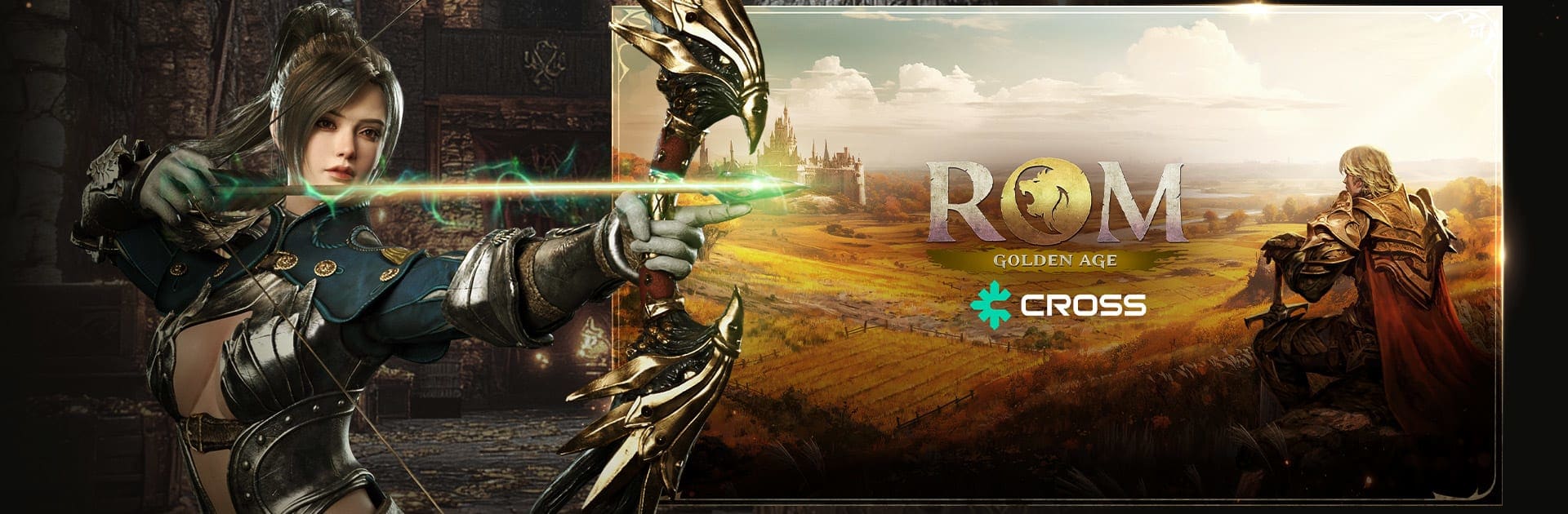
ROM: Golden Age on CROSS

ROM: Golden Age on CROSS

Role Playing

| Redlab Games

Play on PC with BlueStacks or from our cloud

  • Overview
  • Game Features
  • How to Play

Page Modified On: January 06, 2026

Play ROM: Golden Age on CROSS on PC or Mac

From the innovators and creators at Redlab Games, ROM: Golden Age on CROSS is another fun addition to the World of Role Playing games. Go beyond your mobile screen and play it bigger and better on your PC or Mac. An immersive experience awaits you.

ROM: Golden Age on CROSS feels like a throwback MMO with modern tricks. It sets players loose on Calderas, a big world split into six continents, and the story keeps moving them from region to region, but the heart of it is war. Not small skirmishes, either. Territory fights, castle sieges, and this huge War of Monarchs mode keep the map in motion, with alliances and grudges that actually matter. Everyone plays on the same global build, and the auto translation in chat means raids can pull people from every time zone, which gives the whole thing a noisy, living feel.

Progress is steady and grindy in a good way. Gear and stats sit at the center, then costumes, guardians, collections, and engraving stack on top for extra depth. It rewards players who plan builds, not just press buttons. The economy is busy too, with item sealing and cross world auction houses, so trading can feel like its own game. The shop tries to stay sensible, with class costumes and guardians tied to in-game currency, which takes the edge off pay pressure. Combat is classic tab-target style with big skill rotations, and it gets hectic in mass fights. Playing on PC through BlueStacks makes those big battles easier to manage, since quick keybinds and mouse control smooth out the clunky parts. For anyone who likes politics, long grinds, late raids, and that old guild-first mindset, this one lands right on target.

Ready to top the leaderboard? We bet you do. Let precise controls and sharp visuals optimized on BlueStacks lead you to victory.


Game Features

Enhancements

  • Macros
  • Rerolling
  • Eco Mode
  • Multi Instance Sync
  • Enhancements
Macros

Macros

Focus more on the fun part of the game, skip the tedious aspects. Master ROM: Golden Age on CROSS with Macros. Record yourself completing the monotonous tasks you wish to automate and replay them later with just one keypress.
Rerolling

Rerolling

Speed up the rerolling process in ROM: Golden Age on CROSS. Perform multiple summons and keep looking for the best Heroes. Use Multi-Instance sync to replicate the rerolling mechanism in all instances.
Eco Mode

Eco Mode

Farm in-game resources with ease in ROM: Golden Age on CROSS. Enable the Eco Mode when running the game in multiple instances. And lower your PC's resource consumption.
Multi Instance Sync

Multi Instance Sync

With the Multi-instance Sync, you can do even more in ROM: Golden Age on CROSS. Sync the action of the main instance and repeat them in real time for all other instances. Sync and sit back, let the game progress unfold.
Read More

How to Download and Play ROM: Golden Age on CROSS on PC or Mac

  • Download and install BlueStacks on your PC or Mac

  • Complete Google sign-in to access the Play Store, or do it later

  • Look for ROM: Golden Age on CROSS in the search bar at the top right corner

  • Click to install ROM: Golden Age on CROSS from the search results

  • Complete Google sign-in (if you skipped step 2) to install ROM: Golden Age on CROSS

  • Click the ROM: Golden Age on CROSS icon on the home screen to start playing

video
Watch Video

Minimum System Requirements

With BlueStacks 5, you can get started on a PC that fulfills the following requirements.

  • Operating System

    Microsoft Windows 7 or above, macOS 11 (Big Sur) or above

  • Processor

    Intel, AMD or Apple Silicon Processor

  • RAM

    at least 4GB

  • HDD

    10GB Free Disk Space

Note:

* You must be an Administrator on your PC. Up to date graphics drivers from Microsoft or the chipset vendor.

ROM: Golden Age on CROSS - FAQs

  • How to play ROM: Golden Age on CROSS on Windows PC & Mac?

    Play ROM: Golden Age on CROSS on your PC or Mac by following these simple steps.

    • Click on 'Play ROM: Golden Age on CROSS on PC’ to download BlueStacks
    • Install it and log-in to Google Play Store
    • Launch and play the game.
  • Why is BlueStacks the fastest and safest platform to play games on PC?

    BlueStacks respects your privacy and is always safe and secure to use. It does not carry any malware, spyware, or any sort of additional software that could harm your PC.

    It is engineered to optimize speed and performance for a seamless gaming experience.

  • What are ROM: Golden Age on CROSS PC requirements?

    Minimum requirement to run ROM: Golden Age on CROSS on your PC

    • OS: Microsoft Windows 7 or above MacOS 11 (Big Sur) or above
    • Processor: Intel, AMD or Apple Silicon Processor
    • RAM: Your PC must have at least 4GB of RAM. (Note that having 4GB or more disk space is not a substitute for RAM)
    • HDD: 10GB Free Disk Space.
    • You must be an Administrator on your PC.