星影のミラージュ
星影のミラージュ

星影のミラージュ

Role Playing

| 星やどり

Play on PC with BlueStacks or from our cloud

  • Overview
  • Game Features
  • How to Play

Page Modified On: December 15, 2025

Play 星影のミラージュ on PC or Mac

Bring your A-game to 星影のミラージュ, the Role Playing game sensation from 星やどり. Give your gameplay the much-needed boost with precise game controls, high FPS graphics, and top-tier features on your PC or Mac with BlueStacks.

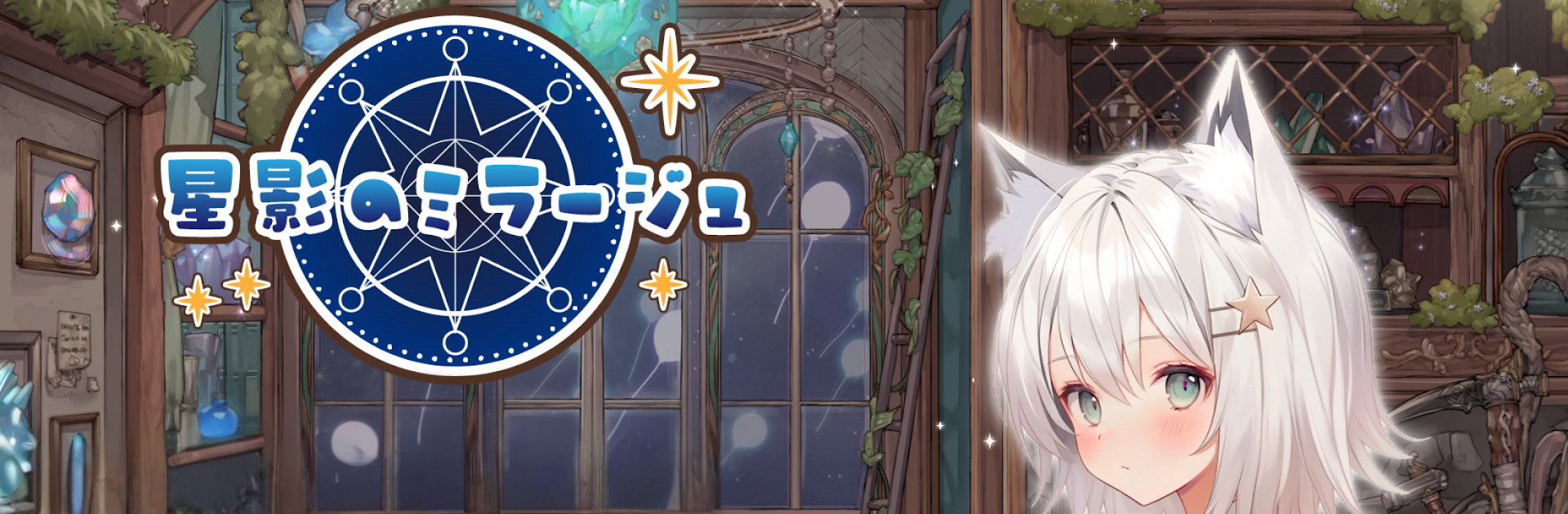
Star Shadow Mirage feels like a cozy fantasy that keeps a little secret tucked away. The hook is this neat star collecting system where the player traces constellations on the screen to scoop up stars, then turns those into coins and handy items for the journey. On a phone it feels tactile, and on PC with BlueStacks it becomes clean and quick with a mouse, almost like sketching, which makes the explore-and-collect loop strangely relaxing. The art is soft and colorful without being sugary, the music sits in the background in a calm way, and then the story starts hinting that something is off beneath the warm daily life, which nudges the curiosity forward without shouting about it.

Battles sit on the easy to learn side, but there is a deeper layer in how the party is built. Each character has clear strengths, some shine in straight combat, others help more with exploration or star gathering, so putting the right person in the right slot actually matters. There is an auto option when the player just wants to cruise, but timing skills by hand can clear quicker fights and bosses with a bit more style. Training characters is steady, using the materials and coins earned from those constellations, and the roster has a bunch of personalities that do not blur together. It is free to start with optional purchases, so progress feels paced rather than rushed. The whole thing plays like a quiet collect-and-adventure RPG that slowly opens up, with story beats that get a little heavier as clues pile up.

Start your journey now. Download the game on BlueStacks, invite your friends, and march on a new adventure.


Game Features

Enhancements

  • Macros
  • Rerolling
  • Eco Mode
  • Multi Instance Sync
  • Enhancements
Macros

Macros

Focus more on the fun part of the game, skip the tedious aspects. Master 星影のミラージュ with Macros. Record yourself completing the monotonous tasks you wish to automate and replay them later with just one keypress.
Rerolling

Rerolling

Speed up the rerolling process in 星影のミラージュ. Perform multiple summons and keep looking for the best Heroes. Use Multi-Instance sync to replicate the rerolling mechanism in all instances.
Eco Mode

Eco Mode

Farm in-game resources with ease in 星影のミラージュ. Enable the Eco Mode when running the game in multiple instances. And lower your PC's resource consumption.
Multi Instance Sync

Multi Instance Sync

With the Multi-instance Sync, you can do even more in 星影のミラージュ. Sync the action of the main instance and repeat them in real time for all other instances. Sync and sit back, let the game progress unfold.
Read More

How to Download and Play 星影のミラージュ on PC or Mac

  • Download and install BlueStacks on your PC or Mac

  • Complete Google sign-in to access the Play Store, or do it later

  • Look for 星影のミラージュ in the search bar at the top right corner

  • Click to install 星影のミラージュ from the search results

  • Complete Google sign-in (if you skipped step 2) to install 星影のミラージュ

  • Click the 星影のミラージュ icon on the home screen to start playing

video
Watch Video

Minimum System Requirements

With BlueStacks 5, you can get started on a PC that fulfills the following requirements.

  • Operating System

    Microsoft Windows 7 or above, macOS 11 (Big Sur) or above

  • Processor

    Intel, AMD or Apple Silicon Processor

  • RAM

    at least 4GB

  • HDD

    10GB Free Disk Space

Note:

* You must be an Administrator on your PC. Up to date graphics drivers from Microsoft or the chipset vendor.

星影のミラージュ - FAQs

  • How to play 星影のミラージュ on Windows PC & Mac?

    Play 星影のミラージュ on your PC or Mac by following these simple steps.

    • Click on 'Play 星影のミラージュ on PC’ to download BlueStacks
    • Install it and log-in to Google Play Store
    • Launch and play the game.
  • Why is BlueStacks the fastest and safest platform to play games on PC?

    BlueStacks respects your privacy and is always safe and secure to use. It does not carry any malware, spyware, or any sort of additional software that could harm your PC.

    It is engineered to optimize speed and performance for a seamless gaming experience.

  • What are 星影のミラージュ PC requirements?

    Minimum requirement to run 星影のミラージュ on your PC

    • OS: Microsoft Windows 7 or above MacOS 11 (Big Sur) or above
    • Processor: Intel, AMD or Apple Silicon Processor
    • RAM: Your PC must have at least 4GB of RAM. (Note that having 4GB or more disk space is not a substitute for RAM)
    • HDD: 10GB Free Disk Space.
    • You must be an Administrator on your PC.