Upside Down
Upside Down

Upside Down

Role Playing

| Lilyxgame

Play on PC with BlueStacks or from our cloud

  • Overview
  • Game Features
  • How to Play

Page Modified On: January 02, 2026

Play Upside Down on PC or Mac

Explore a whole new adventure with Upside Down, a Role Playing game created by Lilyxgame. Experience great gameplay with BlueStacks, the most popular gaming platform to play Android games on your PC or Mac.

About the Game

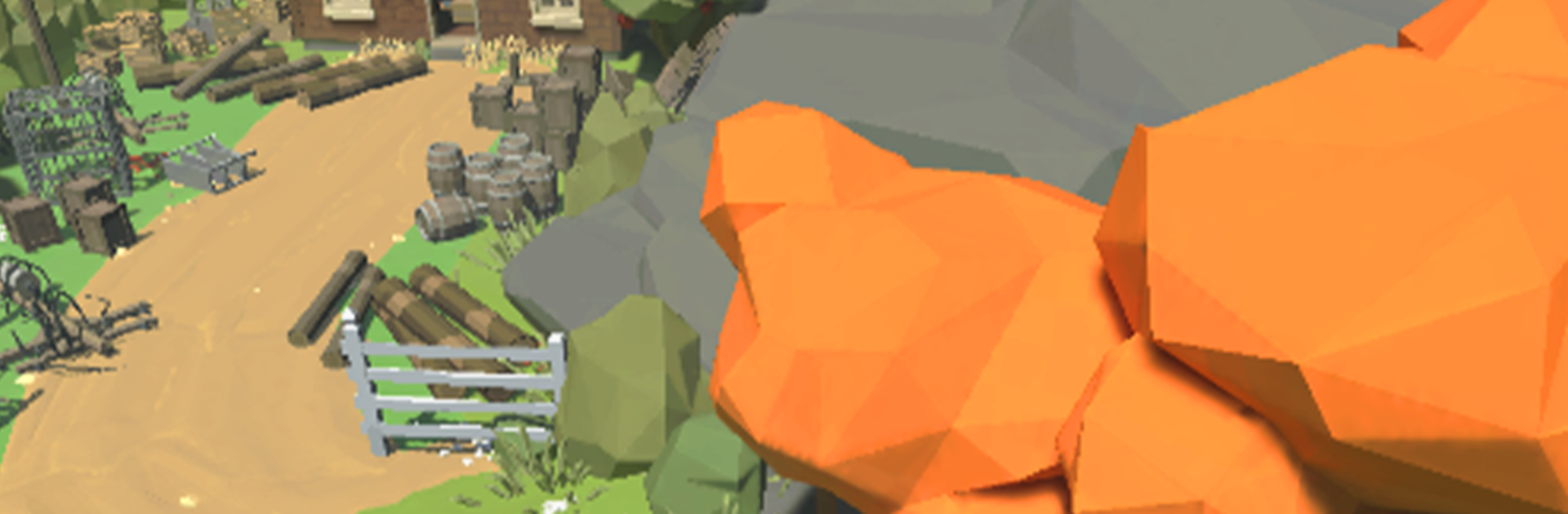
Upside Down is a tense, story-first Role Playing game from Lilyxgame about a quiet town rattled by a portal to a twisted mirror world. When Amy vanishes, Dustin grabs what he can and heads into that hostile dimension to bring her home. Expect exploration, scrappy gunfights, and a bit of planning as you pick your way through the unknown. Prefer keyboard and mouse? It plays smoothly on BlueStacks, too.

Game Features

  • Story-driven rescue: Follow Dustin’s search for Amy through sharp twists, close calls, and small, human moments that keep the stakes personal.
  • The other side, uncovered: Pick through eerie streets, humming tunnels, and flickering spaces while stitching together a fractured map to reveal shortcuts and hidden routes.
  • Punchy, reactive combat: Line up shots, stagger threats, and use the environment to control crowds as you fight your way toward the gate.
  • Break, gather, rebuild: Smash debris and containers to scavenge parts, then use them to restore paths, fix mechanisms, and keep moving.
  • Merge and upgrade gear: Combine duplicate items, tune stats, and swap attachments so your tools and weapons keep pace with tougher encounters.
  • Tools with purpose: Cut chains, clear barricades, and power dead systems—each tool clears a specific obstacle and opens new options.
  • Enemies that adapt: Face creatures with patterns that reward timing, positioning, and smart resource use rather than mindless rushing.
  • Built for flexible sessions: Jump in for a quick push or settle in for a longer stretch—your progress and loadout decisions always matter.

Start your journey now. Download the game on BlueStacks, invite your friends, and march on a new adventure.


Game Features

Enhancements

  • Macros
  • Rerolling
  • Eco Mode
  • Multi Instance Sync
  • Enhancements
Macros

Macros

Focus more on the fun part of the game, skip the tedious aspects. Master Upside Down with Macros. Record yourself completing the monotonous tasks you wish to automate and replay them later with just one keypress.
Rerolling

Rerolling

Speed up the rerolling process in Upside Down. Perform multiple summons and keep looking for the best Heroes. Use Multi-Instance sync to replicate the rerolling mechanism in all instances.
Eco Mode

Eco Mode

Farm in-game resources with ease in Upside Down. Enable the Eco Mode when running the game in multiple instances. And lower your PC's resource consumption.
Multi Instance Sync

Multi Instance Sync

With the Multi-instance Sync, you can do even more in Upside Down. Sync the action of the main instance and repeat them in real time for all other instances. Sync and sit back, let the game progress unfold.
Read More

How to Download and Play Upside Down on PC or Mac

  • Download and install BlueStacks on your PC or Mac

  • Complete Google sign-in to access the Play Store, or do it later

  • Look for Upside Down in the search bar at the top right corner

  • Click to install Upside Down from the search results

  • Complete Google sign-in (if you skipped step 2) to install Upside Down

  • Click the Upside Down icon on the home screen to start playing

video
Watch Video

Minimum System Requirements

With BlueStacks 5, you can get started on a PC that fulfills the following requirements.

  • Operating System

    Microsoft Windows 7 or above, macOS 11 (Big Sur) or above

  • Processor

    Intel, AMD or Apple Silicon Processor

  • RAM

    at least 4GB

  • HDD

    10GB Free Disk Space

Note:

* You must be an Administrator on your PC. Up to date graphics drivers from Microsoft or the chipset vendor.

Upside Down - FAQs

  • How to play Upside Down on Windows PC & Mac?

    Play Upside Down on your PC or Mac by following these simple steps.

    • Click on 'Play Upside Down on PC’ to download BlueStacks
    • Install it and log-in to Google Play Store
    • Launch and play the game.
  • Why is BlueStacks the fastest and safest platform to play games on PC?

    BlueStacks respects your privacy and is always safe and secure to use. It does not carry any malware, spyware, or any sort of additional software that could harm your PC.

    It is engineered to optimize speed and performance for a seamless gaming experience.

  • What are Upside Down PC requirements?

    Minimum requirement to run Upside Down on your PC

    • OS: Microsoft Windows 7 or above MacOS 11 (Big Sur) or above
    • Processor: Intel, AMD or Apple Silicon Processor
    • RAM: Your PC must have at least 4GB of RAM. (Note that having 4GB or more disk space is not a substitute for RAM)
    • HDD: 10GB Free Disk Space.
    • You must be an Administrator on your PC.