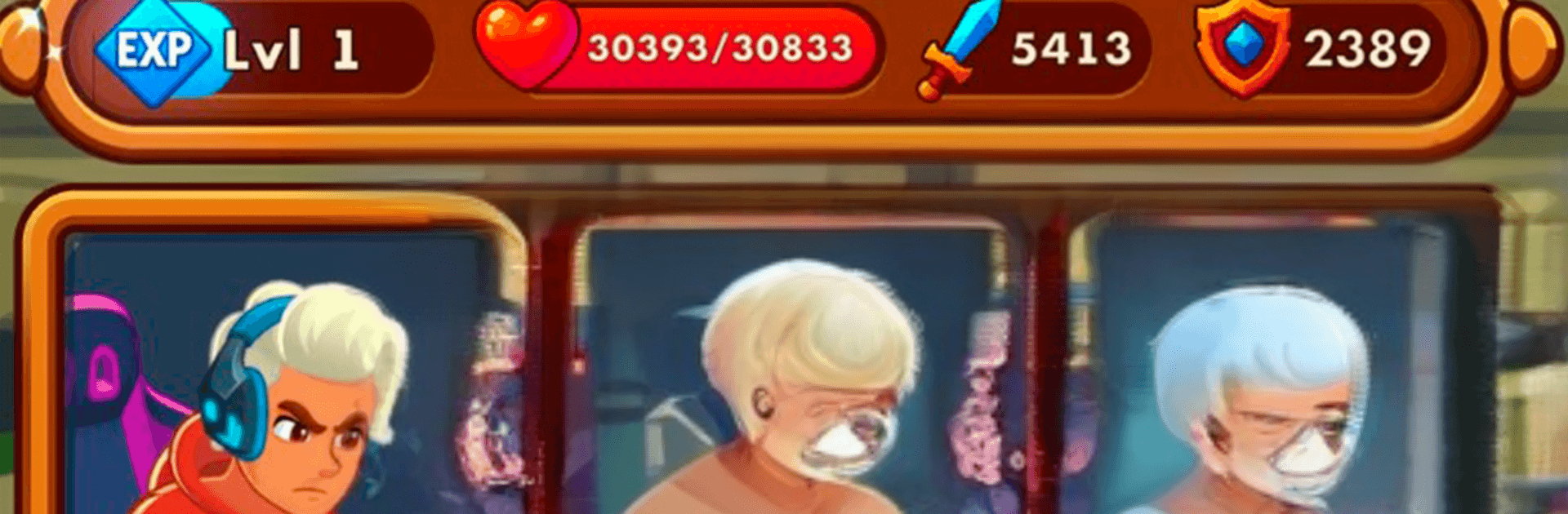
Be a Streamer: Stream Games

Be a Streamer: Stream Games

Simulation

| Imbax Games

Play on PC with BlueStacks or from our cloud

  • Overview
  • Game Features
  • How to Play

Page Modified On: June 17, 2026

Play Be a Streamer: Stream Games on PC or Mac

Play Be a Streamer: Stream Games by Imbax Games on PC or Mac with BlueStacks. Use a bigger screen, mouse and keyboard controls, and smoother performance while you play.

About the Game

Be a Streamer: Stream Games blends the thrill of going live with the rush of real gameplay. It’s a Simulation where you’re not just watching meters go up—you’re upgrading your rig, chatting with fans, and hopping into combat modes to earn hype and cash. Start with a humble setup, make smart choices, and watch your channel (and your skills) take off.

Game Features

  • From bedroom to studio – Begin with a basic PC and gradually upgrade your computer, camera, mic, and lighting to make your channel look pro.
  • Real gameplay on stream – Jump into action modes, fight monsters and bosses, and snag loot while your audience reacts in real time.
  • Two tracks of progression – Power up your hero with weapons, armor, and skills while also improving your streamer life with better gear and channel perks.
  • Audience energy – Get donations, likes, and nonstop chat messages as you build momentum and keep viewers hooked.
  • Events and challenges – Tackle special scenarios and trending challenges that mix up your schedule and boost visibility.
  • Rankings and rivalry – Climb leaderboards and outpace other streamers to prove you can handle pressure when the chat’s on fire.
  • Smart investing – Reinvest earnings to unlock new tools, features, and game modes that expand your content playbook.
  • Style and pace – Neon-soaked visuals and snappy sessions make it easy to grind a little—or a lot—without feeling stuck.
  • PC-friendly with BlueStacks – Prefer a bigger screen and smooth controls? Play comfortably on your PC using BlueStacks.

Get ready for a buttery smooth, high-performance gaming action only on BlueStacks.

Game Features

Enhancements

  • Macros
  • Multi Instance
  • Multi Instance Sync
  • Script
  • Enhancements
Macros

Macros

Automate the predictable in Be a Streamer: Stream Games and transform your gameplay with Macros. Get access to inventive Macros in the BlueStacks Macro Community
Multi Instance

Multi Instance

Play Be a Streamer: Stream Games on one window. And chat with your friend on the other. Press CTRL + Shift + 8 to open the Multi-Instance Manager. And start creating fresh instances or clone an existing one.
Multi Instance Sync

Multi Instance Sync

Play Be a Streamer: Stream Games with the power of Multi-Instance Sync. Replicate what you are doing on the main instance on all other instances. Level up faster, play more.
Script

Script

Script your way to gaming glory in Be a Streamer: Stream Games with BlueStacks Script. Write and run a set of commands to automate repeated tasks. Trigger the command by assigning it to any key.
Read More

How to Download and Play Be a Streamer: Stream Games on PC or Mac

  • Download and install BlueStacks on your PC or Mac

  • Complete Google sign-in to access the Play Store, or do it later

  • Look for Be a Streamer: Stream Games in the search bar at the top right corner

  • Click to install Be a Streamer: Stream Games from the search results

  • Complete Google sign-in (if you skipped step 2) to install Be a Streamer: Stream Games

  • Click the Be a Streamer: Stream Games icon on the home screen to start playing

video
Watch Video

Minimum System Requirements

With BlueStacks 5, you can get started on a PC that fulfills the following requirements.

  • Operating System

    Microsoft Windows 7 or above, macOS 11 (Big Sur) or above

  • Processor

    Intel, AMD or Apple Silicon Processor

  • RAM

    at least 4GB

  • HDD

    10GB Free Disk Space

Note:

* You must be an Administrator on your PC. Up to date graphics drivers from Microsoft or the chipset vendor.

Be a Streamer: Stream Games - FAQs

  • How to play Be a Streamer: Stream Games on Windows PC & Mac?

    Play Be a Streamer: Stream Games on your PC or Mac by following these simple steps.

    • Click on 'Play Be a Streamer: Stream Games on PC’ to download BlueStacks
    • Install it and log-in to Google Play Store
    • Launch and play the game.
  • Why is BlueStacks the fastest and safest platform to play games on PC?

    BlueStacks respects your privacy and is always safe and secure to use. It does not carry any malware, spyware, or any sort of additional software that could harm your PC.

    It is engineered to optimize speed and performance for a seamless gaming experience.

  • What are Be a Streamer: Stream Games PC requirements?

    Minimum requirement to run Be a Streamer: Stream Games on your PC

    • OS: Microsoft Windows 7 or above MacOS 11 (Big Sur) or above
    • Processor: Intel, AMD or Apple Silicon Processor
    • RAM: Your PC must have at least 4GB of RAM. (Note that having 4GB or more disk space is not a substitute for RAM)
    • HDD: 10GB Free Disk Space.
    • You must be an Administrator on your PC.