Building - Pink World Craft

Building - Pink World Craft

Simulation

| Dev Haryadi

Play on PC with BlueStacks or from our cloud

  • Overview
  • Game Features
  • How to Play

Page Modified On: December 09, 2025

Play Building - Pink World Craft on PC or Mac

Step into the World of Building – Pink World Craft, a thrilling Simulation game from the house of Dev Haryadi. Play this Android game on BlueStacks App Player and experience immersive gaming on PC or Mac.

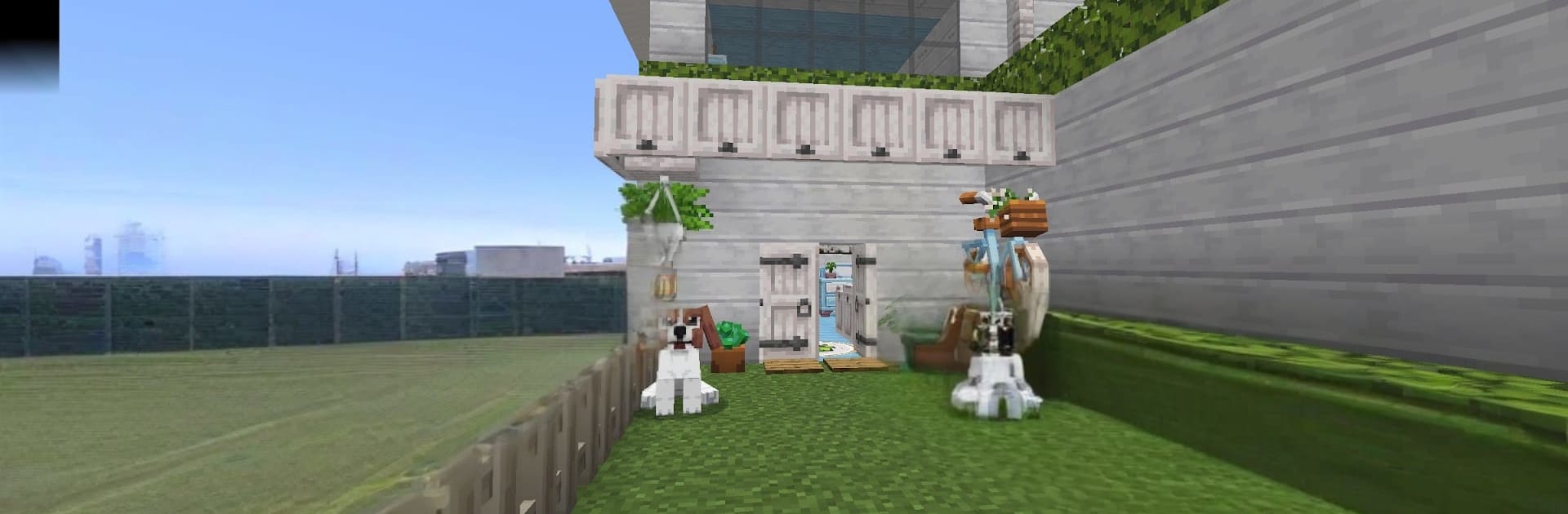
Building – Pink World Craft is a laid back block builder with a very pink heart, the whole world looks like cotton candy pixel art and it leans into that. Players drop into a bright, endless map, pick a cute blocky girl avatar with pink hair, then start shaping the land however they want. It is the classic loop of mine a bit, place a bit, try a new block pattern, knock it down, and make it nicer. Creative Mode lets players forget about limits and just place blocks to design houses, castles, little towns, or huge decorative gardens. Survival Mode adds a simple pressure that keeps things interesting, since monsters wander in at night and push players to gather resources, light up paths, and build safer walls.

It feels relaxing during the day, more tense after sunset, and always focused on building. The palette is cheerful, the controls are straightforward, and the world does not box anyone in, so a plan can grow from a tiny shack into a full city without hitting a border. On PC with BlueStacks, the mouse makes block placement and quick edits feel more exact, and keyboard hotkeys make swapping blocks faster, which helps when stacking tall or detailing roofs. It is best for anyone who enjoys decorating spaces, experimenting with layouts, and watching a blank map turn into something personal. If someone needs strict quests or story beats, this is lighter on that side, but for sandbox players the projects just keep multiplying.

Ready to top the leaderboard? We bet you do. Let precise controls and sharp visuals optimized on BlueStacks lead you to victory.


Game Features

Enhancements

  • Macros
  • Multi Instance
  • Multi Instance Sync
  • Script
  • Enhancements
Macros

Macros

Automate the predictable in Building - Pink World Craft and transform your gameplay with Macros. Get access to inventive Macros in the BlueStacks Macro Community
Multi Instance

Multi Instance

Play Building - Pink World Craft on one window. And chat with your friend on the other. Press CTRL + Shift + 8 to open the Multi-Instance Manager. And start creating fresh instances or clone an existing one.
Multi Instance Sync

Multi Instance Sync

Play Building - Pink World Craft with the power of Multi-Instance Sync. Replicate what you are doing on the main instance on all other instances. Level up faster, play more.
Script

Script

Script your way to gaming glory in Building - Pink World Craft with BlueStacks Script. Write and run a set of commands to automate repeated tasks. Trigger the command by assigning it to any key.
Read More

How to Download and Play Building - Pink World Craft on PC or Mac

  • Download and install BlueStacks on your PC or Mac

  • Complete Google sign-in to access the Play Store, or do it later

  • Look for Building - Pink World Craft in the search bar at the top right corner

  • Click to install Building - Pink World Craft from the search results

  • Complete Google sign-in (if you skipped step 2) to install Building - Pink World Craft

  • Click the Building - Pink World Craft icon on the home screen to start playing

video
Watch Video

Minimum System Requirements

With BlueStacks 5, you can get started on a PC that fulfills the following requirements.

  • Operating System

    Microsoft Windows 7 or above, macOS 11 (Big Sur) or above

  • Processor

    Intel, AMD or Apple Silicon Processor

  • RAM

    at least 4GB

  • HDD

    10GB Free Disk Space

Note:

* You must be an Administrator on your PC. Up to date graphics drivers from Microsoft or the chipset vendor.

Building - Pink World Craft - FAQs

  • How to play Building - Pink World Craft on Windows PC & Mac?

    Play Building - Pink World Craft on your PC or Mac by following these simple steps.

    • Click on 'Play Building - Pink World Craft on PC’ to download BlueStacks
    • Install it and log-in to Google Play Store
    • Launch and play the game.
  • Why is BlueStacks the fastest and safest platform to play games on PC?

    BlueStacks respects your privacy and is always safe and secure to use. It does not carry any malware, spyware, or any sort of additional software that could harm your PC.

    It is engineered to optimize speed and performance for a seamless gaming experience.

  • What are Building - Pink World Craft PC requirements?

    Minimum requirement to run Building - Pink World Craft on your PC

    • OS: Microsoft Windows 7 or above MacOS 11 (Big Sur) or above
    • Processor: Intel, AMD or Apple Silicon Processor
    • RAM: Your PC must have at least 4GB of RAM. (Note that having 4GB or more disk space is not a substitute for RAM)
    • HDD: 10GB Free Disk Space.
    • You must be an Administrator on your PC.