Idle Cooking Emperor

Idle Cooking Emperor

Simulation

| Shugasu GmbH

Play on PC with BlueStacks or from our cloud

  • Overview
  • Game Features
  • How to Play

Page Modified On: January 06, 2026

Play Idle Cooking Emperor on PC or Mac

Explore a whole new adventure with Idle Cooking Emperor, a Simulation game created by Shugasu GmbH. Experience great gameplay with BlueStacks, the most popular gaming platform to play Android games on your PC or Mac.

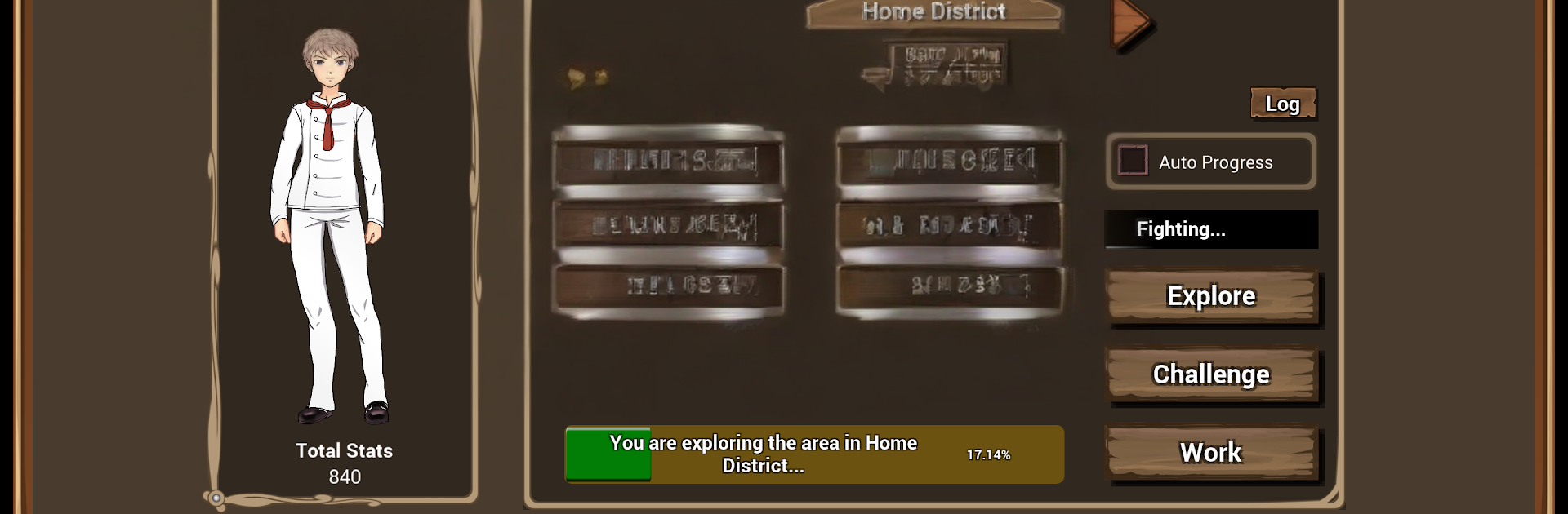
Idle Cooking Emperor is an idle cooking tycoon where the whole world runs on food, and that joke never really gets old. It starts simple with a rookie chef, then turns into this odd mix of duels, restaurant takeovers, and recipe tinkering. Players challenge rival cooks to head‑to‑head battles; win, and that restaurant becomes part of the empire, with the defeated chef joining the staff. The loop is about growing up to around thirty restaurants, setting a theme for each one, and pushing profit by building little upgrades around the neighborhood so customers spend more. The cool twist is the recipe system: ingredients interact and give combo bonuses, so it rewards experimenting instead of just picking the biggest number. There is research to improve dishes, fairies and creatures that buff stats and income, and wandering cooks who get tougher and pay out big if beaten, but losing stings so timing matters.

It is idle in the best way. Money ticks up while the game is minimized, but there is plenty to tweak to speed things along. When progress slows, players can retire and pass on strength to a pupil, so the next run ramps faster without feeling grindy. On PC with BlueStacks, the menu hopping and juggling multiple restaurants feels smoother, and leaving it running in the background is easy. It is light strategy, some number chasing, and a surprising amount of personality for a game that basically says cooking is everything, ect.

Ready to top the leaderboard? We bet you do. Let precise controls and sharp visuals optimized on BlueStacks lead you to victory.


Game Features

Enhancements

  • Macros
  • Multi Instance
  • Multi Instance Sync
  • Script
  • Enhancements
Macros

Macros

Automate the predictable in Idle Cooking Emperor and transform your gameplay with Macros. Get access to inventive Macros in the BlueStacks Macro Community
Multi Instance

Multi Instance

Play Idle Cooking Emperor on one window. And chat with your friend on the other. Press CTRL + Shift + 8 to open the Multi-Instance Manager. And start creating fresh instances or clone an existing one.
Multi Instance Sync

Multi Instance Sync

Play Idle Cooking Emperor with the power of Multi-Instance Sync. Replicate what you are doing on the main instance on all other instances. Level up faster, play more.
Script

Script

Script your way to gaming glory in Idle Cooking Emperor with BlueStacks Script. Write and run a set of commands to automate repeated tasks. Trigger the command by assigning it to any key.
Read More

How to Download and Play Idle Cooking Emperor on PC or Mac

  • Download and install BlueStacks on your PC or Mac

  • Complete Google sign-in to access the Play Store, or do it later

  • Look for Idle Cooking Emperor in the search bar at the top right corner

  • Click to install Idle Cooking Emperor from the search results

  • Complete Google sign-in (if you skipped step 2) to install Idle Cooking Emperor

  • Click the Idle Cooking Emperor icon on the home screen to start playing

video
Watch Video

Minimum System Requirements

With BlueStacks 5, you can get started on a PC that fulfills the following requirements.

  • Operating System

    Microsoft Windows 7 or above, macOS 11 (Big Sur) or above

  • Processor

    Intel, AMD or Apple Silicon Processor

  • RAM

    at least 4GB

  • HDD

    10GB Free Disk Space

Note:

* You must be an Administrator on your PC. Up to date graphics drivers from Microsoft or the chipset vendor.

Idle Cooking Emperor - FAQs

  • How to play Idle Cooking Emperor on Windows PC & Mac?

    Play Idle Cooking Emperor on your PC or Mac by following these simple steps.

    • Click on 'Play Idle Cooking Emperor on PC’ to download BlueStacks
    • Install it and log-in to Google Play Store
    • Launch and play the game.
  • Why is BlueStacks the fastest and safest platform to play games on PC?

    BlueStacks respects your privacy and is always safe and secure to use. It does not carry any malware, spyware, or any sort of additional software that could harm your PC.

    It is engineered to optimize speed and performance for a seamless gaming experience.

  • What are Idle Cooking Emperor PC requirements?

    Minimum requirement to run Idle Cooking Emperor on your PC

    • OS: Microsoft Windows 7 or above MacOS 11 (Big Sur) or above
    • Processor: Intel, AMD or Apple Silicon Processor
    • RAM: Your PC must have at least 4GB of RAM. (Note that having 4GB or more disk space is not a substitute for RAM)
    • HDD: 10GB Free Disk Space.
    • You must be an Administrator on your PC.