Exclusive Gaming Content. And More.
Get the latest updates on the BlueStacks Blog.
See MorePlay on PC with BlueStacks or from our cloud
Page Modified On: January 02, 2026
Step into the World of Claw Quest, a thrilling Card game from the house of Hexpion. Play this Android game on BlueStacks App Player and experience immersive gaming on PC or Mac.
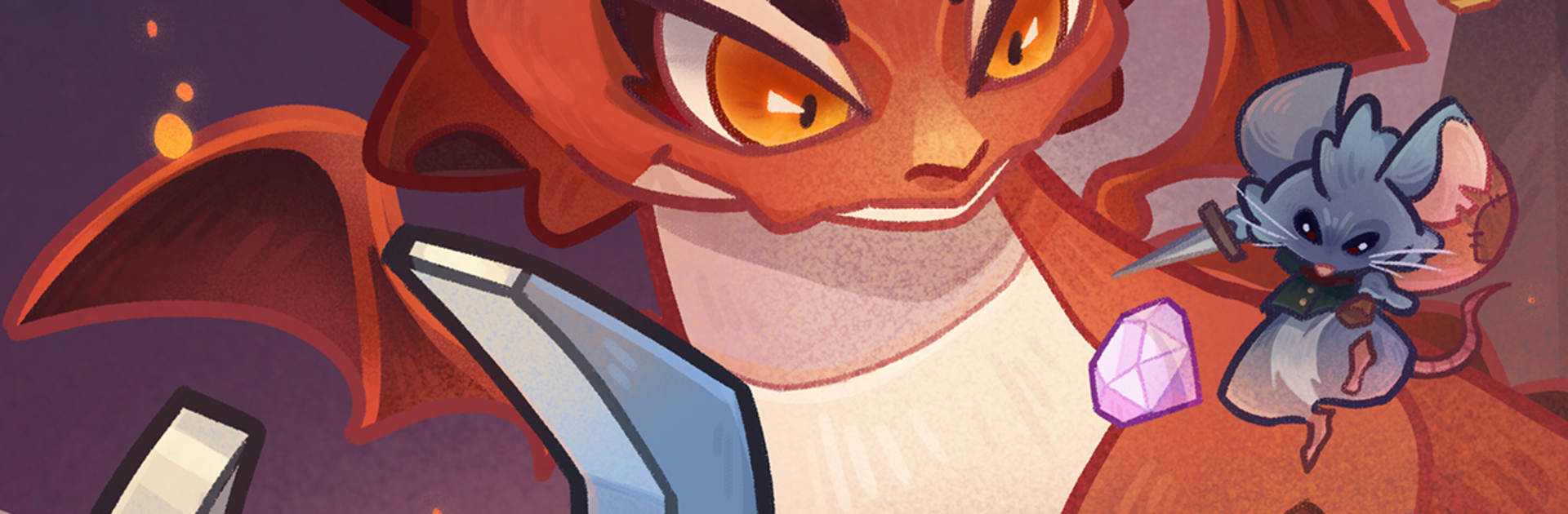
Claw Quest feels like someone turned a claw machine into a little action roguelike, then sprinkled it with goofy monsters and a bunch of clever items. Players guide a mechanical claw across each stage, snagging weapons, bombs, shields, and weird relics, then drop them at the right moment to smack whatever is charging in. Every grab matters because the timer keeps going and the arena does not wait. A single perfect pickup can swing a fight, while a clumsy pull can leave the claw tangled and the room getting crowded fast. Runs are procedurally shuffled, so layouts, loot, and enemy mixes keep changing, and that randomness is part of the fun. It is all quick, arcade-like decision making, with a little planning once relics start stacking into odd combos.
The claw itself is the star. Upgrades tweak reach and accuracy, and new powers make the crane feel less like a toy and more like a swiss‑army hook. Enemies are cute until they are not, from bouncing blobs to chunky bosses that punish slow hands. Bright, chunky visuals sell the toybox vibe, and the hit effects are punchy without being noisy. On PC with BlueStacks, mouse control makes dragging and lining up grabs feel a lot more precise than thumb swipes, and key mapping helps with quick drops. It suits players who enjoy short sessions that still have depth, that little puzzle of risk versus reward, and the chaos of watching a lucky relic chain turn a shaky run into a win.
Ready to top the leaderboard? We bet you do. Let precise controls and sharp visuals optimized on BlueStacks lead you to victory.

Automate the predictable in Claw Quest and transform your gameplay with Macros. Get access to inventive Macros in the BlueStacks Macro Community
Play Claw Quest on one window. And chat with your friend on the other. Press CTRL + Shift + 8 to open the Multi-Instance Manager. And start creating fresh instances or clone an existing one.
Play Claw Quest with the power of Multi-Instance Sync. Replicate what you are doing on the main instance on all other instances. Level up faster, play more.
Script your way to gaming glory in Claw Quest with BlueStacks Script. Write and run a set of commands to automate repeated tasks. Trigger the command by assigning it to any key.
Download and install BlueStacks on your PC or Mac
Complete Google sign-in to access the Play Store, or do it later
Look for Claw Quest in the search bar at the top right corner
Click to install Claw Quest from the search results
Complete Google sign-in (if you skipped step 2) to install Claw Quest
Click the Claw Quest icon on the home screen to start playing
With BlueStacks 5, you can get started on a PC that fulfills the following requirements.
Microsoft Windows 7 or above, macOS 11 (Big Sur) or above
Intel, AMD or Apple Silicon Processor
at least 4GB
10GB Free Disk Space
* You must be an Administrator on your PC. Up to date graphics drivers from Microsoft or the chipset vendor.
Leave your email and we will notify
you when the game launches
Play Claw Quest on your PC or Mac by following these simple steps.
BlueStacks respects your privacy and is always safe and secure to use. It does not carry any malware, spyware, or any sort of additional software that could harm your PC.
It is engineered to optimize speed and performance for a seamless gaming experience.
Minimum requirement to run Claw Quest on your PC
Since you are on your phone, we are going to send you to the Google Play page.
In some cases BlueStacks uses affiliate links when linking to Google Play
BlueStacks 4 is not available on Windows XP. You must have Windows 7 or higher. Windows 10 is recommended.