魔女の雑貨店ローズ
魔女の雑貨店ローズ

魔女の雑貨店ローズ

Simulation

| CyberX Games

Play on PC with BlueStacks or from our cloud

  • Overview
  • Game Features
  • How to Play

Page Modified On: January 14, 2026

Play 魔女の雑貨店ローズ on PC or Mac

Explore a whole new adventure with 魔女の雑貨店ローズ, a Simulation game created by CyberX Games. Experience great gameplay with BlueStacks, the most popular gaming platform to play Android games on your PC or Mac.

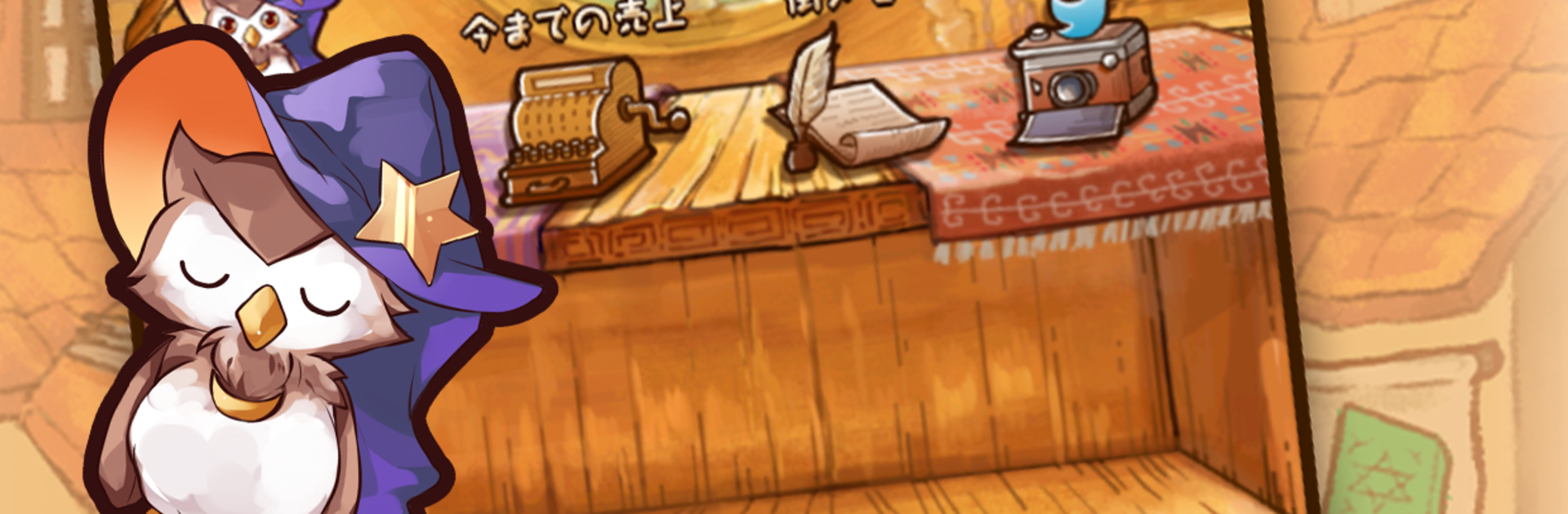
魔女の雑貨店ローズ feels like a cozy shop sim with a witchy twist. The setup is simple and a bit sweet. The famous witch has passed away, and a newcomer steps in to run her little general store in a town that is lively but a bit anxious about losing its witch. The shop is cluttered and half empty, a kid peeks in asking about witch cookies, and that kicks off a gentle rebuild story where the player turns a dusty storefront into a place people love to visit.

Moment to moment, the player gathers ingredients in nearby forests and lakes, then mixes them into charms, treats, and other cute goods. Missing pieces can be picked up in the shopping street, and new recipes unlock steady. Money goes into upgrades, so harvesting becomes quicker and the store layout grows with better shelves and tools. Town chatter matters, since tastes change and different items sell better depending on what people are talking about. Reading those hints, tweaking the lineup, and watching items move off the counter is the loop.

The vibe is soft and unhurried, with lots of roses and small magical touches rather than big combat or stress. It suits short play sessions just fine. On PC with BlueStacks, the larger screen helps with recipe icons and dragging things around feels cleaner with a mouse. Anyone who likes cute crafting, light management, and that dream of being the friendly neighborhood witch will probably settle right in.

Get ready for a buttery smooth, high-performance gaming action only on BlueStacks.

Game Features

Enhancements

  • Macros
  • Multi Instance
  • Multi Instance Sync
  • Script
  • Enhancements
Macros

Macros

Automate the predictable in 魔女の雑貨店ローズ and transform your gameplay with Macros. Get access to inventive Macros in the BlueStacks Macro Community
Multi Instance

Multi Instance

Play 魔女の雑貨店ローズ on one window. And chat with your friend on the other. Press CTRL + Shift + 8 to open the Multi-Instance Manager. And start creating fresh instances or clone an existing one.
Multi Instance Sync

Multi Instance Sync

Play 魔女の雑貨店ローズ with the power of Multi-Instance Sync. Replicate what you are doing on the main instance on all other instances. Level up faster, play more.
Script

Script

Script your way to gaming glory in 魔女の雑貨店ローズ with BlueStacks Script. Write and run a set of commands to automate repeated tasks. Trigger the command by assigning it to any key.
Read More

How to Download and Play 魔女の雑貨店ローズ on PC or Mac

  • Download and install BlueStacks on your PC or Mac

  • Complete Google sign-in to access the Play Store, or do it later

  • Look for 魔女の雑貨店ローズ in the search bar at the top right corner

  • Click to install 魔女の雑貨店ローズ from the search results

  • Complete Google sign-in (if you skipped step 2) to install 魔女の雑貨店ローズ

  • Click the 魔女の雑貨店ローズ icon on the home screen to start playing

video
Watch Video

Minimum System Requirements

With BlueStacks 5, you can get started on a PC that fulfills the following requirements.

  • Operating System

    Microsoft Windows 7 or above, macOS 11 (Big Sur) or above

  • Processor

    Intel, AMD or Apple Silicon Processor

  • RAM

    at least 4GB

  • HDD

    10GB Free Disk Space

Note:

* You must be an Administrator on your PC. Up to date graphics drivers from Microsoft or the chipset vendor.

魔女の雑貨店ローズ - FAQs

  • How to play 魔女の雑貨店ローズ on Windows PC & Mac?

    Play 魔女の雑貨店ローズ on your PC or Mac by following these simple steps.

    • Click on 'Play 魔女の雑貨店ローズ on PC’ to download BlueStacks
    • Install it and log-in to Google Play Store
    • Launch and play the game.
  • Why is BlueStacks the fastest and safest platform to play games on PC?

    BlueStacks respects your privacy and is always safe and secure to use. It does not carry any malware, spyware, or any sort of additional software that could harm your PC.

    It is engineered to optimize speed and performance for a seamless gaming experience.

  • What are 魔女の雑貨店ローズ PC requirements?

    Minimum requirement to run 魔女の雑貨店ローズ on your PC

    • OS: Microsoft Windows 7 or above MacOS 11 (Big Sur) or above
    • Processor: Intel, AMD or Apple Silicon Processor
    • RAM: Your PC must have at least 4GB of RAM. (Note that having 4GB or more disk space is not a substitute for RAM)
    • HDD: 10GB Free Disk Space.
    • You must be an Administrator on your PC.