
ZombieCraft: Zombie Apocalypse

ZombieCraft: Zombie Apocalypse

Simulation

| Logic Apz

Play on PC with BlueStacks or from our cloud

  • Overview
  • Game Features
  • How to Play

Page Modified On: May 18, 2026

Play ZombieCraft: Zombie Apocalypse on PC or Mac

Bring your A-game to ZombieCraft: Zombie Apocalypse, the Simulation game sensation from Logic Apz. Give your gameplay the much-needed boost with precise game controls, high FPS graphics, and top-tier features on your PC or Mac with BlueStacks.

About the Game

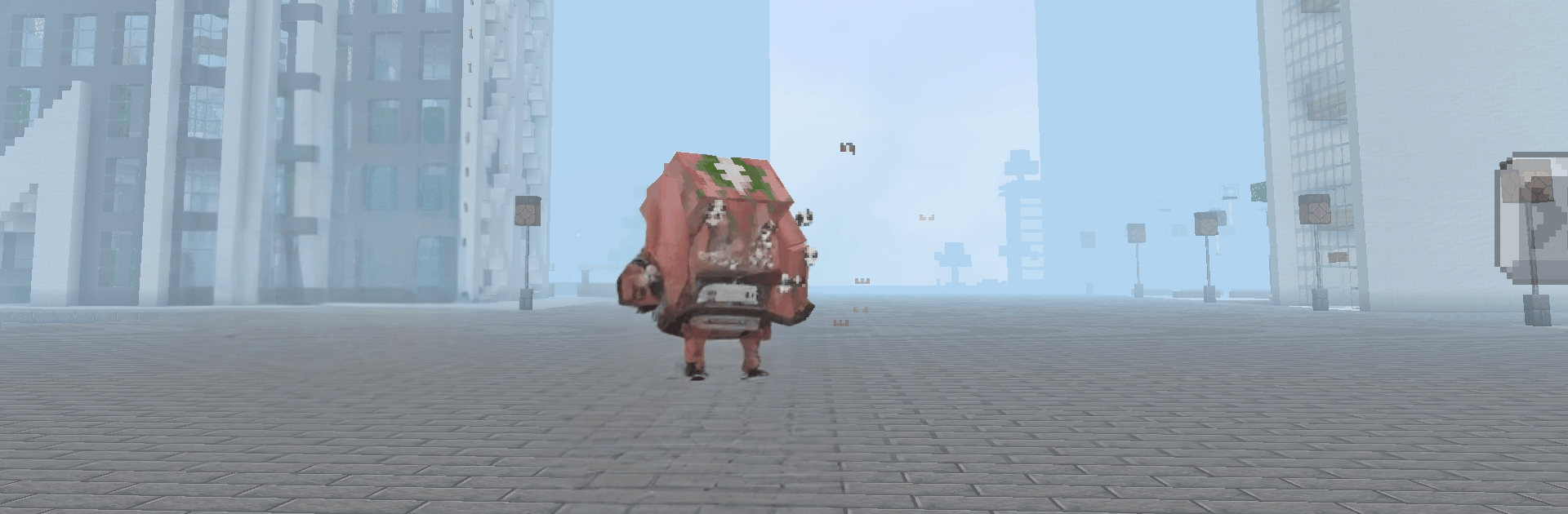
ZombieCraft: Zombie Apocalypse throws you into a gritty, blocky wasteland where every run tells a different survival story. Scavenge, craft, and carve out a safe corner of the map while the undead close in and nights get meaner. It’s a Simulation from Logic Apz that blends open-world exploration with tense base defense and scrappy, moment-to-moment decisions.

Game Features

  • Massive sandbox world: Wander forests, deserts, and quiet villages that aren’t always as empty as they look. Resources are everywhere—if you’re brave enough to grab them.
  • Crafting that counts: Turn raw materials into tools, weapons, and armor. The right recipe at the right time can be the difference between “barely made it” and “held the line.”
  • Build and fortify: Plan your shelter, throw up walls, lay traps, and create choke points. Tweak your base after each raid to plug new holes and stay one step ahead.
  • Combat your way: Swing something heavy, go ranged, or kite mobs through your defenses. Smart positioning and timing beat reckless rushing every time.
  • Day and night tension: Daylight is for scouting and stockpiling; night brings louder footsteps and bigger trouble. Keep a torch handy and your exits clear.
  • Scaling survival: The longer you last, the tougher it gets. Enemies grow bolder, and mistakes get expensive—perfect for players who love a steady challenge.
  • Free-form play: No strict quest lines. Explore, craft, and fight in the order that fits your style.
  • PC-friendly option: Prefer a keyboard and mouse? ZombieCraft: Zombie Apocalypse runs smoothly on BlueStacks if you want to play on a bigger screen.

Slay your opponents with your epic moves. Play it your way on BlueStacks and dominate the battlefield.


Game Features

Enhancements

  • Macros
  • Multi Instance
  • Multi Instance Sync
  • Script
  • Enhancements
Macros

Macros

Automate the predictable in ZombieCraft: Zombie Apocalypse and transform your gameplay with Macros. Get access to inventive Macros in the BlueStacks Macro Community
Multi Instance

Multi Instance

Play ZombieCraft: Zombie Apocalypse on one window. And chat with your friend on the other. Press CTRL + Shift + 8 to open the Multi-Instance Manager. And start creating fresh instances or clone an existing one.
Multi Instance Sync

Multi Instance Sync

Play ZombieCraft: Zombie Apocalypse with the power of Multi-Instance Sync. Replicate what you are doing on the main instance on all other instances. Level up faster, play more.
Script

Script

Script your way to gaming glory in ZombieCraft: Zombie Apocalypse with BlueStacks Script. Write and run a set of commands to automate repeated tasks. Trigger the command by assigning it to any key.
Read More

How to Download and Play ZombieCraft: Zombie Apocalypse on PC or Mac

  • Download and install BlueStacks on your PC or Mac

  • Complete Google sign-in to access the Play Store, or do it later

  • Look for ZombieCraft: Zombie Apocalypse in the search bar at the top right corner

  • Click to install ZombieCraft: Zombie Apocalypse from the search results

  • Complete Google sign-in (if you skipped step 2) to install ZombieCraft: Zombie Apocalypse

  • Click the ZombieCraft: Zombie Apocalypse icon on the home screen to start playing

video
Watch Video

Minimum System Requirements

With BlueStacks 5, you can get started on a PC that fulfills the following requirements.

  • Operating System

    Microsoft Windows 7 or above, macOS 11 (Big Sur) or above

  • Processor

    Intel, AMD or Apple Silicon Processor

  • RAM

    at least 4GB

  • HDD

    10GB Free Disk Space

Note:

* You must be an Administrator on your PC. Up to date graphics drivers from Microsoft or the chipset vendor.

ZombieCraft: Zombie Apocalypse - FAQs

  • How to play ZombieCraft: Zombie Apocalypse on Windows PC & Mac?

    Play ZombieCraft: Zombie Apocalypse on your PC or Mac by following these simple steps.

    • Click on 'Play ZombieCraft: Zombie Apocalypse on PC’ to download BlueStacks
    • Install it and log-in to Google Play Store
    • Launch and play the game.
  • Why is BlueStacks the fastest and safest platform to play games on PC?

    BlueStacks respects your privacy and is always safe and secure to use. It does not carry any malware, spyware, or any sort of additional software that could harm your PC.

    It is engineered to optimize speed and performance for a seamless gaming experience.

  • What are ZombieCraft: Zombie Apocalypse PC requirements?

    Minimum requirement to run ZombieCraft: Zombie Apocalypse on your PC

    • OS: Microsoft Windows 7 or above MacOS 11 (Big Sur) or above
    • Processor: Intel, AMD or Apple Silicon Processor
    • RAM: Your PC must have at least 4GB of RAM. (Note that having 4GB or more disk space is not a substitute for RAM)
    • HDD: 10GB Free Disk Space.
    • You must be an Administrator on your PC.







