

Let BlueStacks turn your PC, Mac, or laptop into the perfect home for 3D Collection | Thingiverse, a fun Social app from Buhho.
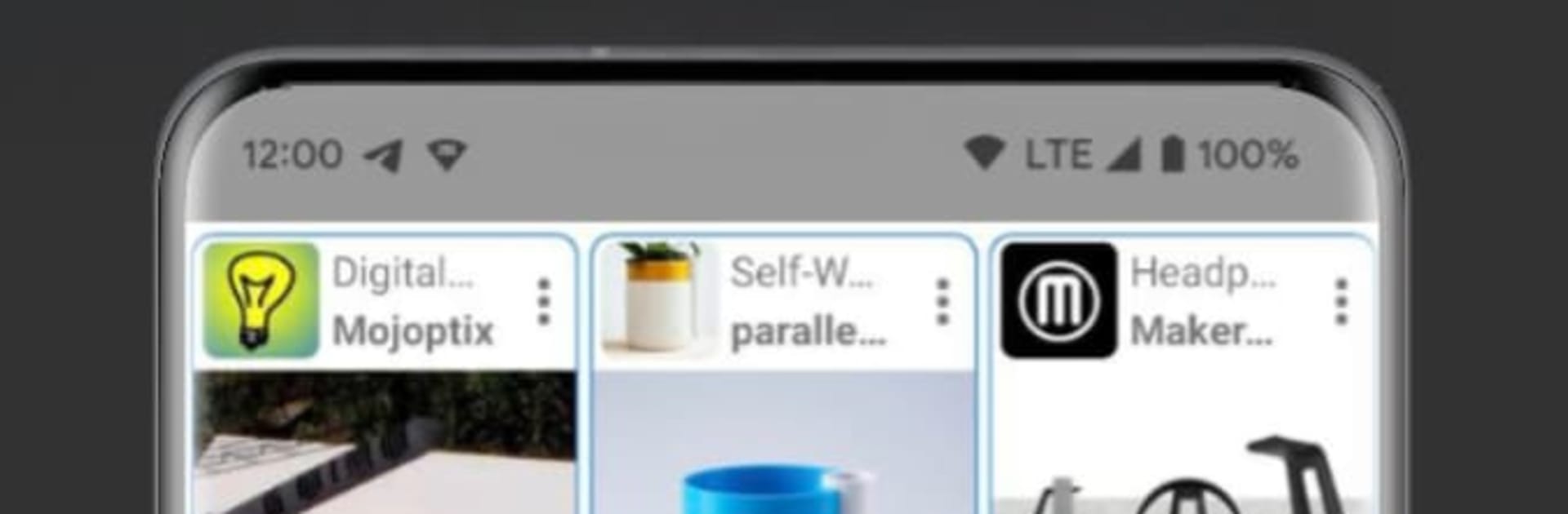
3D Collection | Thingiverse feels like a clean hub for 3D print ideas. It gathers designs from Thingiverse, MyMiniFactory, and Cults into one place, so someone can browse without juggling different tabs. On BlueStacks the bigger screen helps a lot, with tidy grids of thumbnails that are easy to skim and tap through. Opening a model is quick, photos load first, and the layout stays simple instead of stuffing the page with random panels. It is more practical than flashy, which fits a tool that is really about finding files fast.
The app lets users filter by category, then grab the STL with a single tap and save it locally for later. Sharing finds is built in too, so sending a model to friends through apps like WhatsApp or Telegram takes a couple seconds. It does not try to slice or edit, it just makes browsing and downloading straightforward. That makes it good for quick searching sessions on PC while other stuff is open, and BlueStacks keeps it responsive enough to hop between designs without waiting. There is also a note that more platforms and features are planned, so it seems like the library and tools will keep growing. For anyone who checks those 3D sites often and wants a lightweight viewer that plays nice on desktop, this fits the job.
Big screen. Bigger performance. Use BlueStacks on your PC or Mac to run your favorite apps.