
Brandbassador
Brandbassador

Brandbassador

Social

| Brandbassador

Play on PC with BlueStacks or from our cloud

  • Overview
  • How to Download

Page Modified On: October 10, 2025

Run Brandbassador on PC or Mac

What’s better than using Brandbassador by Brandbassador? Well, try it on a big screen, on your PC or Mac, with BlueStacks to see the difference.

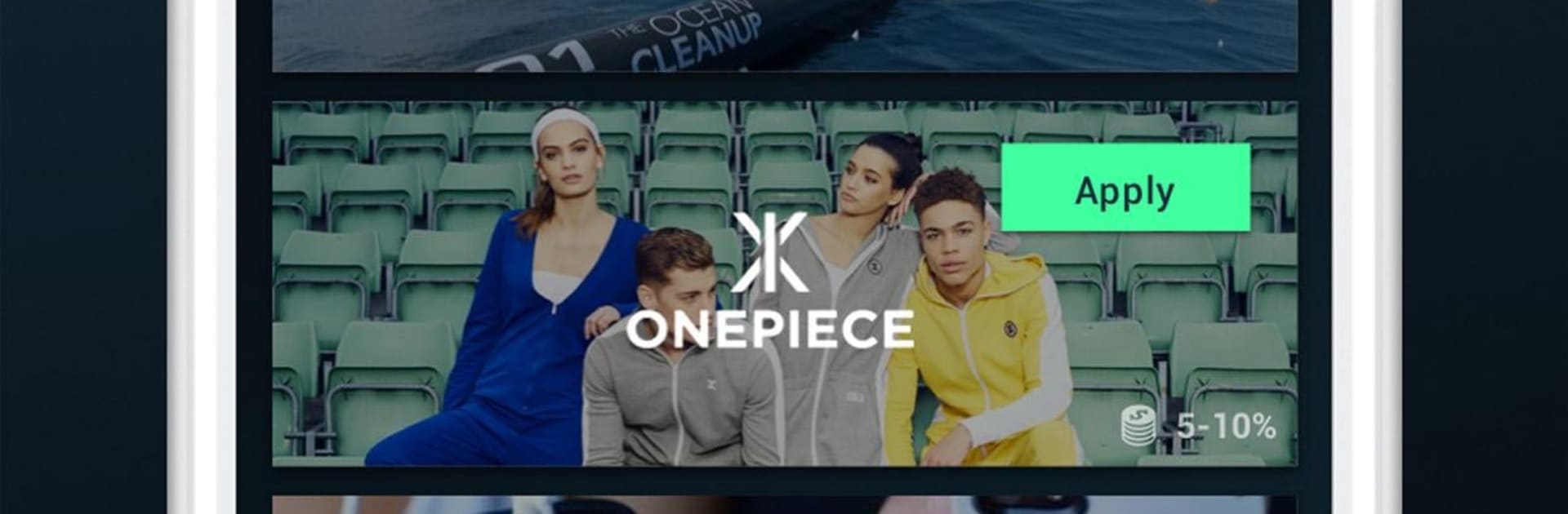
Brandbassador feels like a chill little hub for people who enjoy sharing products they actually like. Someone signs up to different brands and gets a list of small missions, things like posting a story, snapping a quick photo, dropping a review, or sharing a personal code or link. Each mission shows exactly what the brand wants, what it pays, and how it gets approved, so it reads more like a clear to do list than a guessing game. The app tracks clicks and sales from that person’s link, and when sales come in, the commission turns into credit that can be swapped for gift cards to use on the brand’s shop. Some missions pay a flat amount even without sales, but the bigger payouts depend on real purchases and how engaged someone’s audience is.

The flow is simple, with a feed of missions, a wallet page, and an inbox for approvals. It works fine on phone, but running it through BlueStacks on a laptop helps a lot with typing captions, moving photos around, and keeping a few social tabs open while checking mission rules. It suits anyone who already posts about products and does not mind following fairly specific instructions. Not every brand accepts instantly and some missions wait for approval, so patience helps. It is not a get rich thing, more like steady pocket money for content someone is doing anyway, and the structure makes it easy to keep track of what is next.

Eager to take your app experience to the next level? Start right away by downloading BlueStacks on your PC or Mac.


How to Download and Run Brandbassador on PC or Mac

  • Download and install BlueStacks on your PC or Mac

  • Complete Google sign-in to access the Play Store, or do it later

  • Look for Brandbassador in the search bar at the top right corner

  • Click to install Brandbassador from the search results

  • Complete Google sign-in (if you skipped step 2) to install Brandbassador

  • Click the Brandbassador icon on the home screen to start playing

video
Watch Video

Minimum System Requirements

With BlueStacks 5, you can get started on a PC that fulfills the following requirements.

  • Operating System

    Microsoft Windows 7 or above, macOS 11 (Big Sur) or above

  • Processor

    Intel, AMD or Apple Silicon Processor

  • RAM

    at least 4GB

  • HDD

    10GB Free Disk Space

Note:

* You must be an Administrator on your PC. Up to date graphics drivers from Microsoft or the chipset vendor.

Brandbassador - FAQs

  • How to Run Brandbassador on Windows PC & Mac?

    Run Brandbassador on your PC or Mac by following these simple steps.

    • Click on ‘Download Brandbassador on PC’ to download BlueStacks
    • Install it and log-in to Google Play Store
    • Launch and run the app.
  • Why is BlueStacks the fastest and safest platform to play games on PC?

    BlueStacks respects your privacy and is always safe and secure to use. It does not carry any malware, spyware, or any sort of additional software that could harm your PC.

    It is engineered to optimize speed and performance for a seamless gaming experience.

  • What are Brandbassador PC requirements?

    Minimum requirement to run Brandbassador on your PC

    • OS: Microsoft Windows 7 and above:
    • Processor: Intel or AMD Processor:
    • RAM: Your PC must have at least 2GB of RAM. (Note that having 2GB or more disk space is not a substitute for RAM):
    • HDD: 5GB Free Disk Space.
    • You must be an Administrator on your PC.



