Evangelio Orado
Evangelio Orado

Evangelio Orado

Social

| CARMELITAS DESCALZOS PROVINCIA IBÉRICA

Play on PC with BlueStacks or from our cloud

  • Overview
  • How to Download

Page Modified On: November 28, 2025

Run Evangelio Orado on PC or Mac

Get freedom from your phone’s obvious limitations. Use Evangelio Orado, made by CARMELITAS DESCALZOS PROVINCIA IBÉRICA, a Social app on your PC or Mac with BlueStacks, and level up your experience.

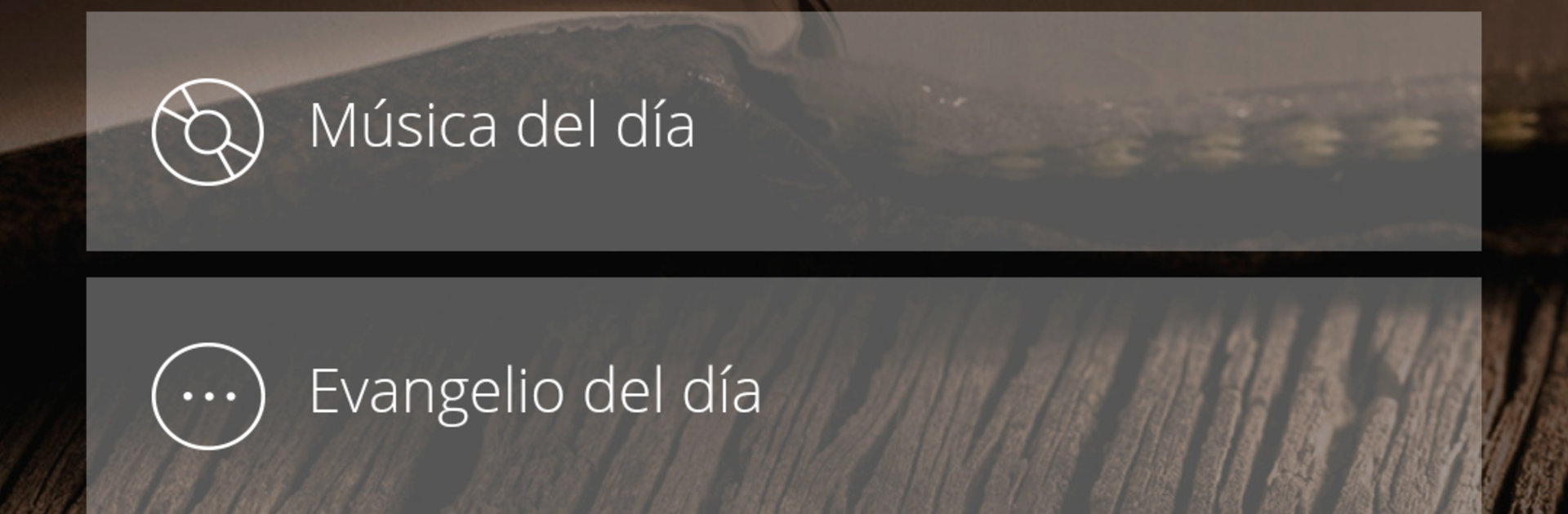
Evangelio Orado feels like a calm, guided prayer time on the phone, the kind that does not rush or clutter the screen. It is set up as a prayer journal, so each day brings the Gospel reading with a gentle rhythm, plus options to listen to a reflection, focus on the song only, or just read the passage without extras. The tone is very spiritual and very grounded in Scripture, with those Orantes-style songs that gently fill the background and help someone settle down. Nothing flashy here, which is sort of the point. It tries to make a small, quiet space for meeting God and staying with that for a few minutes, without pushing a bunch of features or noisy menus.

On a PC with BlueStacks, it works nicely for anyone who likes to read on a larger screen and listen through proper speakers. The text is easier on the eyes, and flipping between the Gospel, the daily prayer, and the music feels simple and unhurried. It comes across as Catholic at heart and very devotional, so it suits someone who wants a steady routine and clear focus more than someone hunting for customization, community chat, or streaks. Think of it as a companion for prayer time, where choosing to read, listen, or just sit with a hymn is enough.

Ready to experience Evangelio Orado on a bigger screen, in all its glory? Download BlueStacks now.


How to Download and Run Evangelio Orado on PC or Mac

  • Download and install BlueStacks on your PC or Mac

  • Complete Google sign-in to access the Play Store, or do it later

  • Look for Evangelio Orado in the search bar at the top right corner

  • Click to install Evangelio Orado from the search results

  • Complete Google sign-in (if you skipped step 2) to install Evangelio Orado

  • Click the Evangelio Orado icon on the home screen to start playing

video
Watch Video

Minimum System Requirements

With BlueStacks 5, you can get started on a PC that fulfills the following requirements.

  • Operating System

    Microsoft Windows 7 or above, macOS 11 (Big Sur) or above

  • Processor

    Intel, AMD or Apple Silicon Processor

  • RAM

    at least 4GB

  • HDD

    10GB Free Disk Space

Note:

* You must be an Administrator on your PC. Up to date graphics drivers from Microsoft or the chipset vendor.

Evangelio Orado - FAQs

  • How to Run Evangelio Orado on Windows PC & Mac?

    Run Evangelio Orado on your PC or Mac by following these simple steps.

    • Click on ‘Download Evangelio Orado on PC’ to download BlueStacks
    • Install it and log-in to Google Play Store
    • Launch and run the app.
  • Why is BlueStacks the fastest and safest platform to play games on PC?

    BlueStacks respects your privacy and is always safe and secure to use. It does not carry any malware, spyware, or any sort of additional software that could harm your PC.

    It is engineered to optimize speed and performance for a seamless gaming experience.

  • What are Evangelio Orado PC requirements?

    Minimum requirement to run Evangelio Orado on your PC

    • OS: Microsoft Windows 7 and above:
    • Processor: Intel or AMD Processor:
    • RAM: Your PC must have at least 2GB of RAM. (Note that having 2GB or more disk space is not a substitute for RAM):
    • HDD: 5GB Free Disk Space.
    • You must be an Administrator on your PC.