Twidere for Twitter/Mastodon

Twidere for Twitter/Mastodon

Social

| Dimension HQ

Play on PC with BlueStacks or from our cloud

  • Overview
  • How to Download

Page Modified On: September 19, 2025

Run Twidere for Twitter/Mastodon on PC or Mac

Get freedom from your phone’s obvious limitations. Use Twidere for Twitter/Mastodon, made by Dimension HQ, a Social app on your PC or Mac with BlueStacks, and level up your experience.

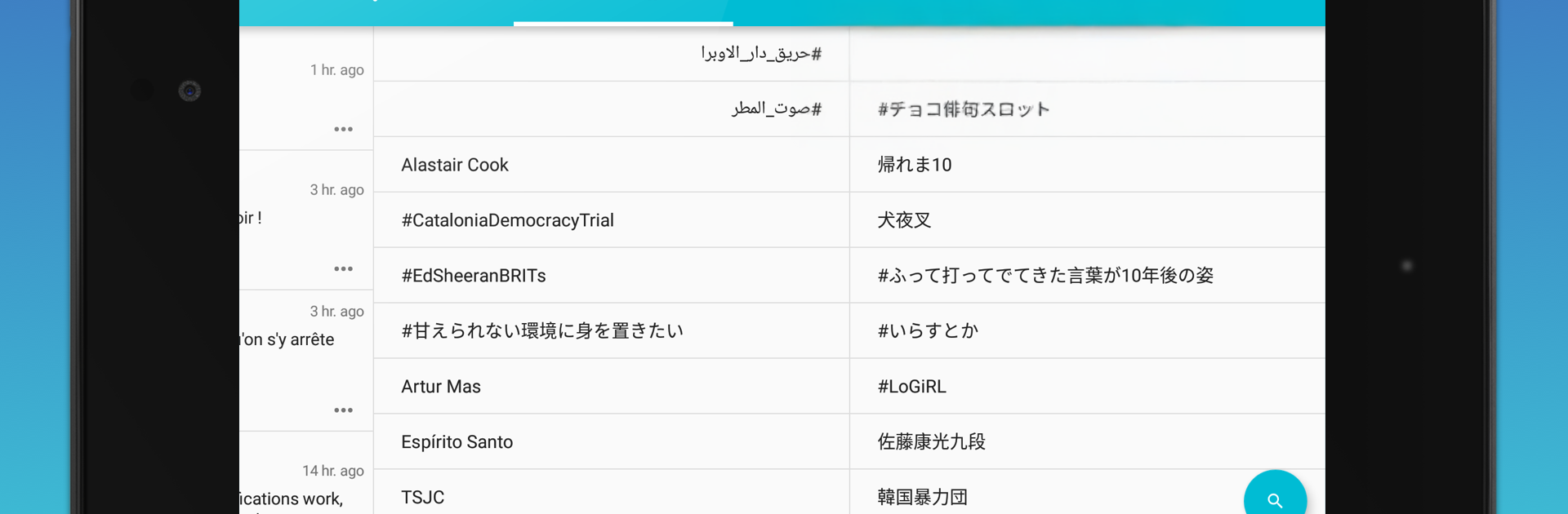
Twidere feels like someone rebuilt old Twitter with a calm brain and no junk in the feed. It is an open source client for Twitter and Mastodon that strips out ads and random promos, so timelines look clean again. The layout is simple Material style, quick to learn, and the tabs can be rearranged to match how a person browses. It even brings back the classic star for favorites instead of the heart, which gives it that nice old-school feel. Posting supports photos, videos, and easy GIF search through GIPHY, and there is a scheduler that works with Buffer if someone wants to queue stuff ahead of time. Night mode is done well, and the mute filters are powerful, so annoying words, users, or bots can be pushed out of sight. Multiple accounts are handled smoothly, and the custom API settings are there for people who like to tweak.

On a PC with BlueStacks, it runs like a lightweight column-free dashboard. Scrolling is fast, typing replies on a real keyboard feels better, and switching between accounts or tabs is just a couple clicks. It does not shove features in the way, it just gets out of the way. A few extras live behind small in-app purchases, but the core is free and has no ads. There are limits everyone should know though. Since it is a third party client, Twitter rate limits can throw an error if someone refreshes too often in a short burst. Polls and group DMs are not available because the public API does not allow them. Very rarely the service token fills up and new logins pause for a bit, which is annoying but not the app’s fault. For anyone who misses a tidy feed and likes control over what shows up, this scratches that itch without making things complicated.

Switch to BlueStacks and make the most of your apps on your PC or Mac.

How to Download and Run Twidere for Twitter/Mastodon on PC or Mac

  • Download and install BlueStacks on your PC or Mac

  • Complete Google sign-in to access the Play Store, or do it later

  • Look for Twidere for Twitter/Mastodon in the search bar at the top right corner

  • Click to install Twidere for Twitter/Mastodon from the search results

  • Complete Google sign-in (if you skipped step 2) to install Twidere for Twitter/Mastodon

  • Click the Twidere for Twitter/Mastodon icon on the home screen to start playing

video
Watch Video

Minimum System Requirements

With BlueStacks 5, you can get started on a PC that fulfills the following requirements.

  • Operating System

    Microsoft Windows 7 or above, macOS 11 (Big Sur) or above

  • Processor

    Intel, AMD or Apple Silicon Processor

  • RAM

    at least 4GB

  • HDD

    10GB Free Disk Space

Note:

* You must be an Administrator on your PC. Up to date graphics drivers from Microsoft or the chipset vendor.

Twidere for Twitter/Mastodon - FAQs

  • How to Run Twidere for Twitter/Mastodon on Windows PC & Mac?

    Run Twidere for Twitter/Mastodon on your PC or Mac by following these simple steps.

    • Click on ‘Download Twidere for Twitter/Mastodon on PC’ to download BlueStacks
    • Install it and log-in to Google Play Store
    • Launch and run the app.
  • Why is BlueStacks the fastest and safest platform to play games on PC?

    BlueStacks respects your privacy and is always safe and secure to use. It does not carry any malware, spyware, or any sort of additional software that could harm your PC.

    It is engineered to optimize speed and performance for a seamless gaming experience.

  • What are Twidere for Twitter/Mastodon PC requirements?

    Minimum requirement to run Twidere for Twitter/Mastodon on your PC

    • OS: Microsoft Windows 7 and above:
    • Processor: Intel or AMD Processor:
    • RAM: Your PC must have at least 2GB of RAM. (Note that having 2GB or more disk space is not a substitute for RAM):
    • HDD: 5GB Free Disk Space.
    • You must be an Administrator on your PC.