堅仔 Kinboy 香港賽馬APP
堅仔 Kinboy 香港賽馬APP

堅仔 Kinboy 香港賽馬APP

Sports

| Kintips

Play on PC with BlueStacks or from our cloud

  • Overview
  • Game Features
  • How to Play

Page Modified On: December 22, 2025

Play 堅仔 Kinboy 香港賽馬APP on PC or Mac

Bring your A-game to 堅仔 Kinboy 香港賽馬APP, the Sports game sensation from Kintips. Give your gameplay the much-needed boost with precise game controls, high FPS graphics, and top-tier features on your PC or Mac with BlueStacks.

About the Game

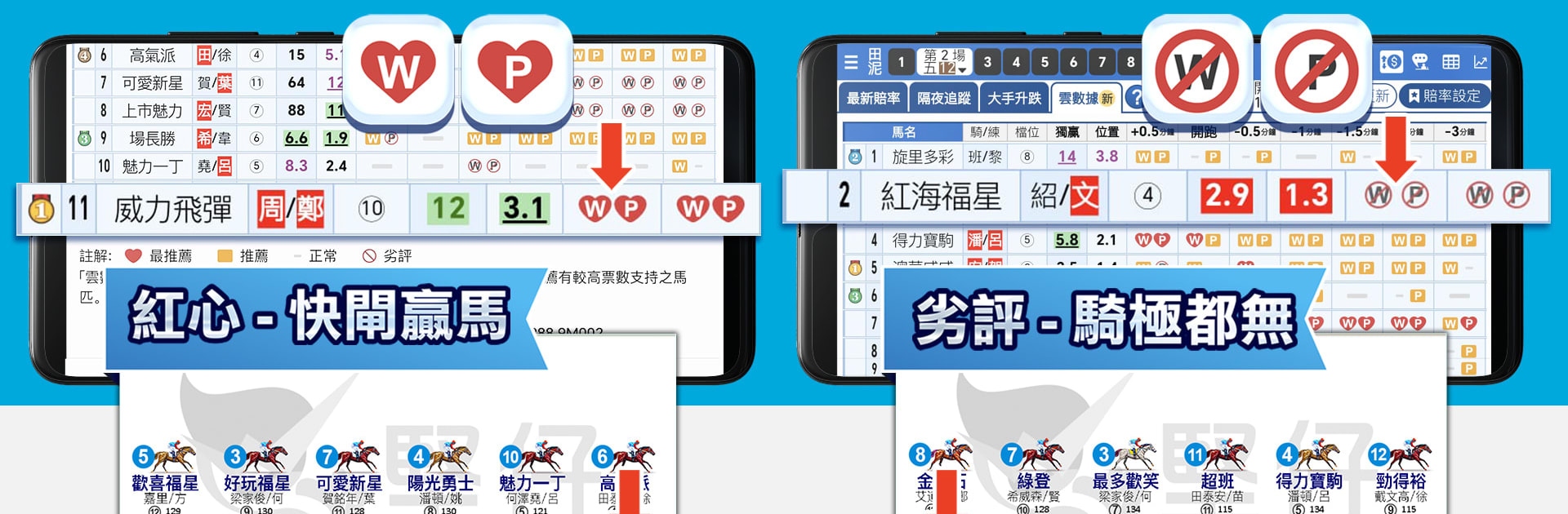
堅仔 Kinboy 香港賽馬APP is a fast, no-frills way to study Hong Kong races on your phone. Built by Kintips, it puts clear, organized race info in one place so you can scan, compare, and settle on your picks without juggling paper forms. It’s made for horse racing fans who want speed, control, and a layout that actually fits how they analyze.

Game Features

  • Ultra-quick race overview: See essential race details at a glance. It loads fast and stays tidy, so you’re not digging through clutter when time’s tight.
  • “自定排位” custom setup: Arrange what matters to you—reorder sections, prioritize fields, and line up data in the order you like. Your process, your layout.
  • See only what you need: Toggle displays to focus on the info that helps you decide. Skip the noise and keep the screen clean.
  • Paperless race study: No more highlighting newspapers or scribbling margins. Do your analysis on the go and get to your shortlist without the mess.
  • Built for fans in Hong Kong: The flow, the data, the approach—everything feels tuned to local race habits and how fans actually prepare.
  • Easy and intuitive: Simple taps, smart grouping, and a friendly interface that makes complex info feel manageable.
  • Completely free: The full toolkit comes at no cost, making it a handy everyday companion for regular race days.
  • Big-screen ready with BlueStacks: Prefer a larger view? It runs smoothly on your PC through BlueStacks, handy for long form sessions.
  • Genre: Sports: A focused Sports experience designed around studying races rather than arcade-style play.

Start your journey now. Download the game on BlueStacks, invite your friends, and march on a new adventure.


Game Features

Enhancements

  • Macros
  • Multi Instance
  • Multi Instance Sync
  • Script
  • Enhancements
Macros

Macros

Automate the predictable in 堅仔 Kinboy 香港賽馬APP and transform your gameplay with Macros. Get access to inventive Macros in the BlueStacks Macro Community
Multi Instance

Multi Instance

Play 堅仔 Kinboy 香港賽馬APP on one window. And chat with your friend on the other. Press CTRL + Shift + 8 to open the Multi-Instance Manager. And start creating fresh instances or clone an existing one.
Multi Instance Sync

Multi Instance Sync

Play 堅仔 Kinboy 香港賽馬APP with the power of Multi-Instance Sync. Replicate what you are doing on the main instance on all other instances. Level up faster, play more.
Script

Script

Script your way to gaming glory in 堅仔 Kinboy 香港賽馬APP with BlueStacks Script. Write and run a set of commands to automate repeated tasks. Trigger the command by assigning it to any key.
Read More

How to Download and Play 堅仔 Kinboy 香港賽馬APP on PC or Mac

  • Download and install BlueStacks on your PC or Mac

  • Complete Google sign-in to access the Play Store, or do it later

  • Look for 堅仔 Kinboy 香港賽馬APP in the search bar at the top right corner

  • Click to install 堅仔 Kinboy 香港賽馬APP from the search results

  • Complete Google sign-in (if you skipped step 2) to install 堅仔 Kinboy 香港賽馬APP

  • Click the 堅仔 Kinboy 香港賽馬APP icon on the home screen to start playing

video
Watch Video

Minimum System Requirements

With BlueStacks 5, you can get started on a PC that fulfills the following requirements.

  • Operating System

    Microsoft Windows 7 or above, macOS 11 (Big Sur) or above

  • Processor

    Intel, AMD or Apple Silicon Processor

  • RAM

    at least 4GB

  • HDD

    10GB Free Disk Space

Note:

* You must be an Administrator on your PC. Up to date graphics drivers from Microsoft or the chipset vendor.

堅仔 Kinboy 香港賽馬APP - FAQs

  • How to play 堅仔 Kinboy 香港賽馬APP on Windows PC & Mac?

    Play 堅仔 Kinboy 香港賽馬APP on your PC or Mac by following these simple steps.

    • Click on 'Play 堅仔 Kinboy 香港賽馬APP on PC’ to download BlueStacks
    • Install it and log-in to Google Play Store
    • Launch and play the game.
  • Why is BlueStacks the fastest and safest platform to play games on PC?

    BlueStacks respects your privacy and is always safe and secure to use. It does not carry any malware, spyware, or any sort of additional software that could harm your PC.

    It is engineered to optimize speed and performance for a seamless gaming experience.

  • What are 堅仔 Kinboy 香港賽馬APP PC requirements?

    Minimum requirement to run 堅仔 Kinboy 香港賽馬APP on your PC

    • OS: Microsoft Windows 7 or above MacOS 11 (Big Sur) or above
    • Processor: Intel, AMD or Apple Silicon Processor
    • RAM: Your PC must have at least 4GB of RAM. (Note that having 4GB or more disk space is not a substitute for RAM)
    • HDD: 10GB Free Disk Space.
    • You must be an Administrator on your PC.