
RBM: Baseball GM
RBM: Baseball GM

RBM: Baseball GM

Sports

| Sesimwon

Play on PC with BlueStacks or from our cloud

  • Overview
  • Game Features
  • How to Play

Page Modified On: December 22, 2025

Play RBM: Baseball GM on PC or Mac

From the innovators and creators at Sesimwon, RBM: Baseball GM is another fun addition to the World of Sports games. Go beyond your mobile screen and play it bigger and better on your PC or Mac. An immersive experience awaits you.

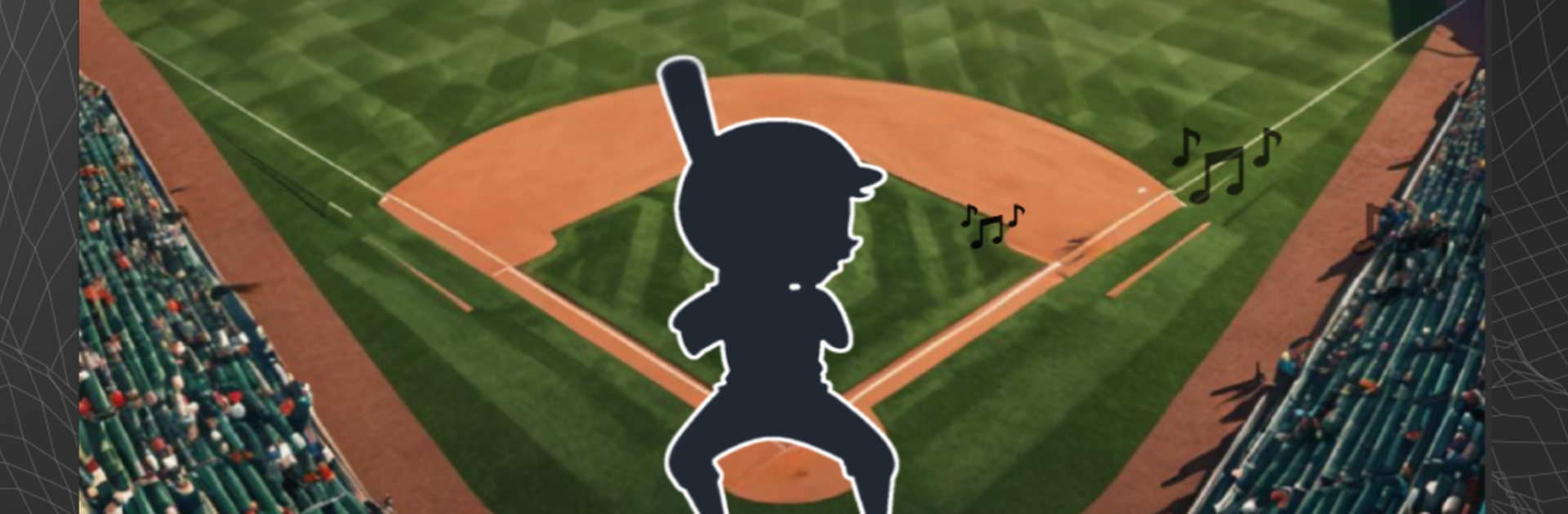
RBM: Baseball GM is a baseball sim for people who like running a team and also want to get on the field when it matters. The player builds a roster, trains prospects, sets the lineups, and faces a season against ten other clubs. It is not just spreadsheets. There is a Play Mode that hands direct control of batters and pitchers, so all those pregame choices pay off when the count gets tight. It feels like one part general manager, one part coach, and one part player, all stitched together in a way that makes sense.

Stats actually drive things here. Form, fatigue, abilities, and those slow growth curves shape who performs and when. The AI reacts in believable ways, so situational stuff like pinch hitting, bullpen timing, steals, and bunts does not feel random. Between games there is the fun puzzle of tweaking training plans and shuffling the order, chasing small edges instead of magic buttons. On PC with BlueStacks, menus and lineup moves are quick with a mouse, and the game runs smooth enough that simming a stretch or jumping into key moments feels natural.

It leans into baseball details without turning into homework. A player can create a custom team, ride hot streaks, bench a tired star, and watch a rookie grow into a starter, all while the season keeps throwing those little baseball headaches that feel familiar in a good way.

Slay your opponents with your epic moves. Play it your way on BlueStacks and dominate the battlefield.


Game Features

Enhancements

  • Macros
  • Multi Instance
  • Multi Instance Sync
  • Script
  • Enhancements
Macros

Macros

Automate the predictable in RBM: Baseball GM and transform your gameplay with Macros. Get access to inventive Macros in the BlueStacks Macro Community
Multi Instance

Multi Instance

Play RBM: Baseball GM on one window. And chat with your friend on the other. Press CTRL + Shift + 8 to open the Multi-Instance Manager. And start creating fresh instances or clone an existing one.
Multi Instance Sync

Multi Instance Sync

Play RBM: Baseball GM with the power of Multi-Instance Sync. Replicate what you are doing on the main instance on all other instances. Level up faster, play more.
Script

Script

Script your way to gaming glory in RBM: Baseball GM with BlueStacks Script. Write and run a set of commands to automate repeated tasks. Trigger the command by assigning it to any key.
Read More

How to Download and Play RBM: Baseball GM on PC or Mac

  • Download and install BlueStacks on your PC or Mac

  • Complete Google sign-in to access the Play Store, or do it later

  • Look for RBM: Baseball GM in the search bar at the top right corner

  • Click to install RBM: Baseball GM from the search results

  • Complete Google sign-in (if you skipped step 2) to install RBM: Baseball GM

  • Click the RBM: Baseball GM icon on the home screen to start playing

video
Watch Video

Minimum System Requirements

With BlueStacks 5, you can get started on a PC that fulfills the following requirements.

  • Operating System

    Microsoft Windows 7 or above, macOS 11 (Big Sur) or above

  • Processor

    Intel, AMD or Apple Silicon Processor

  • RAM

    at least 4GB

  • HDD

    10GB Free Disk Space

Note:

* You must be an Administrator on your PC. Up to date graphics drivers from Microsoft or the chipset vendor.

RBM: Baseball GM - FAQs

  • How to play RBM: Baseball GM on Windows PC & Mac?

    Play RBM: Baseball GM on your PC or Mac by following these simple steps.

    • Click on 'Play RBM: Baseball GM on PC’ to download BlueStacks
    • Install it and log-in to Google Play Store
    • Launch and play the game.
  • Why is BlueStacks the fastest and safest platform to play games on PC?

    BlueStacks respects your privacy and is always safe and secure to use. It does not carry any malware, spyware, or any sort of additional software that could harm your PC.

    It is engineered to optimize speed and performance for a seamless gaming experience.

  • What are RBM: Baseball GM PC requirements?

    Minimum requirement to run RBM: Baseball GM on your PC

    • OS: Microsoft Windows 7 or above MacOS 11 (Big Sur) or above
    • Processor: Intel, AMD or Apple Silicon Processor
    • RAM: Your PC must have at least 4GB of RAM. (Note that having 4GB or more disk space is not a substitute for RAM)
    • HDD: 10GB Free Disk Space.
    • You must be an Administrator on your PC.







