
WHIP LIVE - MTB & Moto GPS Tracker

WHIP LIVE - MTB & Moto GPS Tracker

Sports

| WHIP

Play on PC with BlueStacks or from our cloud

  • Overview
  • Game Features
  • How to Play

Page Modified On: October 04, 2025

Play WHIP LIVE - MTB & Moto GPS Tracker on PC or Mac

Bring your A-game to WHIP LIVE – MTB & Moto GPS Tracker, the Sports game sensation from WHIP. Give your gameplay the much-needed boost with precise game controls, high FPS graphics, and top-tier features on your PC or Mac with BlueStacks.

WHIP LIVE is not really a game, but it scratches that same itch if someone likes chasing stats and climbing leaderboards. It turns mountain bike or moto rides into something trackable and shareable, with real numbers for speed, distance, altitude and all that good telemetry. It pulls data from the phone, action cams, or bike computers, so the metrics feel dense without being complicated. Live tracking works well, auto pause kicks in when the rider stops, and Safety Tracking lets friends or family watch a ride in real time through a simple link, which is reassuring if someone heads into the woods for hours.

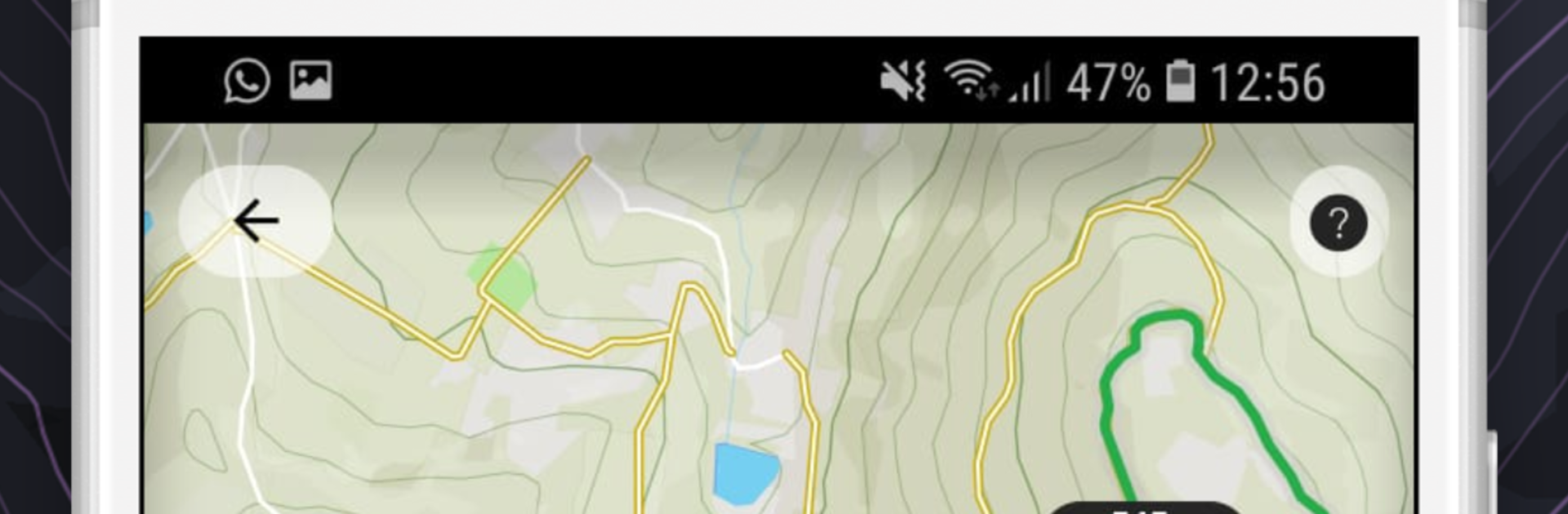
What stands out is how clean the review tools are. Rides show up on a timeline and map, split into segments, and it is easy to compare a segment against older runs or other riders on the same stretch. The explore tab is helpful for finding new trails, showing difficulty, typical speed, and what type of bike it suits, from XC to enduro to DH or e-bikes, plus road and motocross categories. There are leaderboards per route and per segment, so it feels competitive without needing an event. It syncs with Strava, shares quickly when the ride ends, and there are communities if someone wants to race friends. On PC with BlueStacks, browsing maps, scouting routes, and digging into graphs is way nicer on a big screen. Just remember, heavy GPS use eats battery, so bring a charger if rides run long.

Start your journey now. Download the game on BlueStacks, invite your friends, and march on a new adventure.


Game Features

Enhancements

  • Macros
  • Multi Instance
  • Multi Instance Sync
  • Script
  • Enhancements
Macros

Macros

Automate the predictable in WHIP LIVE - MTB & Moto GPS Tracker and transform your gameplay with Macros. Get access to inventive Macros in the BlueStacks Macro Community
Multi Instance

Multi Instance

Play WHIP LIVE - MTB & Moto GPS Tracker on one window. And chat with your friend on the other. Press CTRL + Shift + 8 to open the Multi-Instance Manager. And start creating fresh instances or clone an existing one.
Multi Instance Sync

Multi Instance Sync

Play WHIP LIVE - MTB & Moto GPS Tracker with the power of Multi-Instance Sync. Replicate what you are doing on the main instance on all other instances. Level up faster, play more.
Script

Script

Script your way to gaming glory in WHIP LIVE - MTB & Moto GPS Tracker with BlueStacks Script. Write and run a set of commands to automate repeated tasks. Trigger the command by assigning it to any key.
Read More

How to Download and Play WHIP LIVE - MTB & Moto GPS Tracker on PC or Mac

  • Download and install BlueStacks on your PC or Mac

  • Complete Google sign-in to access the Play Store, or do it later

  • Look for WHIP LIVE - MTB & Moto GPS Tracker in the search bar at the top right corner

  • Click to install WHIP LIVE - MTB & Moto GPS Tracker from the search results

  • Complete Google sign-in (if you skipped step 2) to install WHIP LIVE - MTB & Moto GPS Tracker

  • Click the WHIP LIVE - MTB & Moto GPS Tracker icon on the home screen to start playing

video
Watch Video

Minimum System Requirements

With BlueStacks 5, you can get started on a PC that fulfills the following requirements.

  • Operating System

    Microsoft Windows 7 or above, macOS 11 (Big Sur) or above

  • Processor

    Intel, AMD or Apple Silicon Processor

  • RAM

    at least 4GB

  • HDD

    10GB Free Disk Space

Note:

* You must be an Administrator on your PC. Up to date graphics drivers from Microsoft or the chipset vendor.

WHIP LIVE - MTB & Moto GPS Tracker - FAQs

  • How to play WHIP LIVE - MTB & Moto GPS Tracker on Windows PC & Mac?

    Play WHIP LIVE - MTB & Moto GPS Tracker on your PC or Mac by following these simple steps.

    • Click on 'Play WHIP LIVE - MTB & Moto GPS Tracker on PC’ to download BlueStacks
    • Install it and log-in to Google Play Store
    • Launch and play the game.
  • Why is BlueStacks the fastest and safest platform to play games on PC?

    BlueStacks respects your privacy and is always safe and secure to use. It does not carry any malware, spyware, or any sort of additional software that could harm your PC.

    It is engineered to optimize speed and performance for a seamless gaming experience.

  • What are WHIP LIVE - MTB & Moto GPS Tracker PC requirements?

    Minimum requirement to run WHIP LIVE - MTB & Moto GPS Tracker on your PC

    • OS: Microsoft Windows 7 or above MacOS 11 (Big Sur) or above
    • Processor: Intel, AMD or Apple Silicon Processor
    • RAM: Your PC must have at least 4GB of RAM. (Note that having 4GB or more disk space is not a substitute for RAM)
    • HDD: 10GB Free Disk Space.
    • You must be an Administrator on your PC.







