Boom Puzzles
Boom Puzzles

Boom Puzzles

Strategy

| Tap Lab

Play on PC with BlueStacks or from our cloud

  • Overview
  • Game Features
  • How to Play

Page Modified On: November 10, 2025

Play Boom Puzzles on PC or Mac

Bring your A-game to Boom Puzzles, the Strategy game sensation from Tap Lab. Give your gameplay the much-needed boost with precise game controls, high FPS graphics, and top-tier features on your PC or Mac with BlueStacks.

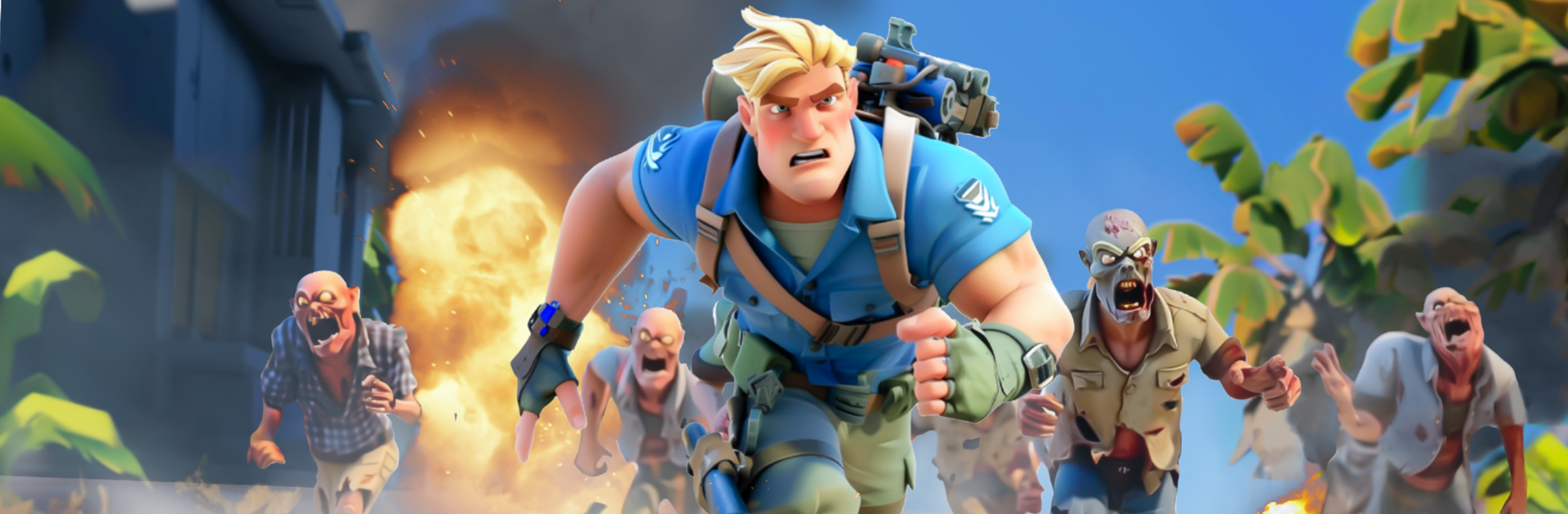
Boom Puzzles mixes match 3 battles with a sea-based survival base, and it actually fits together nicely. The fights are simple to read but have some bite. Matching tiles charges heroes, colors matter, and setting up a chain a turn early can win a wave that looked rough. Skills pop off with a bit of flair, and swapping team loadouts to match enemy colors starts to feel natural after a few stages. It is not stressful, more about planning moves and hitting skills at the right moment.

Between fights, there is a floating haven to build. Survivors turn into buildings, buildings unlock research, research boosts damage and resource flow. Heroes come in different roles like shields, healers, and damage dealers, so squad comp is a thing, and then there are regular soldiers you send on the world map to clear zombie nests and grab loot. Alliances matter if longer runs and big map targets sound fun. Rallying with others for tougher zombies is where the better rewards sit, plus there is always chat going.

Playing on PC through BlueStacks feels smooth since mouse drag makes matching snappy and jumping around the base is quick with clicks. There are timers and resource walls, so patience helps, but the ocean haven theme stands out and the puzzle layer keeps the grind from feeling heavy. Good pick for anyone who likes puzzle combat with some light strategy wrapped around it.

Slay your opponents with your epic moves. Play it your way on BlueStacks and dominate the battlefield.


Game Features

Enhancements

  • Macros
  • Multi Instance
  • Multi Instance Sync
  • Eco Mode
  • Enhancements
Macros

Macros

Skip the boring parts of a game. Play Boom Puzzles with Macros and get the edge. Simply record a sequence of commands and execute them at any moment.
Multi Instance

Multi Instance

Why limit to one game on your phone when you can play many on your PC? Open multiple instances of Boom Puzzles at once with Multi-Instance. Leverage the power of different accounts by doing more.
Multi Instance Sync

Multi Instance Sync

Get the best out of Boom Puzzles with Multi-Instance Sync. Play the game from different accounts and build your own empire. Use Multi-instance sync to repeat the action in the main BlueStacks instance on all other instances.
Eco Mode

Eco Mode

Find the rarest heroes by making multiple summons in Boom Puzzles. And while you are at it, reduce your PC’s resource consumption with the Eco Mode. Farm efficiently. Get the best results.
Read More

How to Download and Play Boom Puzzles on PC or Mac

  • Download and install BlueStacks on your PC or Mac

  • Complete Google sign-in to access the Play Store, or do it later

  • Look for Boom Puzzles in the search bar at the top right corner

  • Click to install Boom Puzzles from the search results

  • Complete Google sign-in (if you skipped step 2) to install Boom Puzzles

  • Click the Boom Puzzles icon on the home screen to start playing

video
Watch Video

Minimum System Requirements

With BlueStacks 5, you can get started on a PC that fulfills the following requirements.

  • Operating System

    Microsoft Windows 7 or above, macOS 11 (Big Sur) or above

  • Processor

    Intel, AMD or Apple Silicon Processor

  • RAM

    at least 4GB

  • HDD

    10GB Free Disk Space

Note:

* You must be an Administrator on your PC. Up to date graphics drivers from Microsoft or the chipset vendor.

Boom Puzzles - FAQs

  • How to play Boom Puzzles on Windows PC & Mac?

    Play Boom Puzzles on your PC or Mac by following these simple steps.

    • Click on 'Play Boom Puzzles on PC’ to download BlueStacks
    • Install it and log-in to Google Play Store
    • Launch and play the game.
  • Why is BlueStacks the fastest and safest platform to play games on PC?

    BlueStacks respects your privacy and is always safe and secure to use. It does not carry any malware, spyware, or any sort of additional software that could harm your PC.

    It is engineered to optimize speed and performance for a seamless gaming experience.

  • What are Boom Puzzles PC requirements?

    Minimum requirement to run Boom Puzzles on your PC

    • OS: Microsoft Windows 7 or above MacOS 11 (Big Sur) or above
    • Processor: Intel, AMD or Apple Silicon Processor
    • RAM: Your PC must have at least 4GB of RAM. (Note that having 4GB or more disk space is not a substitute for RAM)
    • HDD: 10GB Free Disk Space.
    • You must be an Administrator on your PC.