Grim Bounce
Grim Bounce

Grim Bounce

Strategy

| Harvest Star Game

Play on PC with BlueStacks or from our cloud

  • Overview
  • Game Features
  • How to Play

Page Modified On: April 21, 2026

Play Grim Bounce on PC or Mac

From the innovators and creators at Harvest Star Game, Grim Bounce is another fun addition to the World of Strategy games. Go beyond your mobile screen and play it bigger and better on your PC or Mac. An immersive experience awaits you.

About the Game

Grim Bounce is a Strategy game from Harvest Star Game that throws you into nonstop monster swarms and lets you fight back with the strangest toolkit imaginable. It’s fast, chaotic, and surprisingly thoughtful—every weapon pick and upgrade choice changes how you survive the next wave. Want a bigger view of the madness? It plays smoothly on BlueStacks, too.

Game Features

  • Oddball arsenal, real impact: Marbles, magnets, scissors, pumpkins, even a grumpy pufferfish—each behaves differently, so angles, timing, and positioning actually matter.
  • Big, flashy power plays: Unlock flaming arrows, spinning blades, lightning chains, black holes, and the infamous Cthulhu’s hand for those “clear the screen” moments.
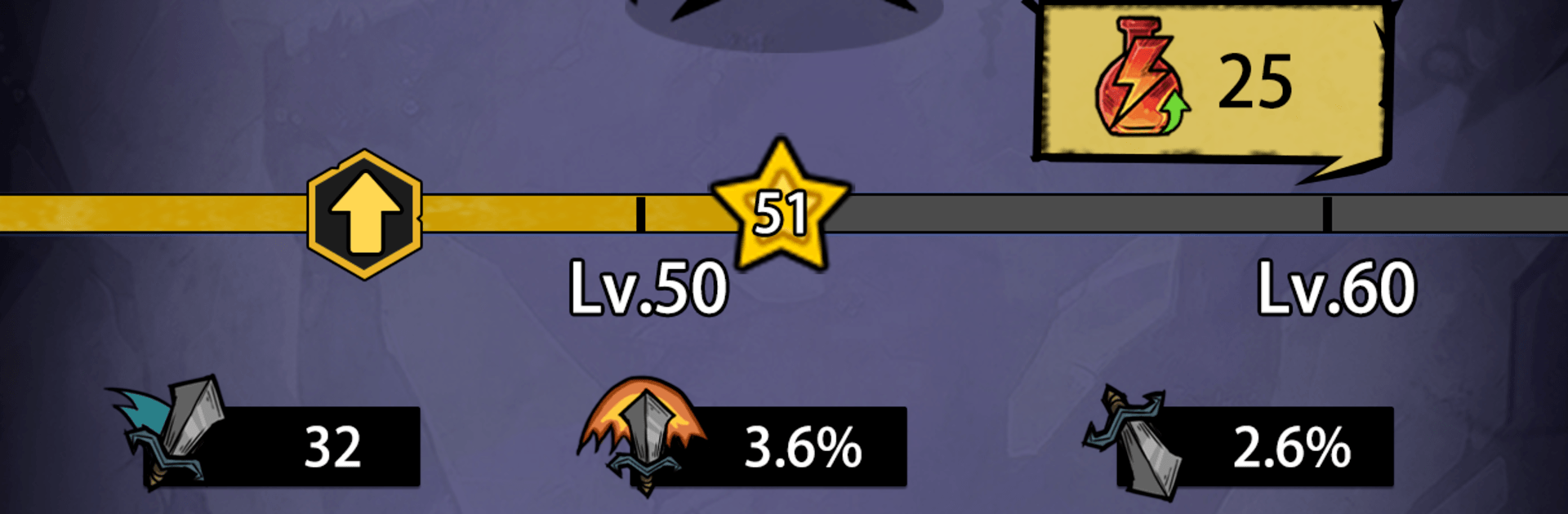
  • Gold, mats, and smart growth: Crack open chests mid-battle, scoop up gold and materials, then upgrade core stats, enhance your favorites, and awaken hidden weapon traits.
  • Build your chaos: Mix tools to create wild synergies—pull enemies together with magnet effects, shred with blades, or set up ridiculous ricochet paths with bouncing shots.
  • Endless pressure, rising stakes: The waves never stop and the creatures only get meaner, turning each run into a tight balance between greed, survival, and raw firepower.
  • Quick runs, tons of replay: Try new loadouts, chase massive chain reactions, and discover fresh interactions every time you jump back in.
  • Satisfying loot pops: Chests burst with rewards at just the right moments, making each upgrade feel earned—and sometimes clutch when the horde closes in.

Get ready for a buttery smooth, high-performance gaming action only on BlueStacks.

Game Features

Enhancements

  • Macros
  • Multi Instance
  • Multi Instance Sync
  • Eco Mode
  • Enhancements
Macros

Macros

Skip the boring parts of a game. Play Grim Bounce with Macros and get the edge. Simply record a sequence of commands and execute them at any moment.
Multi Instance

Multi Instance

Why limit to one game on your phone when you can play many on your PC? Open multiple instances of Grim Bounce at once with Multi-Instance. Leverage the power of different accounts by doing more.
Multi Instance Sync

Multi Instance Sync

Get the best out of Grim Bounce with Multi-Instance Sync. Play the game from different accounts and build your own empire. Use Multi-instance sync to repeat the action in the main BlueStacks instance on all other instances.
Eco Mode

Eco Mode

Find the rarest heroes by making multiple summons in Grim Bounce. And while you are at it, reduce your PC’s resource consumption with the Eco Mode. Farm efficiently. Get the best results.
Read More

How to Download and Play Grim Bounce on PC or Mac

  • Download and install BlueStacks on your PC or Mac

  • Complete Google sign-in to access the Play Store, or do it later

  • Look for Grim Bounce in the search bar at the top right corner

  • Click to install Grim Bounce from the search results

  • Complete Google sign-in (if you skipped step 2) to install Grim Bounce

  • Click the Grim Bounce icon on the home screen to start playing

video
Watch Video

Minimum System Requirements

With BlueStacks 5, you can get started on a PC that fulfills the following requirements.

  • Operating System

    Microsoft Windows 7 or above, macOS 11 (Big Sur) or above

  • Processor

    Intel, AMD or Apple Silicon Processor

  • RAM

    at least 4GB

  • HDD

    10GB Free Disk Space

Note:

* You must be an Administrator on your PC. Up to date graphics drivers from Microsoft or the chipset vendor.

Grim Bounce - FAQs

  • How to play Grim Bounce on Windows PC & Mac?

    Play Grim Bounce on your PC or Mac by following these simple steps.

    • Click on 'Play Grim Bounce on PC’ to download BlueStacks
    • Install it and log-in to Google Play Store
    • Launch and play the game.
  • Why is BlueStacks the fastest and safest platform to play games on PC?

    BlueStacks respects your privacy and is always safe and secure to use. It does not carry any malware, spyware, or any sort of additional software that could harm your PC.

    It is engineered to optimize speed and performance for a seamless gaming experience.

  • What are Grim Bounce PC requirements?

    Minimum requirement to run Grim Bounce on your PC

    • OS: Microsoft Windows 7 or above MacOS 11 (Big Sur) or above
    • Processor: Intel, AMD or Apple Silicon Processor
    • RAM: Your PC must have at least 4GB of RAM. (Note that having 4GB or more disk space is not a substitute for RAM)
    • HDD: 10GB Free Disk Space.
    • You must be an Administrator on your PC.