Tactical War 2: Tower Defense

Tactical War 2: Tower Defense

Strategy

| Binary Punch

Play on PC with BlueStacks or from our cloud

  • Overview
  • Game Features
  • How to Play

Page Modified On: January 06, 2026

Play Tactical War 2: Tower Defense on PC or Mac

Bring your A-game to Tactical War 2: Tower Defense, the Strategy game sensation from Binary Punch. Give your gameplay the much-needed boost with precise game controls, high FPS graphics, and top-tier features on your PC or Mac with BlueStacks.

About the Game

Tactical War 2: Tower Defense puts brains before brute force. It’s a tight, no-nonsense Strategy experience where smart placement, clever timing, and cool heads win battles. Set in an alternate World War II timeline, you’ll command cutting‑edge defensive tech and lead the Alliance through a demanding campaign. Prefer a big screen and precise controls? It plays great on PC with BlueStacks, too.

Game Features

  • Alternate WWII Setting: Wage a high-stakes fight between the Alliance and the Empire, with experimental defenses and dieselpunk style wrapped in gritty war vibes.
  • 60 Hand‑Built Missions: Tackle 20 levels across three modes—Campaign, Heroic, and Steel—each demanding a fresh plan and a steady trigger finger.
  • Hardcore For Purists: A brutal, rules‑locked difficulty where boosters don’t apply. It’s all about clean tactics and execution.
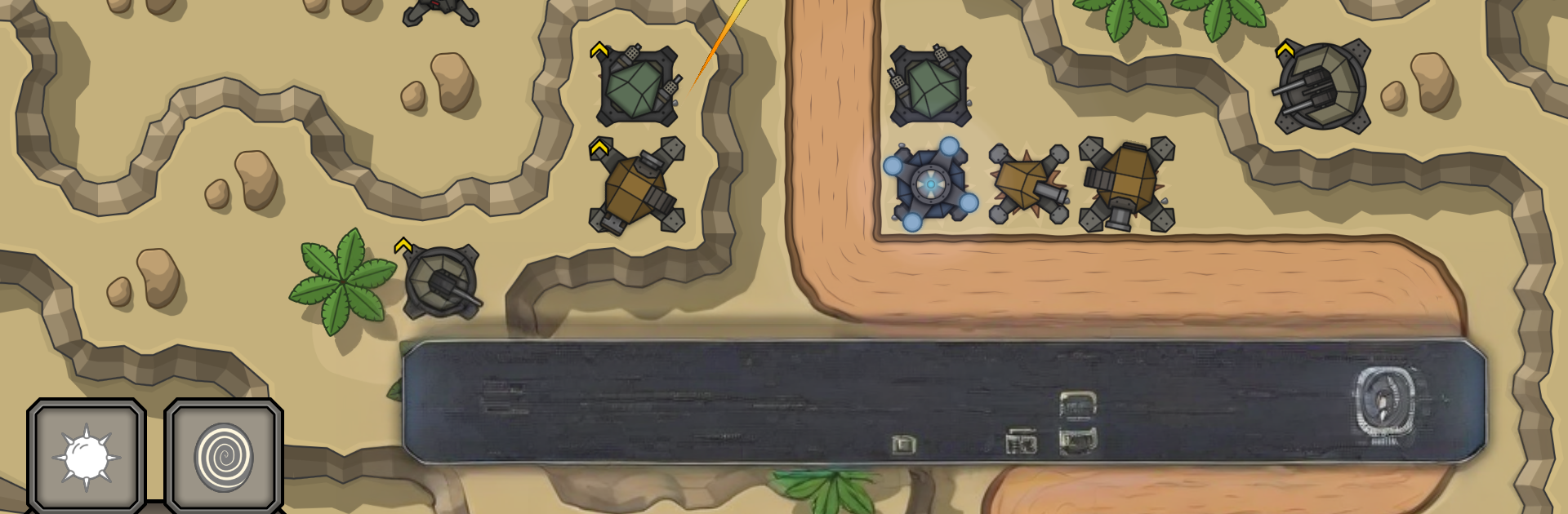
  • Six Specialized Towers: Mix Machine Gun, Cannon, Sniper, Slower, Laser, and AA to handle infantry, armor, and aircraft without wasting a slot.
  • On‑Demand Abilities: Trigger powerful skills at clutch moments to stabilize a lane or turn a desperate hold into a confident win.
  • Research & Upgrades: Progress through a tech tree in the Hangar using Research Points you earn by playing—not by paying.
  • Optional One‑Use Boosters: Grenade, EMP Grenade, +3 Lives, Start Capital, EMP Bomb, and Nuke are there if you want them, but the game’s fully beatable without.
  • Air and Shielded Threats: Expect bombing runs and enemies with energy shields—Laser towers are your go‑to counter for that shiny armor.
  • Terrain That Matters: Blow up obstacles to open better firing angles and squeeze extra range from your placements.
  • Big‑Picture Planning: A large strategic map ties missions together and lets you map out your campaign at a glance.
  • Atmosphere You Can Feel: Industrial‑military visuals with moody war music and punchy SFX to keep the pressure high.
  • Fair Monetization: Remove interstitial ads with a one‑time purchase (rewarded videos remain optional). Coin packs exist if you want to support Binary Punch.

Get ready for a buttery smooth, high-performance gaming action only on BlueStacks.

Game Features

Enhancements

  • Macros
  • Multi Instance
  • Multi Instance Sync
  • Eco Mode
  • Enhancements
Macros

Macros

Skip the boring parts of a game. Play Tactical War 2: Tower Defense with Macros and get the edge. Simply record a sequence of commands and execute them at any moment.
Multi Instance

Multi Instance

Why limit to one game on your phone when you can play many on your PC? Open multiple instances of Tactical War 2: Tower Defense at once with Multi-Instance. Leverage the power of different accounts by doing more.
Multi Instance Sync

Multi Instance Sync

Get the best out of Tactical War 2: Tower Defense with Multi-Instance Sync. Play the game from different accounts and build your own empire. Use Multi-instance sync to repeat the action in the main BlueStacks instance on all other instances.
Eco Mode

Eco Mode

Find the rarest heroes by making multiple summons in Tactical War 2: Tower Defense. And while you are at it, reduce your PC’s resource consumption with the Eco Mode. Farm efficiently. Get the best results.
Read More

How to Download and Play Tactical War 2: Tower Defense on PC or Mac

  • Download and install BlueStacks on your PC or Mac

  • Complete Google sign-in to access the Play Store, or do it later

  • Look for Tactical War 2: Tower Defense in the search bar at the top right corner

  • Click to install Tactical War 2: Tower Defense from the search results

  • Complete Google sign-in (if you skipped step 2) to install Tactical War 2: Tower Defense

  • Click the Tactical War 2: Tower Defense icon on the home screen to start playing

video
Watch Video

Minimum System Requirements

With BlueStacks 5, you can get started on a PC that fulfills the following requirements.

  • Operating System

    Microsoft Windows 7 or above, macOS 11 (Big Sur) or above

  • Processor

    Intel, AMD or Apple Silicon Processor

  • RAM

    at least 4GB

  • HDD

    10GB Free Disk Space

Note:

* You must be an Administrator on your PC. Up to date graphics drivers from Microsoft or the chipset vendor.

Tactical War 2: Tower Defense - FAQs

  • How to play Tactical War 2: Tower Defense on Windows PC & Mac?

    Play Tactical War 2: Tower Defense on your PC or Mac by following these simple steps.

    • Click on 'Play Tactical War 2: Tower Defense on PC’ to download BlueStacks
    • Install it and log-in to Google Play Store
    • Launch and play the game.
  • Why is BlueStacks the fastest and safest platform to play games on PC?

    BlueStacks respects your privacy and is always safe and secure to use. It does not carry any malware, spyware, or any sort of additional software that could harm your PC.

    It is engineered to optimize speed and performance for a seamless gaming experience.

  • What are Tactical War 2: Tower Defense PC requirements?

    Minimum requirement to run Tactical War 2: Tower Defense on your PC

    • OS: Microsoft Windows 7 or above MacOS 11 (Big Sur) or above
    • Processor: Intel, AMD or Apple Silicon Processor
    • RAM: Your PC must have at least 4GB of RAM. (Note that having 4GB or more disk space is not a substitute for RAM)
    • HDD: 10GB Free Disk Space.
    • You must be an Administrator on your PC.