

Multitask effortlessly on your PC or Mac as you try out 3D Fox – 3D Printer / CNC Cont, a Tools app by EliSoft 3D on BlueStacks.
About the App
3D Fox – 3D Printer / CNC Cont turns your Android device into a handy control panel for your printer or CNC. Send G-code, start jobs, and keep tabs on progress without hauling a laptop to the workshop. Built by EliSoft 3D, this Tools app keeps things simple and responsive, even on older phones. Prefer a bigger screen? You can also use it through BlueStacks.
App Features
- Direct G-code control: Send and print G-code straight from your phone or tablet. No detours, no fuss.
- Multiple ways to connect: Use Wi‑Fi, Bluetooth, or USB OTG/Host to talk to your machine the way you like.
- Clear live console: See commands and firmware responses in a readable, real-time log so you always know what’s happening.
- Browser dashboard: Monitor status and upload or start prints from a PC or tablet browser on the same network.
- Video stream check-in: Stream video from your device’s camera to keep an eye on your print without standing over it.
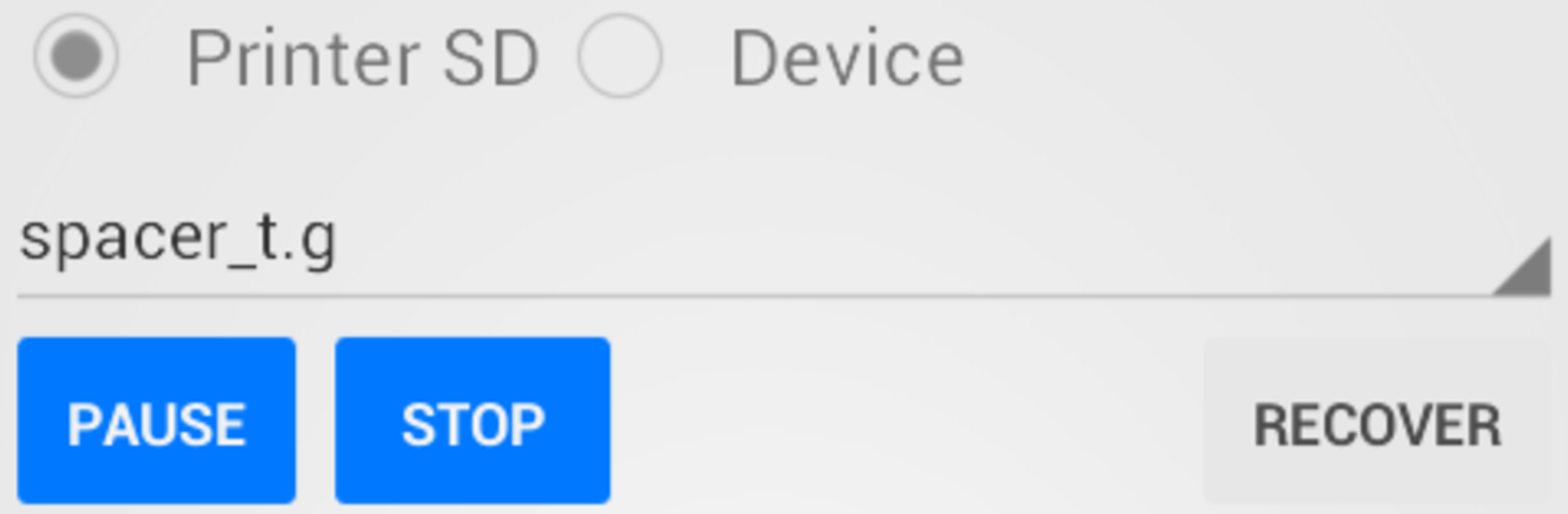
- SD print takeover: Lost connection mid-print? Grab control of an SD card job again and keep going. Handy for hopping between multiple printers with one device.
- Easy file handling: Drop your G-code into the 3DFox folder on your device and it’s ready to go in the app.
- Broad compatibility: Designed around open-source stacks (think Marlin/Repetier and similar) and common USB-to-serial chips like CDC ACM, FTDI, CH34x, CP210X, and PL2303. Printers that use proprietary protocols (for example, certain closed systems) aren’t supported.
- Works for CNC, too: If your controller speaks standard G-code over serial, you can jog, send files, and manage jobs from the same interface.
- Solid performance on modest hardware: Runs smoothly on small, budget devices and feels right at home in the workshop.
- Free vs. Pro: The free version includes a 2 MB file size cap, up to 12 custom commands, and 1 decimal digit precision for XYZ readouts. Go Pro if you need more headroom.
Switch to BlueStacks and make the most of your apps on your PC or Mac.