




Let BlueStacks turn your PC, Mac, or laptop into the perfect home for Introspect, a fun Tools app from DROP TABLE Companies; –.
About the App
Introspect is the kind of toolbox you open when you want the full story on your Android device, not just the basics. Built by DROP TABLE Companies; — in the Tools genre, it pulls together live readouts and deep stats so you can test, troubleshoot, or just satisfy your curiosity. Developers, power users, and the simply curious will appreciate how clearly everything’s laid out.
App Features
- System snapshot: See a detailed profile of your hardware and software—CPU, memory, GPU/OpenGL info, supported features, and browser agent.
- Battery intel: Check capacity, current (amperage), health, temperature, and charging state. Great for comparing how different chargers actually perform.
- Camera deep dive: Look past megapixels with zoom ranges, exposure compensation, face detection support, and other camera capabilities.
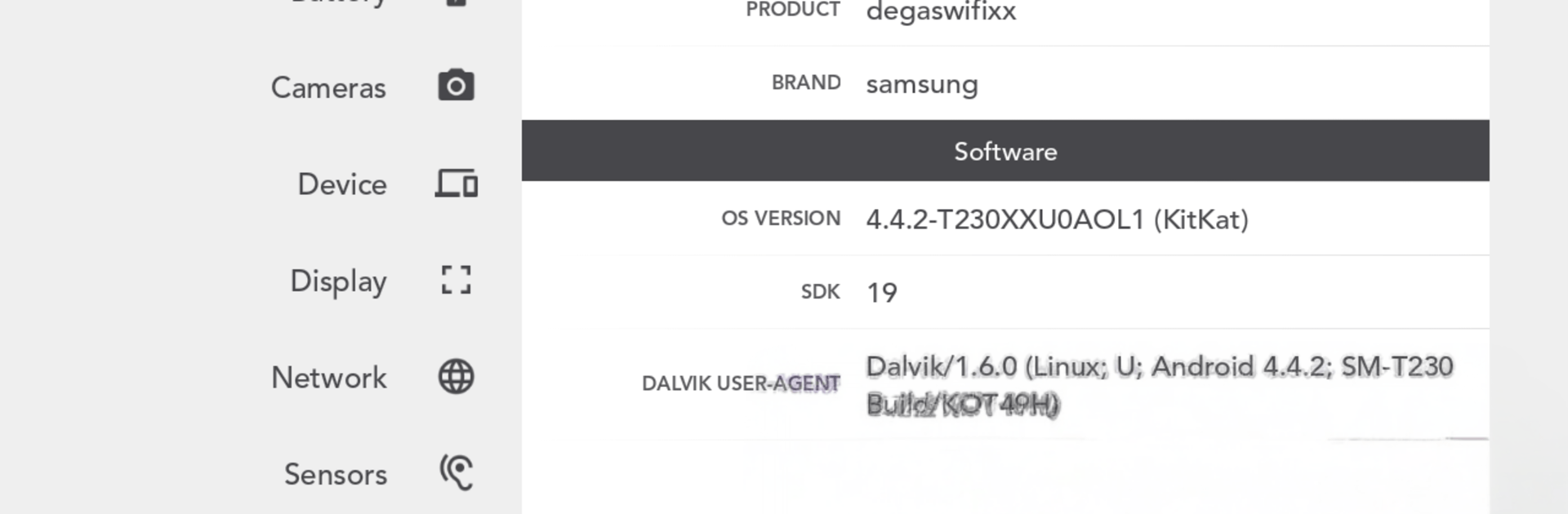
- Device basics: Get essentials like device IDs, uptime, OS version, language/locale, and the WebKit user agent in one place.
- Display metrics: View size and density in pixels and dp, plus scaling info that makes layout work a lot easier.
- Network & connectivity: Track IP addresses, Wi‑Fi and cellular details, Bluetooth status, and SIM information.
- Sensors explorer: Browse every sensor with resolution, update frequency, and power usage details.
- Storage overview: Quickly see free and used space across internal and external storage.
- Signal meters: Simple, pulse-style graphs for cellular and Wi‑Fi strength help you spot dead zones and place your router smarter.
- Sound meter: Visualizes whatever the mic hears with a clean, live graph.
- Package inspector: Instantly look up any app’s package name, version name, and version code.
- Handy cheat sheets: Keep quick references for Android SDK levels and Porter-Duff blending modes within reach.
- Desktop-friendly: Prefer a bigger canvas? Run Introspect with BlueStacks to monitor metrics while you tinker on your PC or Mac.
- Notes: Some readings depend on your device or carrier—battery capacity isn’t exposed on every phone, and signal strength needs a SIM.
Big screen. Bigger performance. Use BlueStacks on your PC or Mac to run your favorite apps.





