ワンタイムパスワード
ワンタイムパスワード

ワンタイムパスワード

Tools

| NTT DATA Japan Corporation

Play on PC with BlueStacks or from our cloud

  • Overview
  • How to Download

Page Modified On: December 05, 2025

Run ワンタイムパスワード on PC or Mac

What’s better than using ワンタイムパスワード by NTT DATA Japan Corporation? Well, try it on a big screen, on your PC or Mac, with BlueStacks to see the difference.

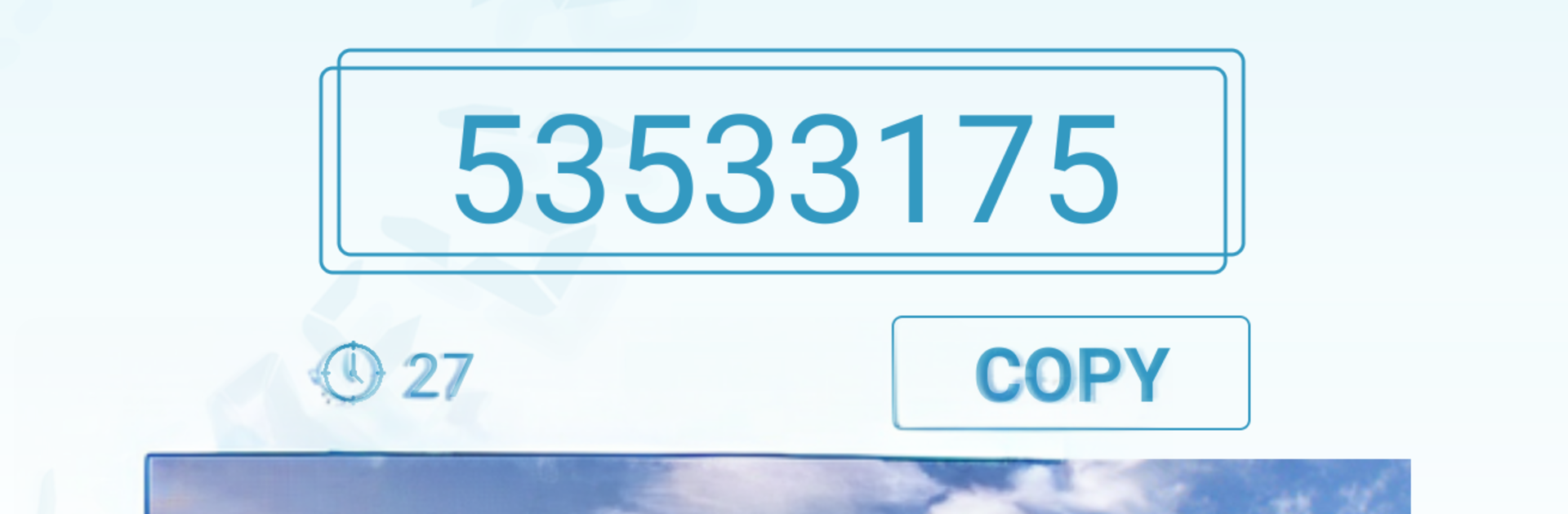
ワンタイムパスワード is not trying to entertain anyone. It is a straight to the point one time password tool that shows a fresh code every minute, meant to be used together with a normal username and password. Think bank logins, finance sites, or any service that asks for a time based code to lock things down tighter. The layout is simple and calm, usually a big code and a little timer so there is no guessing. No fluff, no popups, just the number you need when you need it.

It is not a standalone thing though. The service has to support this exact app and give out an activation method, often a QR or a setup key. Once it is linked, the app ties itself to that device and blocks copying or restoring its data, so switching phones or reinstalling without doing the provider’s reset steps will make it stop working. Anyone planning a model change should sort the transfer procedure with the bank or service first, or risk a headache later. For questions on how to reissue or move it, the right place is the service’s help desk, not the app itself.

Running it on a PC through BlueStacks is handy for those who want a big, readable code on the desk beside a work monitor. Just know some institutions check for emulators for security, so results may vary. When it runs, it is fast, clean, and does exactly one job well.

Ready to experience ワンタイムパスワード on a bigger screen, in all its glory? Download BlueStacks now.

How to Download and Run ワンタイムパスワード on PC or Mac

  • Download and install BlueStacks on your PC or Mac

  • Complete Google sign-in to access the Play Store, or do it later

  • Look for ワンタイムパスワード in the search bar at the top right corner

  • Click to install ワンタイムパスワード from the search results

  • Complete Google sign-in (if you skipped step 2) to install ワンタイムパスワード

  • Click the ワンタイムパスワード icon on the home screen to start playing

video
Watch Video

Minimum System Requirements

With BlueStacks 5, you can get started on a PC that fulfills the following requirements.

  • Operating System

    Microsoft Windows 7 or above, macOS 11 (Big Sur) or above

  • Processor

    Intel, AMD or Apple Silicon Processor

  • RAM

    at least 4GB

  • HDD

    10GB Free Disk Space

Note:

* You must be an Administrator on your PC. Up to date graphics drivers from Microsoft or the chipset vendor.

ワンタイムパスワード - FAQs

  • How to Run ワンタイムパスワード on Windows PC & Mac?

    Run ワンタイムパスワード on your PC or Mac by following these simple steps.

    • Click on ‘Download ワンタイムパスワード on PC’ to download BlueStacks
    • Install it and log-in to Google Play Store
    • Launch and run the app.
  • Why is BlueStacks the fastest and safest platform to play games on PC?

    BlueStacks respects your privacy and is always safe and secure to use. It does not carry any malware, spyware, or any sort of additional software that could harm your PC.

    It is engineered to optimize speed and performance for a seamless gaming experience.

  • What are ワンタイムパスワード PC requirements?

    Minimum requirement to run ワンタイムパスワード on your PC

    • OS: Microsoft Windows 7 and above:
    • Processor: Intel or AMD Processor:
    • RAM: Your PC must have at least 2GB of RAM. (Note that having 2GB or more disk space is not a substitute for RAM):
    • HDD: 5GB Free Disk Space.
    • You must be an Administrator on your PC.