
Photo Compressor
Photo Compressor

Photo Compressor

Tools

| Xigeme Technology Co., Ltd.

Play on PC with BlueStacks or from our cloud

  • Overview
  • How to Download

Page Modified On: January 29, 2026

Run Photo Compressor on PC or Mac

Get freedom from your phone’s obvious limitations. Use Photo Compressor, made by Xigeme Technology Co., Ltd., a Tools app on your PC or Mac with BlueStacks, and level up your experience.

About the App

Photo Compressor from Xigeme Technology Co., Ltd. is a straightforward, no-frills way to shrink, convert, and tweak big image batches without the hassle. It’s built for people who want results fast—clean up storage, prep photos for posts, or get files ready to share. Prefer working on a computer? You can also run it with BlueStacks.

App Features

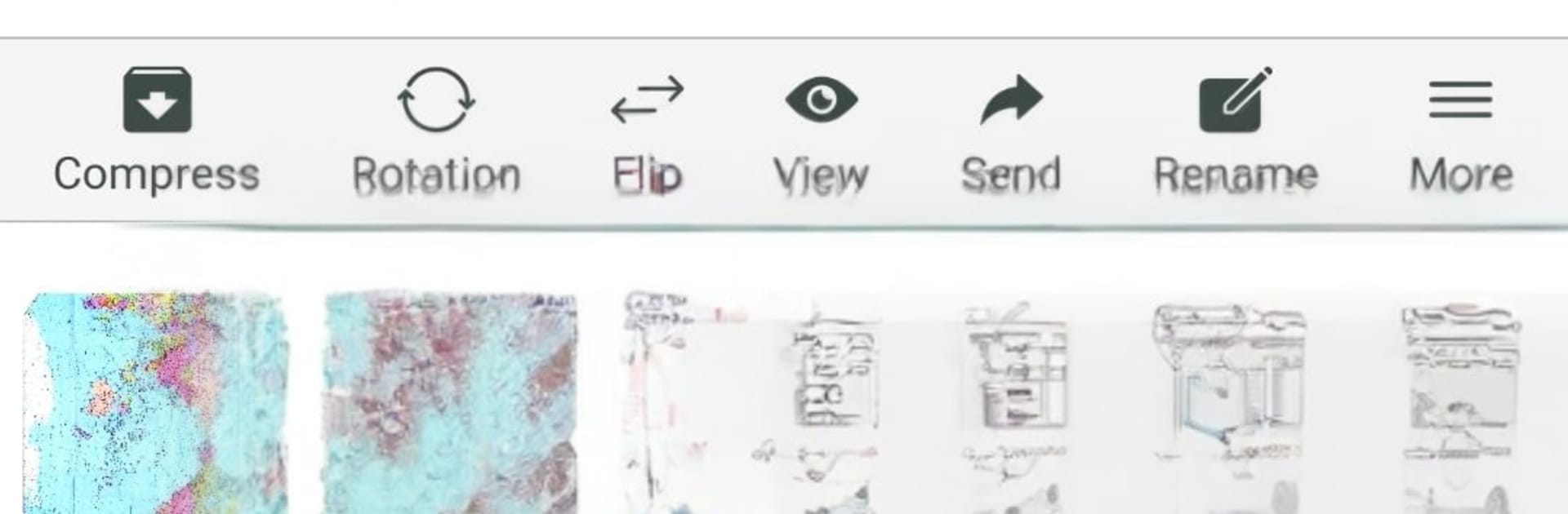
  • Batch processing: Queue up dozens (or hundreds) of images and apply the same settings to all of them in one go. It’s consistent, quick, and saves a ton of tapping.
  • Size-based compression: Need each file under a certain limit? Set a target file size and let the app compress accordingly to hit your mark.
  • Resolution or percentage scaling: Scale images to exact pixel dimensions or shrink them by a chosen percentage—handy for web uploads or lightweight backups.
  • Quality control with presets: Adjust image quality to balance clarity with file size, then save your favorite settings as reusable templates. The app keeps a simple history so repeating jobs is effortless.
  • Rotate in bulk: Turn photos clockwise, counterclockwise, or by any custom angle you want. Perfect for fixing entire albums at once.
  • Mirror and flip: Flip horizontally or vertically across a batch—great for layouts, design assets, or quick edits.
  • Format conversion: Convert images between JPG, PNG, GIF, WEBP, BMP, and TIFF. Do it in batches and keep your workflow tidy.
  • Archive the results: Export your processed images as a single archive for easy sharing or storage—clean and organized from the start.

BlueStacks gives you the much-needed freedom to experience your favorite apps on a bigger screen. Get it now.


How to Download and Run Photo Compressor on PC or Mac

  • Download and install BlueStacks on your PC or Mac

  • Complete Google sign-in to access the Play Store, or do it later

  • Look for Photo Compressor in the search bar at the top right corner

  • Click to install Photo Compressor from the search results

  • Complete Google sign-in (if you skipped step 2) to install Photo Compressor

  • Click the Photo Compressor icon on the home screen to start playing

video
Watch Video

Minimum System Requirements

With BlueStacks 5, you can get started on a PC that fulfills the following requirements.

  • Operating System

    Microsoft Windows 7 or above, macOS 11 (Big Sur) or above

  • Processor

    Intel, AMD or Apple Silicon Processor

  • RAM

    at least 4GB

  • HDD

    10GB Free Disk Space

Note:

* You must be an Administrator on your PC. Up to date graphics drivers from Microsoft or the chipset vendor.

Photo Compressor - FAQs

  • How to Run Photo Compressor on Windows PC & Mac?

    Run Photo Compressor on your PC or Mac by following these simple steps.

    • Click on ‘Download Photo Compressor on PC’ to download BlueStacks
    • Install it and log-in to Google Play Store
    • Launch and run the app.
  • Why is BlueStacks the fastest and safest platform to play games on PC?

    BlueStacks respects your privacy and is always safe and secure to use. It does not carry any malware, spyware, or any sort of additional software that could harm your PC.

    It is engineered to optimize speed and performance for a seamless gaming experience.

  • What are Photo Compressor PC requirements?

    Minimum requirement to run Photo Compressor on your PC

    • OS: Microsoft Windows 7 and above:
    • Processor: Intel or AMD Processor:
    • RAM: Your PC must have at least 2GB of RAM. (Note that having 2GB or more disk space is not a substitute for RAM):
    • HDD: 5GB Free Disk Space.
    • You must be an Administrator on your PC.



