
Resistor Color Code And SMD Code Calculator

Resistor Color Code And SMD Code Calculator

Tools

| Galaxy Developers

Play on PC with BlueStacks or from our cloud

  • Overview
  • How to Download

Page Modified On: January 19, 2026

Run Resistor Color Code And SMD Code Calculator on PC or Mac

What’s better than using Resistor Color Code And SMD Code Calculator by Galaxy Developers? Well, try it on a big screen, on your PC or Mac, with BlueStacks to see the difference.

About the App

Resistor Color Code And SMD Code Calculator is a straightforward helper for anyone working with electronics—students, hobbyists, or pros. Pop in color bands or tiny SMD markings and get the value in seconds. It’s quick, clean, and focused on the stuff you need at the bench.

Built by Galaxy Developers, this Tools app keeps the busywork out of your way so you can spend more time building and fixing. Prefer checking values on a bigger screen? It’s also easy to use on BlueStacks.

App Features

  • Color Band Decoder: Select 4-, 5-, or 6-band resistors and instantly see the resistance in ohms, including the multiplier and tolerance details.
  • Reverse Lookup: Know the target value but not the colors? Enter the resistance and get color band options that match.
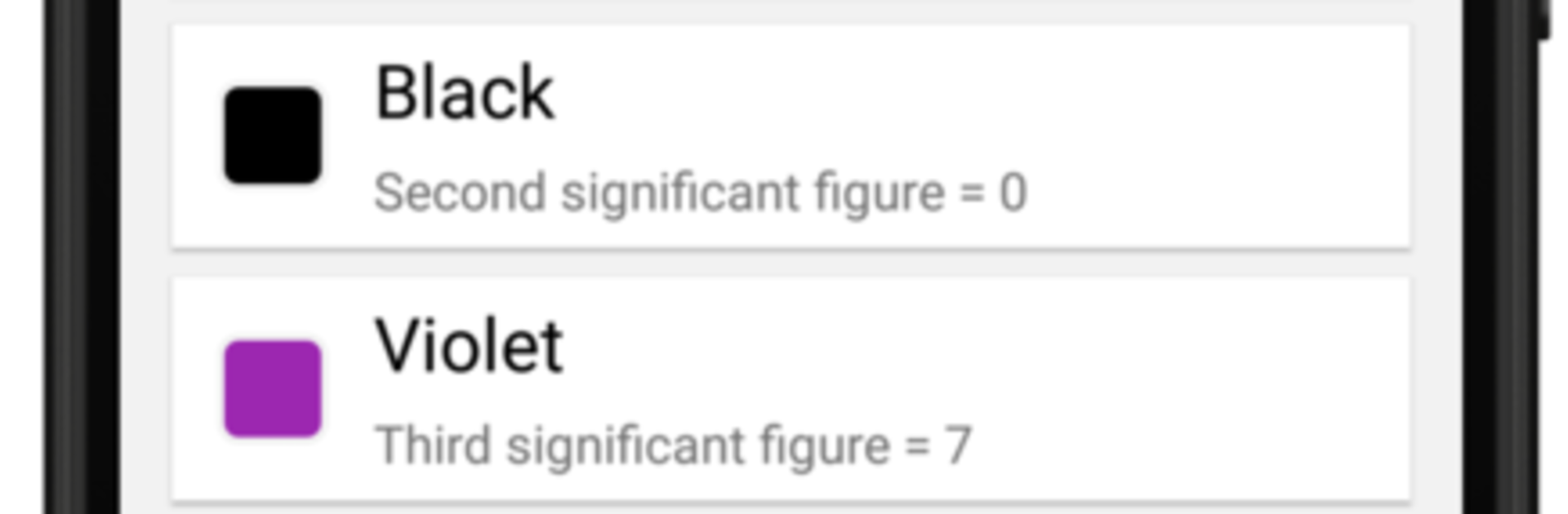
  • Clear Reference Table: A handy color code chart plus simple guidance on how the calculations work—great as a quick refresher.
  • SMD Code Solver: Enter common 3- or 4-digit SMD markings and get accurate resistance results without hunting through charts.
  • E-96 Support: Works with E-96 SMD resistor codes, making those alphanumeric markings less of a mystery.
  • Underlined Codes: Recognizes underlined SMD code styles often used to indicate value series.
  • Fast, Lightweight Design: A clean interface that responds quickly, so you can check parts and keep moving.

Ready to experience Resistor Color Code And SMD Code Calculator on a bigger screen, in all its glory? Download BlueStacks now.


How to Download and Run Resistor Color Code And SMD Code Calculator on PC or Mac

  • Download and install BlueStacks on your PC or Mac

  • Complete Google sign-in to access the Play Store, or do it later

  • Look for Resistor Color Code And SMD Code Calculator in the search bar at the top right corner

  • Click to install Resistor Color Code And SMD Code Calculator from the search results

  • Complete Google sign-in (if you skipped step 2) to install Resistor Color Code And SMD Code Calculator

  • Click the Resistor Color Code And SMD Code Calculator icon on the home screen to start playing

video
Watch Video

Minimum System Requirements

With BlueStacks 5, you can get started on a PC that fulfills the following requirements.

  • Operating System

    Microsoft Windows 7 or above, macOS 11 (Big Sur) or above

  • Processor

    Intel, AMD or Apple Silicon Processor

  • RAM

    at least 4GB

  • HDD

    10GB Free Disk Space

Note:

* You must be an Administrator on your PC. Up to date graphics drivers from Microsoft or the chipset vendor.

Resistor Color Code And SMD Code Calculator - FAQs

  • How to Run Resistor Color Code And SMD Code Calculator on Windows PC & Mac?

    Run Resistor Color Code And SMD Code Calculator on your PC or Mac by following these simple steps.

    • Click on ‘Download Resistor Color Code And SMD Code Calculator on PC’ to download BlueStacks
    • Install it and log-in to Google Play Store
    • Launch and run the app.
  • Why is BlueStacks the fastest and safest platform to play games on PC?

    BlueStacks respects your privacy and is always safe and secure to use. It does not carry any malware, spyware, or any sort of additional software that could harm your PC.

    It is engineered to optimize speed and performance for a seamless gaming experience.

  • What are Resistor Color Code And SMD Code Calculator PC requirements?

    Minimum requirement to run Resistor Color Code And SMD Code Calculator on your PC

    • OS: Microsoft Windows 7 and above:
    • Processor: Intel or AMD Processor:
    • RAM: Your PC must have at least 2GB of RAM. (Note that having 2GB or more disk space is not a substitute for RAM):
    • HDD: 5GB Free Disk Space.
    • You must be an Administrator on your PC.



