




Why limit yourself to your small screen on the phone? Run Screen Orientations, an app by PransuInc, best experienced on your PC or Mac with BlueStacks, the world’s #1 Android emulator.
About the App
Screen Orientations is a simple, no-nonsense way to take charge of how your screen rotates. Made by PransuInc in the Tools genre, it lets you lock or flip your display exactly how you like—great for reading, watching, gaming, or using your device in bed without the screen flipping on you. It feels lightweight and straightforward, and yes, it works smoothly across most apps and games. Using Android apps on your computer with BlueStacks? It plays nicely there, too.
App Features
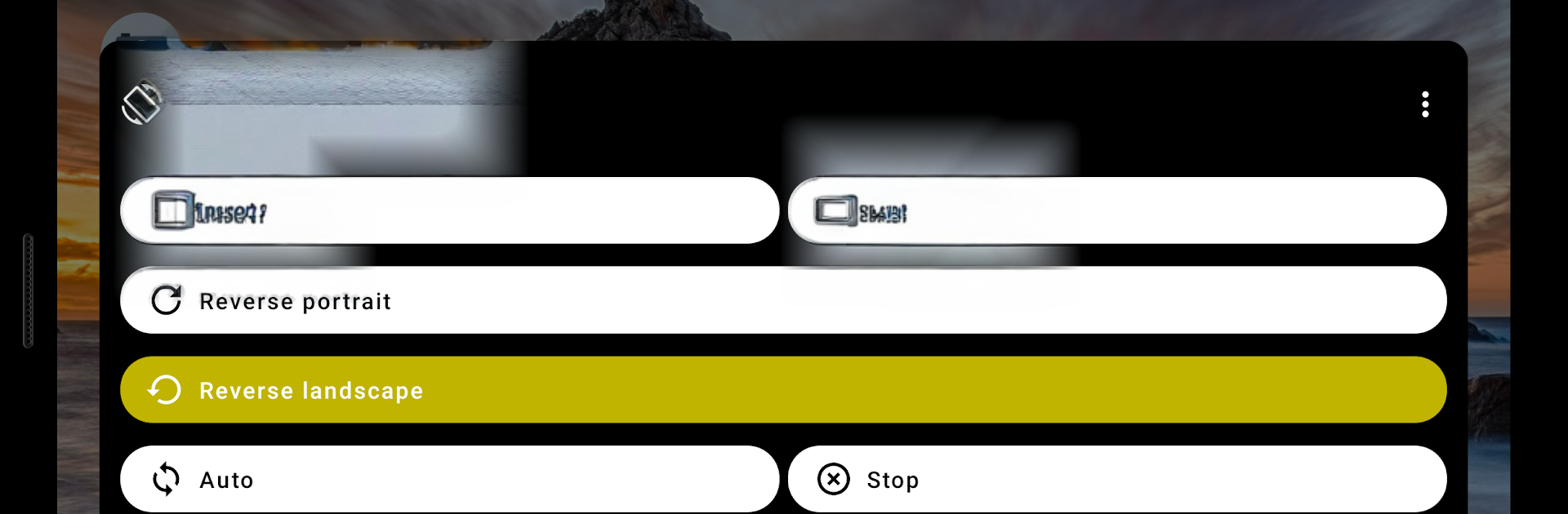
- Four rotation modes: Pick from portrait, landscape, reverse portrait, or reverse landscape whenever you need a different angle.
- Lock it or let it rotate: Keep the screen fixed in one direction or allow auto-rotation only when it makes sense for you.
- Works across apps and games: Apply your chosen orientation system-wide so your favorite apps don’t fight the setting.
- Quick changes, minimal fuss: Switch directions in seconds without digging through complicated menus or settings.
- Helpful for awkward setups: Use reverse modes when your device is docked, plugged in, or held at an odd angle.
- Compatibility note: A few apps—like some camera or system screens—may not display perfectly when forced into a specific orientation. That’s expected behavior.
Eager to take your app experience to the next level? Start right away by downloading BlueStacks on your PC or Mac.





