Aprende Primaria Jugando

Aprende Primaria Jugando

Trivia

| The city of the apps

Play on PC with BlueStacks or from our cloud

  • Overview
  • Game Features
  • How to Play

Page Modified On: August 29, 2025

Play Aprende Primaria Jugando on PC or Mac

Bring your A-game to Aprende Primaria Jugando, the Trivia game sensation from The city of the apps. Give your gameplay the much-needed boost with precise game controls, high FPS graphics, and top-tier features on your PC or Mac with BlueStacks.

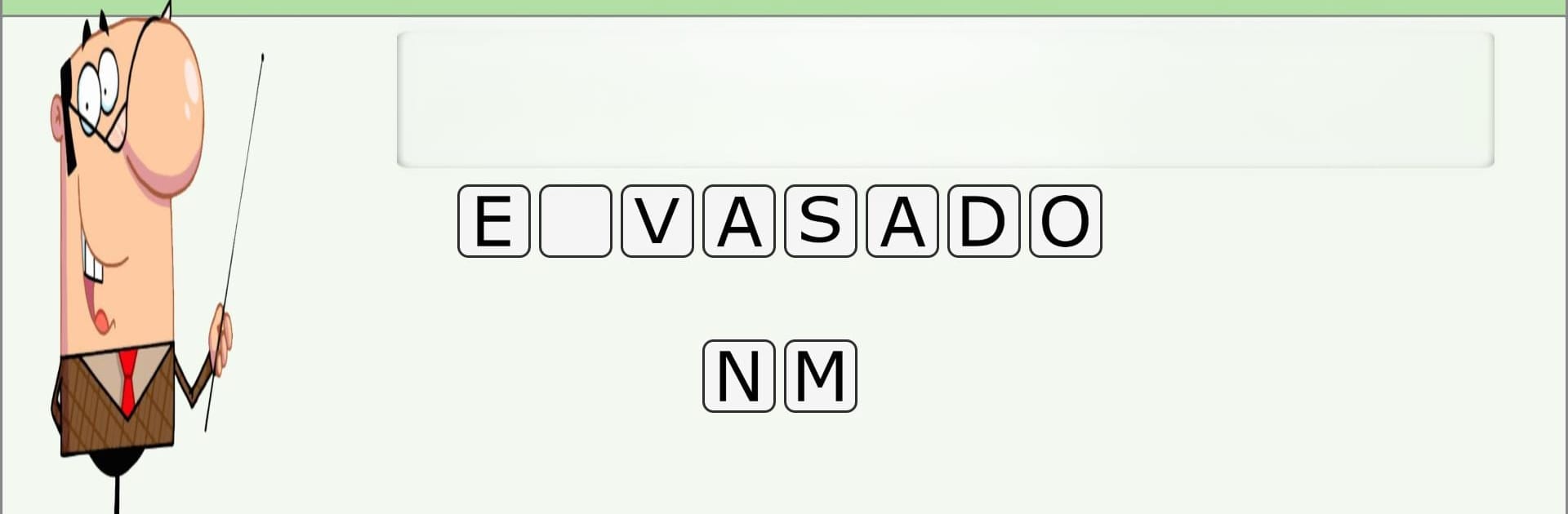
Aprende Primaria Jugando is basically a big bundle of quick quizzes that cover primary school stuff in a simple, tap-and-answer way. It switches between basic science bits like the human body, the five senses and everyday food, then jumps to language rules like the alphabet, articles, nouns, adjectives, plus synonyms and antonyms. Math comes in with additions, subtractions, shapes, some word problems, and there is a beginner English section for numbers, colors, family, rooms at home. The flow is straightforward. Pick a subject, run through a set of questions, see right away what went right or wrong, then roll into the next mini test. There is also an exam-style mode that strings more questions together so it feels closer to a school test, but still stays friendly.

What stands out is how much content sits inside. There are hundreds of short tests, literally thousands of questions, so repeats do not hit too fast and kids do not get bored of seeing the same thing. It is free with no extra purchases, which makes it easy to hand over without worry. The layout is clean and bright, big buttons, simple menus, so younger students can manage it. On a PC with BlueStacks it is even easier to read the questions and click through answers, and a keyboard helps with the longer language parts. Difficulty ramps gently, and the question pool gets updated over time, so it keeps feeling fresh for practice sessions or quick refreshers before homework.

Slay your opponents with your epic moves. Play it your way on BlueStacks and dominate the battlefield.


Game Features

Enhancements

  • Macros
  • Multi Instance
  • Multi Instance Sync
  • Script
  • Enhancements
Macros

Macros

Automate the predictable in Aprende Primaria Jugando and transform your gameplay with Macros. Get access to inventive Macros in the BlueStacks Macro Community
Multi Instance

Multi Instance

Play Aprende Primaria Jugando on one window. And chat with your friend on the other. Press CTRL + Shift + 8 to open the Multi-Instance Manager. And start creating fresh instances or clone an existing one.
Multi Instance Sync

Multi Instance Sync

Play Aprende Primaria Jugando with the power of Multi-Instance Sync. Replicate what you are doing on the main instance on all other instances. Level up faster, play more.
Script

Script

Script your way to gaming glory in Aprende Primaria Jugando with BlueStacks Script. Write and run a set of commands to automate repeated tasks. Trigger the command by assigning it to any key.
Read More

How to Download and Play Aprende Primaria Jugando on PC or Mac

  • Download and install BlueStacks on your PC or Mac

  • Complete Google sign-in to access the Play Store, or do it later

  • Look for Aprende Primaria Jugando in the search bar at the top right corner

  • Click to install Aprende Primaria Jugando from the search results

  • Complete Google sign-in (if you skipped step 2) to install Aprende Primaria Jugando

  • Click the Aprende Primaria Jugando icon on the home screen to start playing

video
Watch Video

Minimum System Requirements

With BlueStacks 5, you can get started on a PC that fulfills the following requirements.

  • Operating System

    Microsoft Windows 7 or above, macOS 11 (Big Sur) or above

  • Processor

    Intel, AMD or Apple Silicon Processor

  • RAM

    at least 4GB

  • HDD

    10GB Free Disk Space

Note:

* You must be an Administrator on your PC. Up to date graphics drivers from Microsoft or the chipset vendor.

Aprende Primaria Jugando - FAQs

  • How to play Aprende Primaria Jugando on Windows PC & Mac?

    Play Aprende Primaria Jugando on your PC or Mac by following these simple steps.

    • Click on 'Play Aprende Primaria Jugando on PC’ to download BlueStacks
    • Install it and log-in to Google Play Store
    • Launch and play the game.
  • Why is BlueStacks the fastest and safest platform to play games on PC?

    BlueStacks respects your privacy and is always safe and secure to use. It does not carry any malware, spyware, or any sort of additional software that could harm your PC.

    It is engineered to optimize speed and performance for a seamless gaming experience.

  • What are Aprende Primaria Jugando PC requirements?

    Minimum requirement to run Aprende Primaria Jugando on your PC

    • OS: Microsoft Windows 7 or above MacOS 11 (Big Sur) or above
    • Processor: Intel, AMD or Apple Silicon Processor
    • RAM: Your PC must have at least 4GB of RAM. (Note that having 4GB or more disk space is not a substitute for RAM)
    • HDD: 10GB Free Disk Space.
    • You must be an Administrator on your PC.