epd Film
epd Film

epd Film

Video Players & Editors

| Gemeinschaftswerk der Evang. Publizistik gGmbH

Play on PC with BlueStacks or from our cloud

  • Overview
  • How to Download

Page Modified On: April 15, 2025

Run epd Film on PC or Mac

Upgrade your experience. Try epd Film, the fantastic Video Players & Editors app from Gemeinschaftswerk der Evang. Publizistik gGmbH, from the comfort of your laptop, PC, or Mac, only on BlueStacks.

About the App

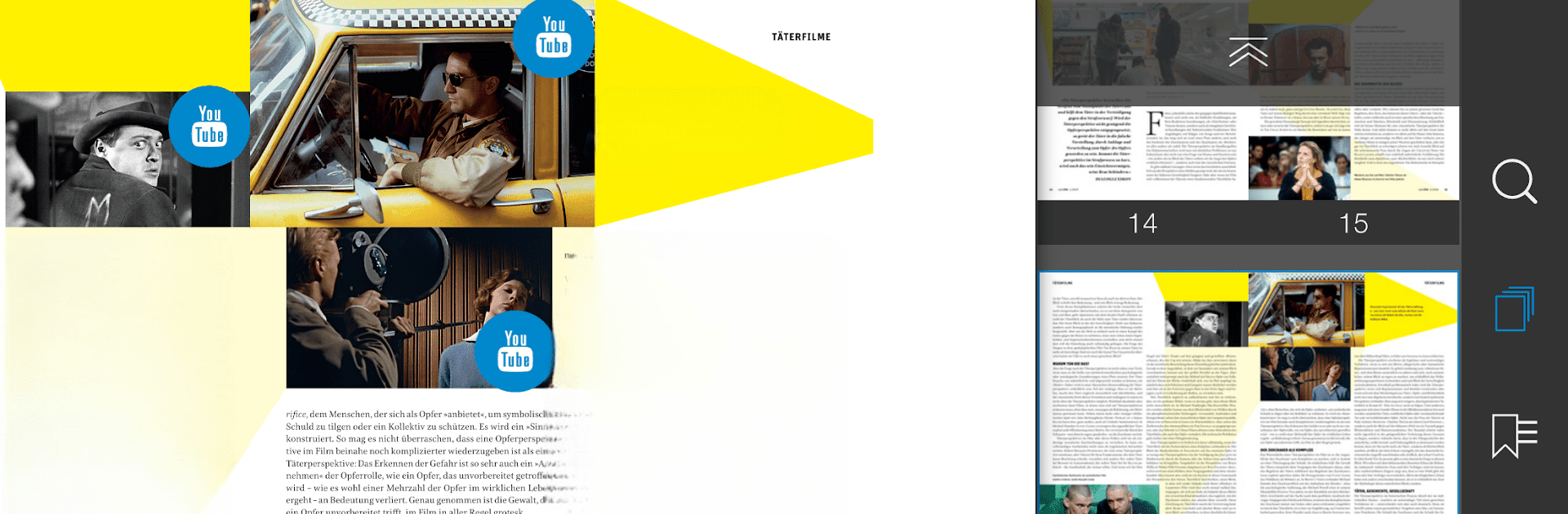
epd Film by Gemeinschaftswerk der Evang. Publizistik gGmbH is your go-to magazine for everything related to films and the cinema world. Every month, you can expect fresh content, including current film reviews, festival news, evolving trends, and insights into film history. Users get a blend of expert analysis and entertainment.

App Features

Monthly Highlights:
– Enjoy newly released film reviews, festival updates, and spot the latest industry trends in one place.

Subscription Options:
– Choose from a range of flexible pricing plans: single copies to annual subscriptions.

Exclusive Access for Print Subscribers:
– Print subscribers can access digital editions for free. Just use your customer number to unlock.

No-Hassle Renewals:
– Subscriptions renew automatically unless you opt out through iTunes settings at least 24 hours before the end of the term.

Manage Your Subscription:
– Easily manage, edit, or deactivate your subscription preferences within your device settings post-purchase.

BlueStacks subtly enhances your viewing experience, making sure you’re always updated with the best in cinema.

BlueStacks gives you the much-needed freedom to experience your favorite apps on a bigger screen. Get it now.


How to Download and Run epd Film on PC or Mac

  • Download and install BlueStacks on your PC or Mac

  • Complete Google sign-in to access the Play Store, or do it later

  • Look for epd Film in the search bar at the top right corner

  • Click to install epd Film from the search results

  • Complete Google sign-in (if you skipped step 2) to install epd Film

  • Click the epd Film icon on the home screen to start playing

video
Watch Video

Minimum System Requirements

With BlueStacks 5, you can get started on a PC that fulfills the following requirements.

  • Operating System

    Microsoft Windows 7 or above, macOS 11 (Big Sur) or above

  • Processor

    Intel, AMD or Apple Silicon Processor

  • RAM

    at least 4GB

  • HDD

    10GB Free Disk Space

Note:

* You must be an Administrator on your PC. Up to date graphics drivers from Microsoft or the chipset vendor.

epd Film - FAQs

  • How to Run epd Film on Windows PC & Mac?

    Run epd Film on your PC or Mac by following these simple steps.

    • Click on ‘Download epd Film on PC’ to download BlueStacks
    • Install it and log-in to Google Play Store
    • Launch and run the app.
  • Why is BlueStacks the fastest and safest platform to play games on PC?

    BlueStacks respects your privacy and is always safe and secure to use. It does not carry any malware, spyware, or any sort of additional software that could harm your PC.

    It is engineered to optimize speed and performance for a seamless gaming experience.

  • What are epd Film PC requirements?

    Minimum requirement to run epd Film on your PC

    • OS: Microsoft Windows 7 and above:
    • Processor: Intel or AMD Processor:
    • RAM: Your PC must have at least 2GB of RAM. (Note that having 2GB or more disk space is not a substitute for RAM):
    • HDD: 5GB Free Disk Space.
    • You must be an Administrator on your PC.