

Multitask effortlessly on your PC or Mac as you try out Video Downloader, a Video Players & Editors app by MobiDevApps on BlueStacks.
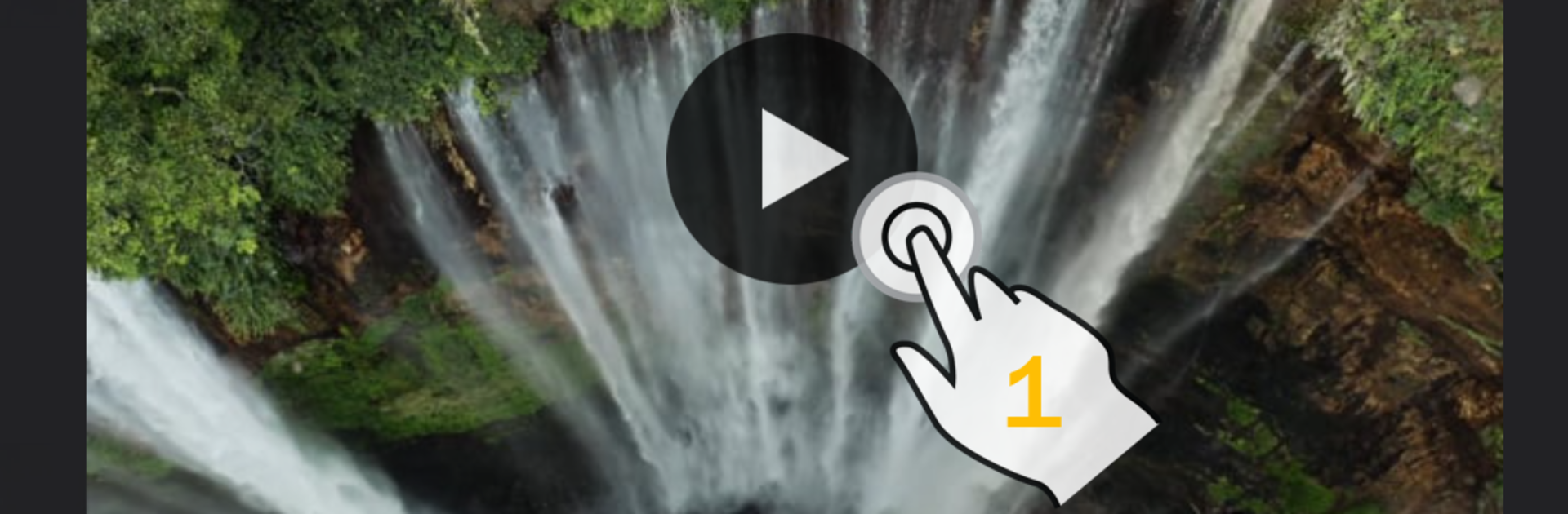
Video Downloader feels like a straight to the point tool for saving videos to watch offline, and it runs smoothly on a laptop through BlueStacks. It is basically a simple browser that is good at one job. You type in a website, choose the video quality in the player, press play, and a download button pops up when the video starts. That flow is easy to get used to, and it works even when juggling a few tabs. The ad blocker helps a lot and you can load your own filter lists if there is something specific you want to kill. There is an incognito mode plus a PIN lock, so history and saved videos do not sit out in the open.
Downloads are quick thanks to a multi connection engine, and the queue tools are solid. It supports background downloading, multiple files at once, pausing, resuming, and it can recover a stalled download without starting over. Large files are not a problem either, 4 GB and beyond. Bookmarks are handy, and the import or export option makes it simple to move a set of sites to another device. On phones it supports multiple SD cards; on BlueStacks it plays nice with desktop storage, which makes dragging files around less of a pain. Sometimes a site will make you wait for the video to start or skip an ad before the download button appears, so patience helps. It is meant for saving videos you have permission to download, and the app is clear that the user is responsible. For anyone who wants lectures, tutorials, or travel clips ready for a flight, this is a no fuss way to build an offline stash without babysitting every file.
BlueStacks brings your apps to life on a bigger screen—seamless and straightforward.