Video Kiosk
Video Kiosk

Video Kiosk

Video Players & Editors

| Burningthumb Studios

Play on PC with BlueStacks or from our cloud

  • Overview
  • How to Download

Page Modified On: December 08, 2025

Run Video Kiosk on PC or Mac

Get freedom from your phone’s obvious limitations. Use Video Kiosk, made by Burningthumb Studios, a Video Players & Editors app on your PC or Mac with BlueStacks, and level up your experience.

Video Kiosk turns an Android phone, tablet, or TV into a simple looped display for videos, images, and even web pages. It feels very plug-and-play. Toss your media into a folder, point the app at it, and it just keeps running on its own. No fiddly timelines or editing screens, it is meant for set-it-and-forget-it stuff like a shop screen, a gym TV, an info stand. On a PC through BlueStacks it is easy to test layouts and drop files in, then go full screen to see how it would look on a real display.

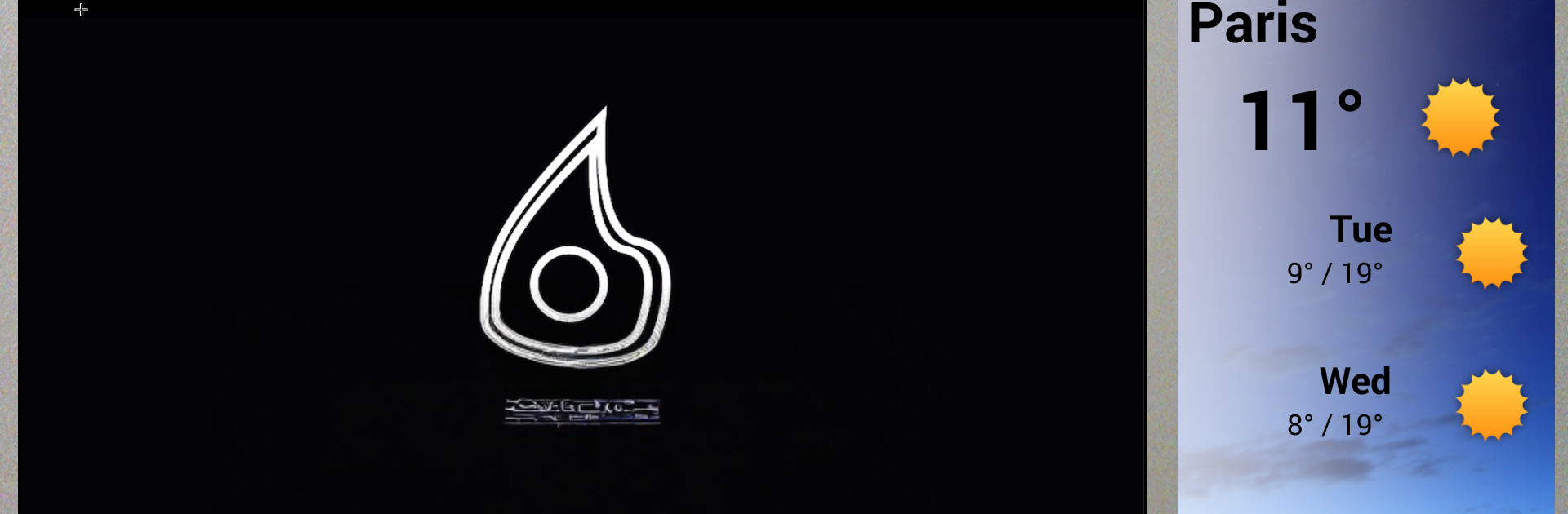
What stands out is how much control it gives without getting complicated. Full screen for a straight reel, or a split layout where one area is the loop and the other spots can show widgets like time or weather. Playback order can follow a playlist, shuffle, or cycle through folders, and there is scheduling with Google Calendar or a little XML file if someone prefers that. It can even react to motion or device location to start or stop the loop.

It is built to stay running. If a file is broken, it skips it. If the device sleeps or restarts, it comes back and continues. Low battery on a portable screen, it dims to save power. Updates are smooth too, swap the media and the new loop appears on the next pass, no downtime. For public screens, there are lock-in options so people cannot exit or mess with settings, plus a password gate and other restrictions, even on rooted devices. Remote management is there if several screens need to be kept in sync, change playlists, layouts, overlays, or backgrounds from the cloud and check status. There is a free trial and then it is licensed per device, so a small shop can try it before rolling it out. It does ask for device admin and broad file access, which makes sense since it handles locking the device and auto configuration.

BlueStacks gives you the much-needed freedom to experience your favorite apps on a bigger screen. Get it now.


How to Download and Run Video Kiosk on PC or Mac

  • Download and install BlueStacks on your PC or Mac

  • Complete Google sign-in to access the Play Store, or do it later

  • Look for Video Kiosk in the search bar at the top right corner

  • Click to install Video Kiosk from the search results

  • Complete Google sign-in (if you skipped step 2) to install Video Kiosk

  • Click the Video Kiosk icon on the home screen to start playing

video
Watch Video

Minimum System Requirements

With BlueStacks 5, you can get started on a PC that fulfills the following requirements.

  • Operating System

    Microsoft Windows 7 or above, macOS 11 (Big Sur) or above

  • Processor

    Intel, AMD or Apple Silicon Processor

  • RAM

    at least 4GB

  • HDD

    10GB Free Disk Space

Note:

* You must be an Administrator on your PC. Up to date graphics drivers from Microsoft or the chipset vendor.

Video Kiosk - FAQs

  • How to Run Video Kiosk on Windows PC & Mac?

    Run Video Kiosk on your PC or Mac by following these simple steps.

    • Click on ‘Download Video Kiosk on PC’ to download BlueStacks
    • Install it and log-in to Google Play Store
    • Launch and run the app.
  • Why is BlueStacks the fastest and safest platform to play games on PC?

    BlueStacks respects your privacy and is always safe and secure to use. It does not carry any malware, spyware, or any sort of additional software that could harm your PC.

    It is engineered to optimize speed and performance for a seamless gaming experience.

  • What are Video Kiosk PC requirements?

    Minimum requirement to run Video Kiosk on your PC

    • OS: Microsoft Windows 7 and above:
    • Processor: Intel or AMD Processor:
    • RAM: Your PC must have at least 2GB of RAM. (Note that having 2GB or more disk space is not a substitute for RAM):
    • HDD: 5GB Free Disk Space.
    • You must be an Administrator on your PC.