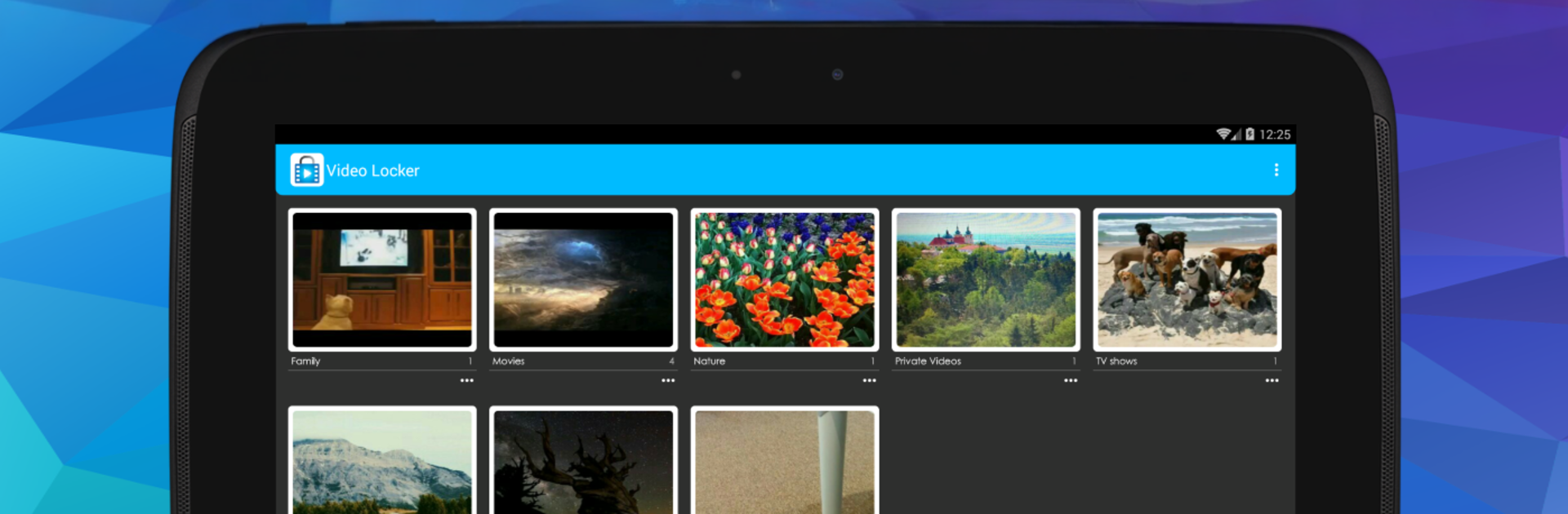


What’s better than using Video Locker – Hide Videos by Handy Apps? Well, try it on a big screen, on your PC or Mac, with BlueStacks to see the difference.
Video Locker feels like a straight-to-the-point vault for videos that actually does the hiding part right. It puts everything behind a PIN and encrypts the files with real AES-128, so it is not just shuffling names or moving stuff to a weird folder. Even if someone pulls the SD card and browses around, those clips are useless without the code. It stays out of the recent apps list, locks itself the moment the device sleeps, and it lets a person lock specific folders, which is handy when they only want to show one album without exposing the rest.
Stealth mode is the fun bit. The app can vanish from the app drawer and be opened through a calculator widget. On newer Android versions the icon cannot fully hide anymore, but the calculator trick still gets into the vault while the normal icon only lands in settings. Bulk hiding is quick, unhiding sends videos back to a chosen spot, and there is an optional PIN recovery by email if the code is forgotten. Everything stays on the device, no cloud copies, so do not delete the app’s special folder and avoid moving the app to SD. Older Android storage limits still apply in places.
Running it on a PC with BlueStacks feels smooth, especially when sorting albums on a bigger screen and clicking around with a mouse. It suits anyone who shares a phone with family, wants a cleaner camera roll, and prefers a quiet, no-drama interface. Paying unlocks fingerprint login, removes ads, and ties in nicely with the photo locker if both are installed.
BlueStacks gives you the much-needed freedom to experience your favorite apps on a bigger screen. Get it now.