Word Associations: Solitaire

Word Associations: Solitaire

Word

| YouXi Games

Play on PC with BlueStacks or from our cloud

  • Overview
  • Game Features
  • How to Play

Page Modified On: January 06, 2026

Play Word Associations: Solitaire on PC or Mac

From the innovators and creators at YouXi Games, Word Associations: Solitaire is another fun addition to the World of Word games. Go beyond your mobile screen and play it bigger and better on your PC or Mac. An immersive experience awaits you.

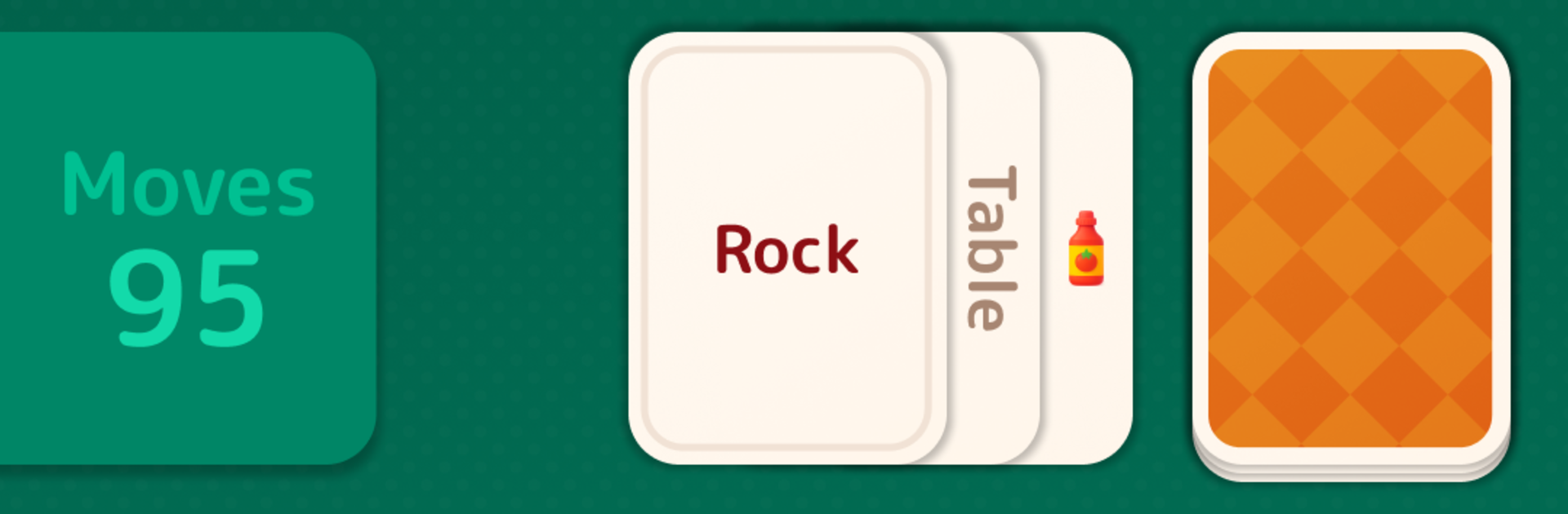
Word Associations: Solitaire feels like someone took a calm solitaire session and mixed it with that satisfying click when a word finally makes sense. Each move is about linking ideas, not just matching letters, so a card with one word might connect to several others, and choosing the right path is the whole trick. Build little chains that actually mean something, clear the board, and watch how one smart link opens two or three new options. It rewards slow, clear thinking more than speed, with plenty of those small aha moments when a less obvious relationship suddenly fits.

The card angle adds strategy most word games skip. Order matters. A safe link might block a better chain later, so players pause, test a route, rethink when it stalls, then try a different thread. Levels feel thoughtfully set up, not random piles, and there are a lot of them, so it is easy to play a few rounds during a break and come back later. It is relaxing without feeling sleepy, and the difficulty nudges up in a way that keeps the brain warm.

On PC with BlueStacks, the bigger screen helps a ton for reading and planning, and mouse clicks make arranging chains feel tidy. It runs smoothly in a window while doing other stuff, which suits a puzzle like this that likes a steady pace rather than a rush.

Slay your opponents with your epic moves. Play it your way on BlueStacks and dominate the battlefield.


Game Features

Enhancements

  • Macros
  • Multi Instance
  • Multi Instance Sync
  • Script
  • Enhancements
Macros

Macros

Automate the predictable in Word Associations: Solitaire and transform your gameplay with Macros. Get access to inventive Macros in the BlueStacks Macro Community
Multi Instance

Multi Instance

Play Word Associations: Solitaire on one window. And chat with your friend on the other. Press CTRL + Shift + 8 to open the Multi-Instance Manager. And start creating fresh instances or clone an existing one.
Multi Instance Sync

Multi Instance Sync

Play Word Associations: Solitaire with the power of Multi-Instance Sync. Replicate what you are doing on the main instance on all other instances. Level up faster, play more.
Script

Script

Script your way to gaming glory in Word Associations: Solitaire with BlueStacks Script. Write and run a set of commands to automate repeated tasks. Trigger the command by assigning it to any key.
Read More

How to Download and Play Word Associations: Solitaire on PC or Mac

  • Download and install BlueStacks on your PC or Mac

  • Complete Google sign-in to access the Play Store, or do it later

  • Look for Word Associations: Solitaire in the search bar at the top right corner

  • Click to install Word Associations: Solitaire from the search results

  • Complete Google sign-in (if you skipped step 2) to install Word Associations: Solitaire

  • Click the Word Associations: Solitaire icon on the home screen to start playing

video
Watch Video

Minimum System Requirements

With BlueStacks 5, you can get started on a PC that fulfills the following requirements.

  • Operating System

    Microsoft Windows 7 or above, macOS 11 (Big Sur) or above

  • Processor

    Intel, AMD or Apple Silicon Processor

  • RAM

    at least 4GB

  • HDD

    10GB Free Disk Space

Note:

* You must be an Administrator on your PC. Up to date graphics drivers from Microsoft or the chipset vendor.

Word Associations: Solitaire - FAQs

  • How to play Word Associations: Solitaire on Windows PC & Mac?

    Play Word Associations: Solitaire on your PC or Mac by following these simple steps.

    • Click on 'Play Word Associations: Solitaire on PC’ to download BlueStacks
    • Install it and log-in to Google Play Store
    • Launch and play the game.
  • Why is BlueStacks the fastest and safest platform to play games on PC?

    BlueStacks respects your privacy and is always safe and secure to use. It does not carry any malware, spyware, or any sort of additional software that could harm your PC.

    It is engineered to optimize speed and performance for a seamless gaming experience.

  • What are Word Associations: Solitaire PC requirements?

    Minimum requirement to run Word Associations: Solitaire on your PC

    • OS: Microsoft Windows 7 or above MacOS 11 (Big Sur) or above
    • Processor: Intel, AMD or Apple Silicon Processor
    • RAM: Your PC must have at least 4GB of RAM. (Note that having 4GB or more disk space is not a substitute for RAM)
    • HDD: 10GB Free Disk Space.
    • You must be an Administrator on your PC.